
A cross-business-unit project team of eight people needs to read and update twelve specific account rows owned by another business unit. Their security roles must stay unchanged, and no one should gain access to any other accounts. Which approach meets the requirement?
Select an answer to reveal the explanation.
Short Explanation
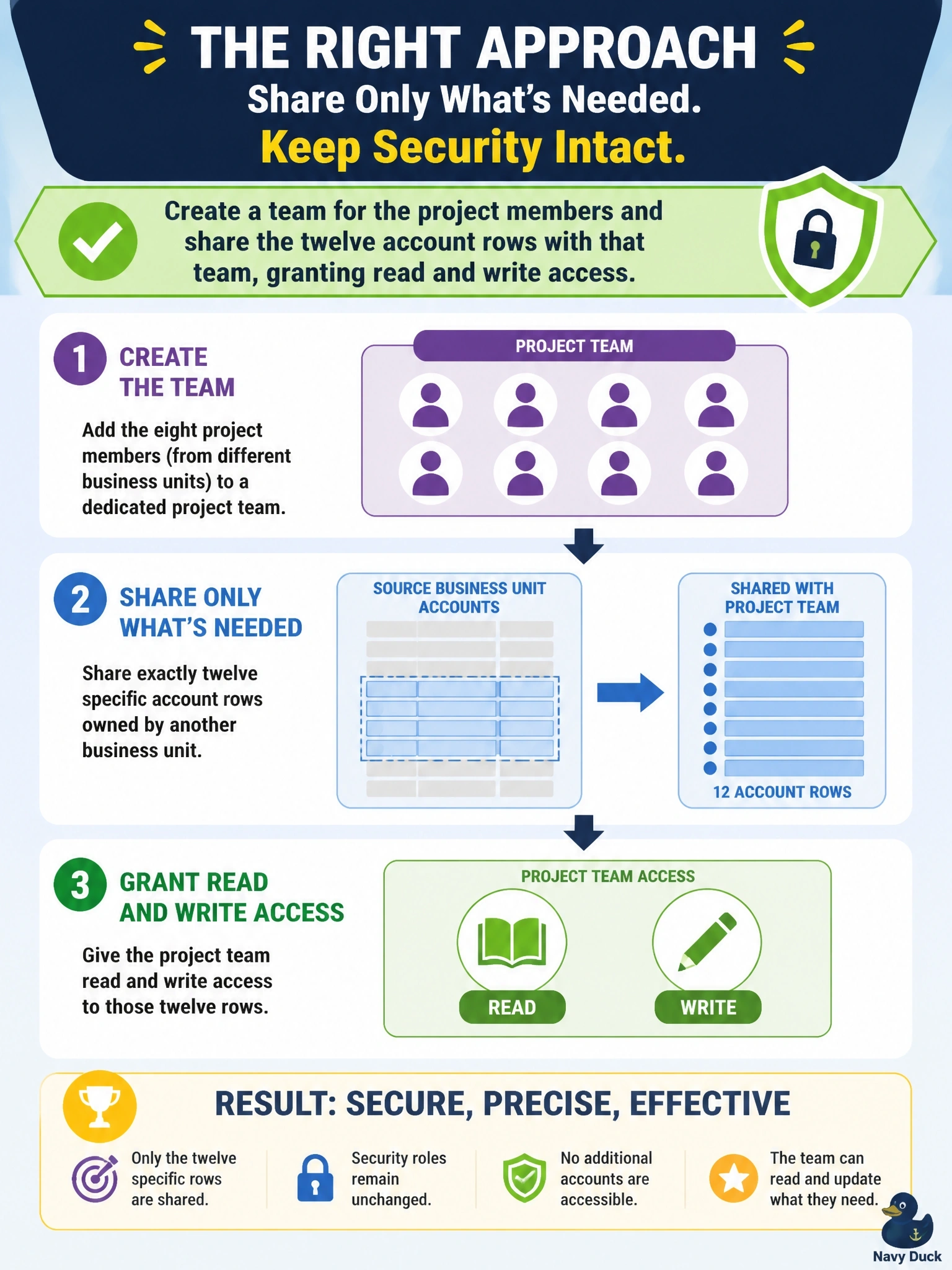
Think of sharing as handing someone a key to twelve specific doors instead of a master key to the whole building. You put the people in a team, share just those rows, and nobody's role changes. The trap is cranking up privilege depth, which opens every account in the company.
Full Explanation
Dataverse grants access through security roles, ownership, team membership and row sharing. Roles grant privileges at a depth that applies to every row of a table within that scope, so they are the wrong tool for a handful of specific rows. Sharing grants access rights on individual rows to a user or a team, and sharing with a team means membership changes automatically adjust who has access. Access teams, or an owner team, can hold the project members, and sharing the twelve accounts with read and write rights gives exactly the access required while roles remain untouched. Raising the depth to Organization exposes every account in the company, the opposite of least privilege. Moving users into another business unit changes their access to everything that unit owns and may remove access they need in their home unit. Switching the account table to organization ownership is not a practical change for an existing user-owned table and would remove ownership-based restriction for all rows. Exam caveat: heavy sharing has performance cost at scale, so use it for targeted exceptions rather than as the main access model. Operational check: sign in as a team member, confirm the twelve accounts are readable and editable, and confirm another of that unit's accounts remains inaccessible.