
A plug-in registered to run in the context of the calling user retrieves open opportunities for a report. For some users the plug-in returns all open opportunities in the company, while for others it returns only those they own or those in their own business unit. What explains the difference?
Select an answer to reveal the explanation.
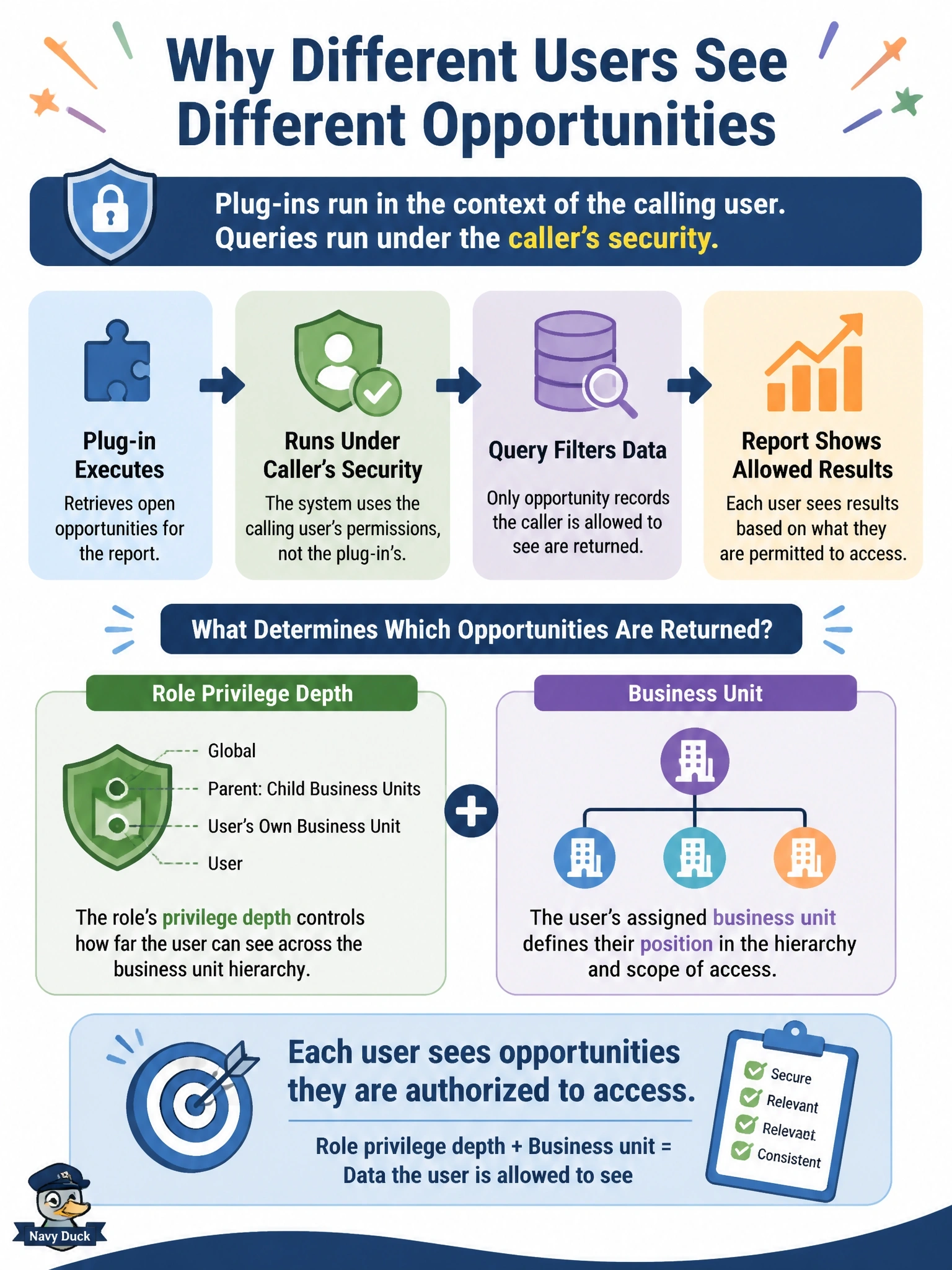
Short Explanation
Think of the calling user's security role as tinted glasses: the plug-in sees exactly what that user is allowed to see, nothing more. A user with organization-level read gets everything, while a user-level read gets only their own rows. The trap is assuming your server code is all-seeing just because it's on the server.
Full Explanation
When a plug-in step runs in the context of the calling user, the organization service it obtains from the service factory applies that user's security. Every retrieve is filtered by the user's security roles, specifically the privilege depth for Read on the table: user level returns the caller's own rows, business unit level adds rows in the caller's business unit, parent-child business unit level adds descendant units, and organization level returns all rows. Team memberships and rows shared with the user add further access. Users with different roles or in different business units therefore get different results from the same code. A plug-in can be registered to run as a specific user, or code can create a service in the system context, when consistent visibility is genuinely required, but that is a deliberate design decision. Plug-ins are not inherently SYSTEM. Plug-in classes should be stateless, and the platform does not cache query results per user. Field-level security masks secured column values but does not remove rows from a result set. Exam caveat: elevating to system context must not be used to bypass security for data that users should not see. Operational check: compare the Read privilege depth on opportunity in the affected users' roles and their business units.