
A solution cloud flow uses the Microsoft Dataverse connector and the HTTP connector. After a tenant administrator publishes a new data policy, the flow is suspended and can no longer be saved. What is the most likely cause?
Select an answer to reveal the explanation.
Short Explanation
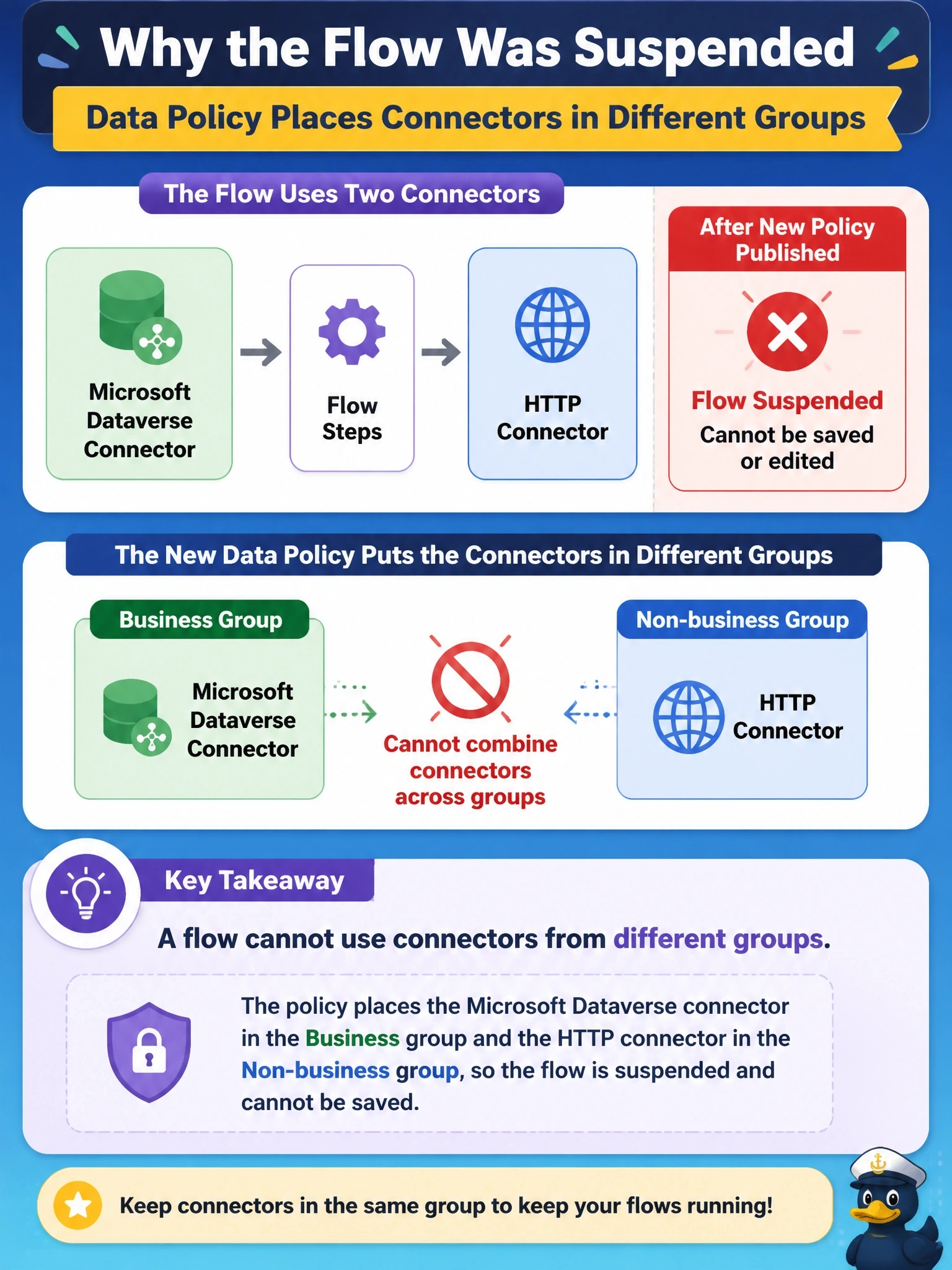
Think of data policy groups as rooms with no connecting door: connectors in the Business room can't talk to connectors in the Non-business room. Put Dataverse and HTTP on opposite sides and your flow gets suspended. The trap is thinking the policy is about premium licensing, when it's really about which data can mix.
Full Explanation
Data policies, also called data loss prevention policies, classify connectors into Business, Non-business and Blocked groups for the environments they cover. An app or flow can use connectors from only one of the Business or Non-business groups, and it cannot use Blocked connectors at all. When a new policy puts Dataverse in Business and HTTP in Non-business, any flow that combines them violates the policy, so the platform suspends it and refuses to save it until the design or the classification changes. This makes data policies an architectural constraint: solution components must be designed with the target environment's policies in mind. Data policies do not block connectors because they are premium; licensing and policy classification are separate concerns, and there is no general exemption step of that kind. Publishing a policy does not change who owns connection references or connections. Policies are evaluated against existing flows as well as new ones, which is exactly why this flow was suspended. Exam caveat: custom connectors and HTTP-based connectors can be classified, and some policies also restrict endpoints, so check the whole policy. Operational check: open the policy in the admin center, confirm which group each connector is in for that environment, and either align the classification or redesign the flow.