
A requirement states that the Contract End Date column must have a value whenever a contract's status is Approved. The rule must apply on model-driven forms and must also stop rows that arrive through the Web API or data imports, and the team wants no custom code. Which design meets the requirement out of the box?
Select an answer to reveal the explanation.
Short Explanation
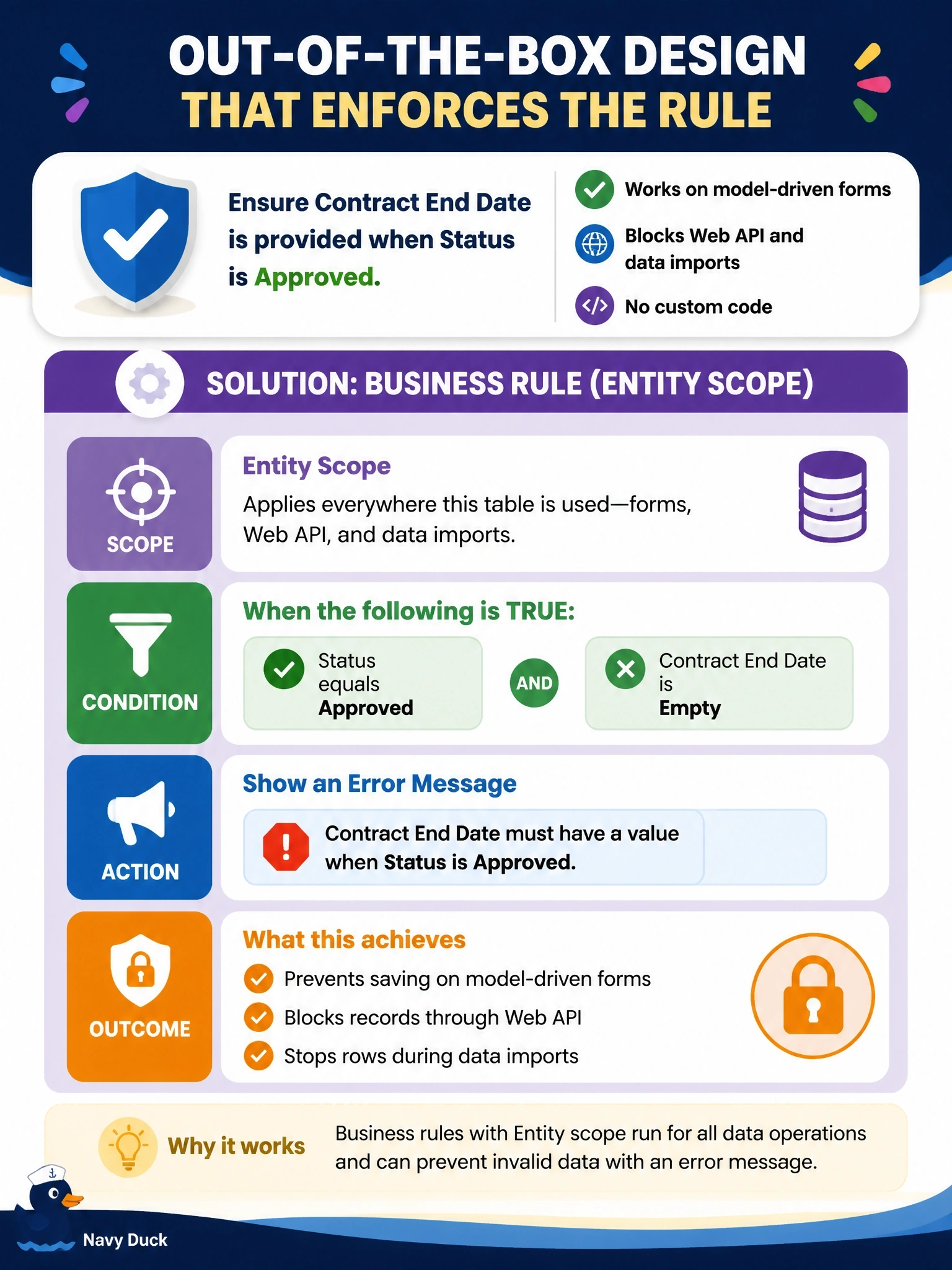
Think about which business rule actions actually travel to the server. Show error message does, so with Entity scope your rule blocks bad rows from forms and from the API alike. The trap is set requirement level: it only ever lives on forms.
Full Explanation
Business rules created with Entity scope apply to model-driven forms and to the server, so their server-capable actions run for every save path, including Web API requests and imports. The supported server actions are setting and clearing values, setting defaults, and validating data with an error message. A rule whose condition tests for status Approved and an empty Contract End Date, with a Show error message action, therefore rejects the save wherever it originates, and it needs no code. Setting a requirement level is a form-only action: Microsoft documents it as applying only to form-scope rules, so it cannot stop an API request. An OnSave handler is custom code and runs only when a user saves the form. Making the column Business Required in the table definition is unconditional, so it would demand a date on every contract regardless of status, and requirement levels are enforced by forms rather than by the API. Exam caveat: show and hide, enable and disable, and requirement-level actions are form-only even when the rule's scope is Entity. Operational check: activate the rule, then create an Approved contract without an end date through the Web API and confirm the request fails with the configured message.