
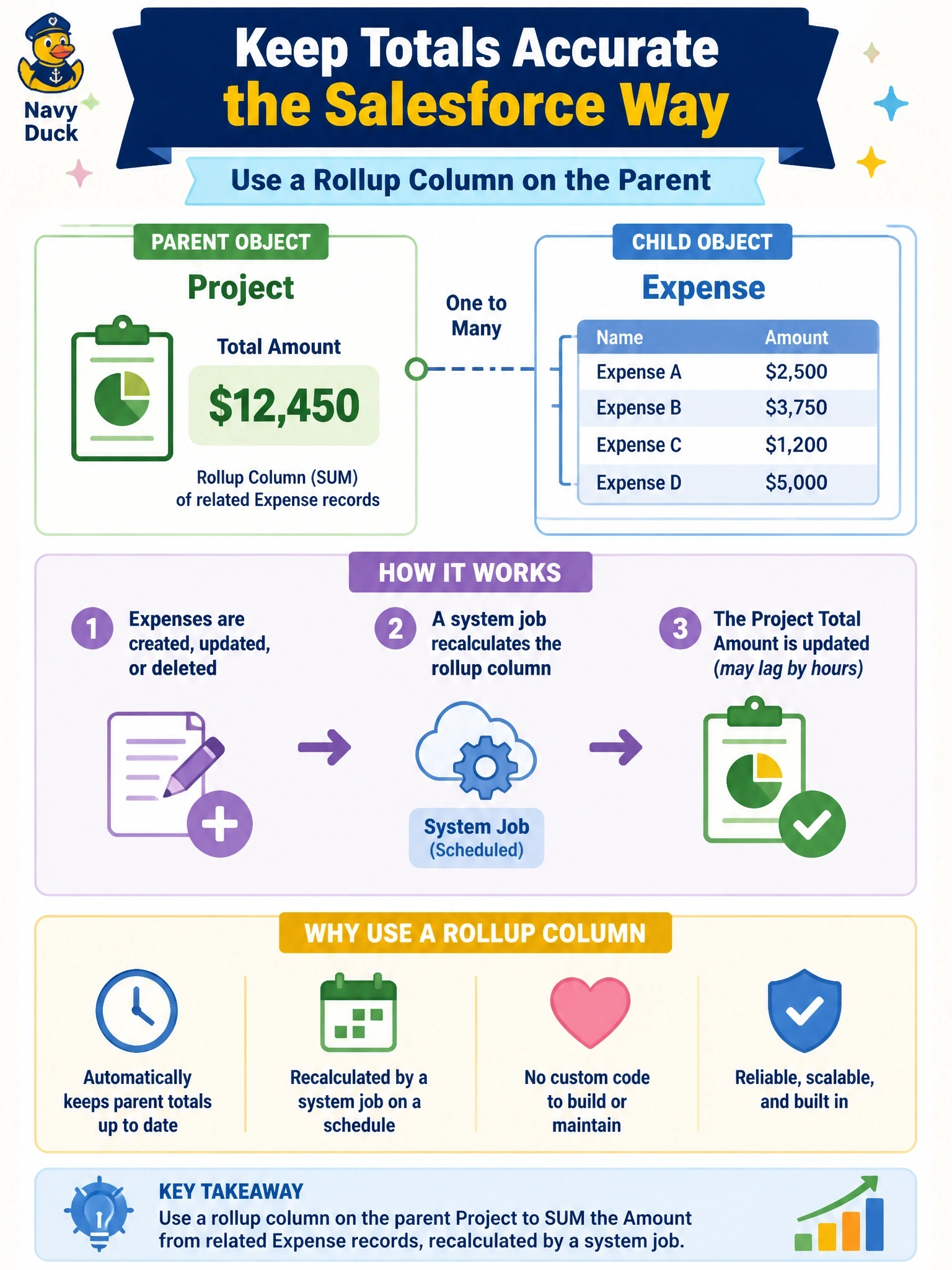
A parent Project table must display the total of the Amount column across its related Expense rows. A developer proposes a plug-in on Expense create, update and delete to maintain the total. The business accepts that the total can lag by a few hours, and the team wants to avoid custom code. What should the developer use instead?
Select an answer to reveal the explanation.
Short Explanation
Think of a rollup column as the platform keeping the tally for you: you tell it what to add up and it does the counting in the background. When the business says a few hours of lag is fine, that's your green light to skip the plug-in. The trap is the calculated column, which can't reach down into child rows.
Full Explanation
Rollup columns aggregate values across related rows in a one-to-many relationship, using functions such as SUM, COUNT, MIN, MAX and AVG, with optional filters on the related rows. The platform recalculates them asynchronously through a system job, and users or code can trigger an on-demand recalculation when they need a fresh value. Because the requirement tolerates delay and prefers no code, a rollup column meets it with configuration alone and removes a plug-in that would otherwise need testing, deployment and maintenance across create, update, delete and reparent cases. Calculated columns evaluate a formula over the current row and its many-to-one parents; they cannot aggregate a collection of child rows. A form OnLoad script updates the total only when someone opens the form and does nothing for API traffic, and writing data from load logic creates unexpected saves. The solution checker analyses solutions for issues; it does not generate plug-ins. Exam caveat: when the requirement demands a total that is accurate at the moment of the transaction, server code may still be justified, but that is not this stem. Operational check: add the rollup column, run the recalculation on one project, and compare the result with a query that sums its Expense rows.