
A team configured server-to-server authentication: the Microsoft Entra ID app registration issues tokens for the correct environment URL, and an application user linked to the app exists in the environment. Every Web API request now returns an error stating that the principal is missing a privilege. What is the most likely fix?
Select an answer to reveal the explanation.
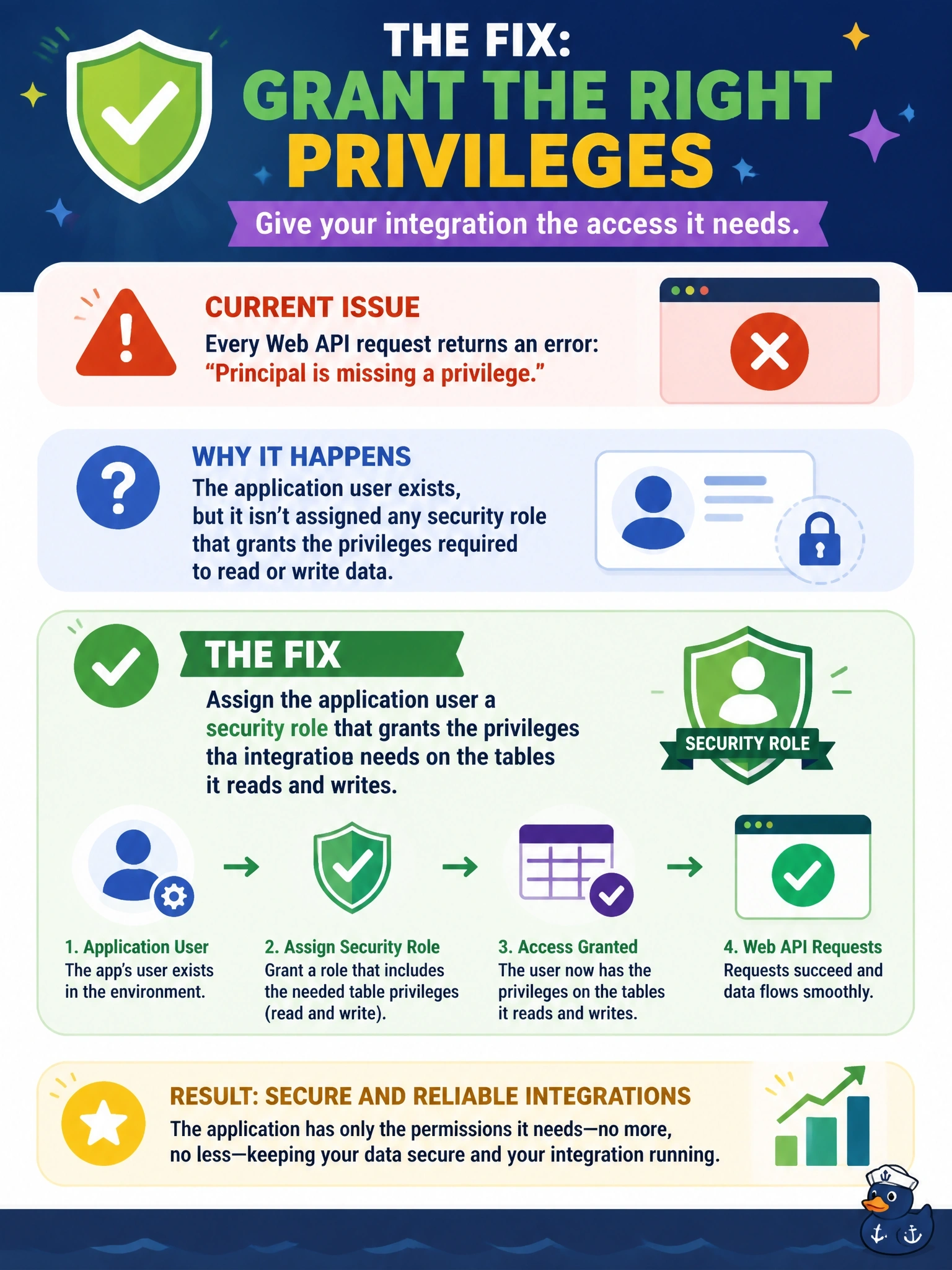
Short Explanation
Think of it like getting through the building's front door with your badge, then finding every office locked. Your token got you in, so authentication worked; the privilege error means authorization failed. The application user needs a security role, and that's the step people skip.
Full Explanation
Server-to-server access has two independent gates. Authentication is handled by Microsoft Entra ID: the client credentials flow returns an app-only token for the environment, and Dataverse maps the token's client ID to the application user. Authorization is handled by Dataverse: the application user is treated like any other user and can do only what its security roles allow. An error naming a missing privilege proves the first gate passed and the second failed, so the fix is to assign a role, ideally a custom least-privilege role, that covers the needed tables and access levels. An expired or wrong secret fails at token acquisition and never reaches Dataverse, so it cannot produce a privilege message. Delegated permissions apply to flows that act on behalf of a signed-in user; the client credentials flow does not use them, and consent cannot substitute for a Dataverse role. A token issued for Microsoft Graph has the wrong audience and would be rejected with an authentication error, and Dataverse does not read privileges from directory roles. Exam caveat: a 401 suggests a token or audience problem, while a privilege error points to security roles. Operational check: open the application user in the admin center, review its assigned roles, and retry the failing request after assigning one.