
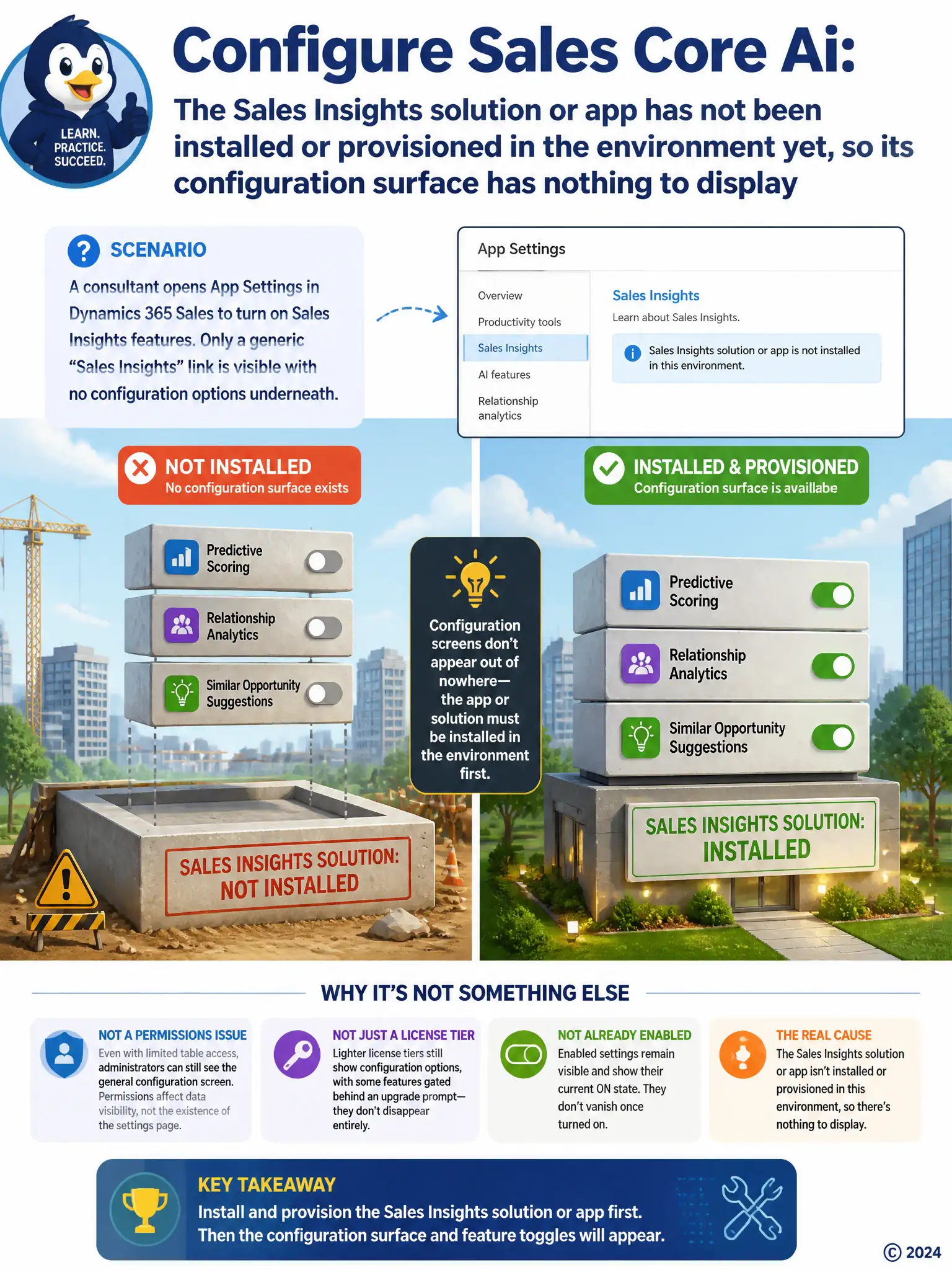
A consultant opens the App Settings area of Dynamics 365 Sales to turn on Sales Insights features for a client environment, expecting to see toggles for predictive scoring, relationship analytics, and similar-opportunity suggestions. Only a generic 'Sales Insights' link is visible with no configuration options underneath it. What is the most likely cause?
Select an answer to reveal the explanation.
Short Explanation
You're not seeing toggles because the Sales Insights solution or app hasn't been installed or provisioned in the environment yet. Without that component, the configuration surface has nothing to render under App Settings. Install or provision it, then return to configure predictive scoring and related features.
Full Explanation
The correct answer is that the Sales Insights solution or app has not been installed or provisioned in the environment yet, so its configuration surface has nothing to display. The controls for Sales Insights features such as predictive scoring, relationship analytics, and similar-opportunity suggestions are exposed by a dedicated Sales Insights solution or app that must be installed and provisioned in the environment before its configuration surface will render anything under App Settings. If that component has not been installed, the App Settings area will show only a generic link with no toggles beneath it, exactly as described. The fix is to install or provision the Sales Insights solution in the environment and then return to App Settings to configure it. The explanation that the consultant is using a security role that lacks table-level read privilege on the Opportunity entity is incorrect because that kind of permission affects which records a user can see, not whether an administrative configuration screen renders its options. The explanation that the client has not purchased Dynamics 365 Sales Premium, only Enterprise, is incorrect because licensing-tier differences typically gate specific capabilities behind an upgrade prompt rather than removing the entire configuration surface outright. The explanation that predictive opportunity scoring has already been enabled by another administrator, hiding the setup options, is incorrect because settings that have already been enabled remain visible and display their current on state; they do not disappear from the configuration screen once turned on.