
A sales manager at a distribution company wants to turn on predictive lead scoring for her team directly from within Dynamics 365 Sales. She opens the app but cannot find any option to enable the feature, even though her user record has a Dynamics 365 Sales Premium license assigned and she is listed as the owner of every lead in her team's queue. She asks a consultant why she cannot make the change herself. What should the consultant tell her?
Select an answer to reveal the explanation.
Short Explanation
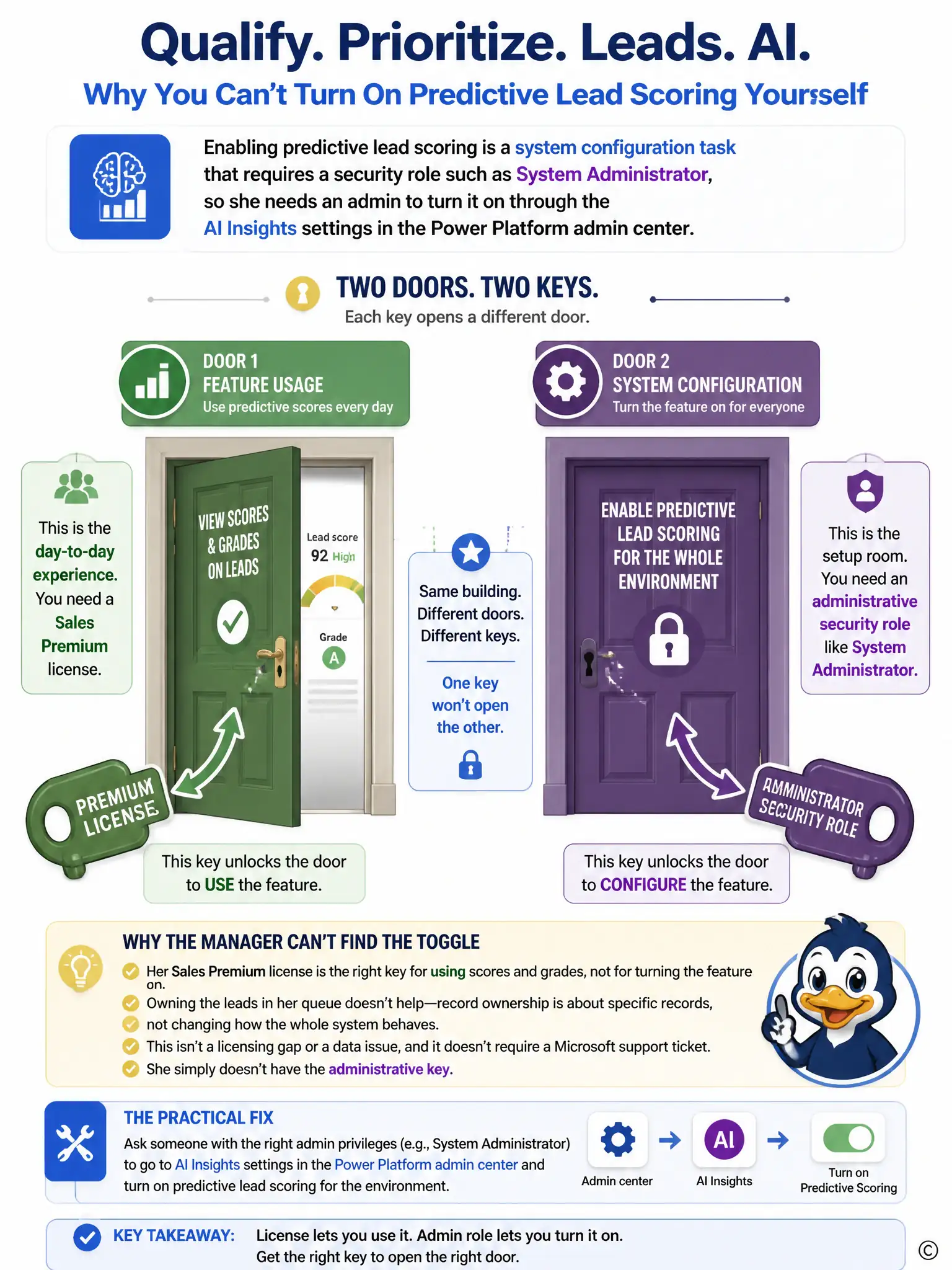
You've got the right license to use predictive lead scoring, but you don't have the admin role needed to turn it on. You need a System Administrator or similar admin to enable it in the AI Insights settings, then you can score leads normally.
Full Explanation
The answer stating that enabling predictive lead scoring is a system configuration task requiring a security role such as System Administrator, with an admin turning it on through AI Insights settings in the Power Platform admin center, is correct. Predictive lead scoring is an environment-level AI feature, and turning it on or adjusting its configuration is a system administration task performed through the AI Insights (Sales Insights) settings area, which requires a security role like System Administrator or System Customizer. A Sales Premium license controls whether a user can consume the feature, such as viewing scores and grades on leads, but it does not grant the administrative permissions needed to configure the model itself. Being the owner of lead records is a data-access concept that has no bearing on system setup screens. The support-ticket answer is incorrect because enabling predictive scoring is a self-service configuration step available to properly privileged admins within the tenant; it does not require Microsoft support intervention. The license-only answer is incorrect because it conflates license assignment, which controls feature usage, with security role assignment, which controls administrative configuration access, so a license alone will never surface the setup screen, and a data refresh is not the cause. The table-definition-owner answer is incorrect because table-level ownership is not a real Dataverse concept tied to feature configuration, and record or table ownership does not unlock administrative settings anywhere in the platform.