
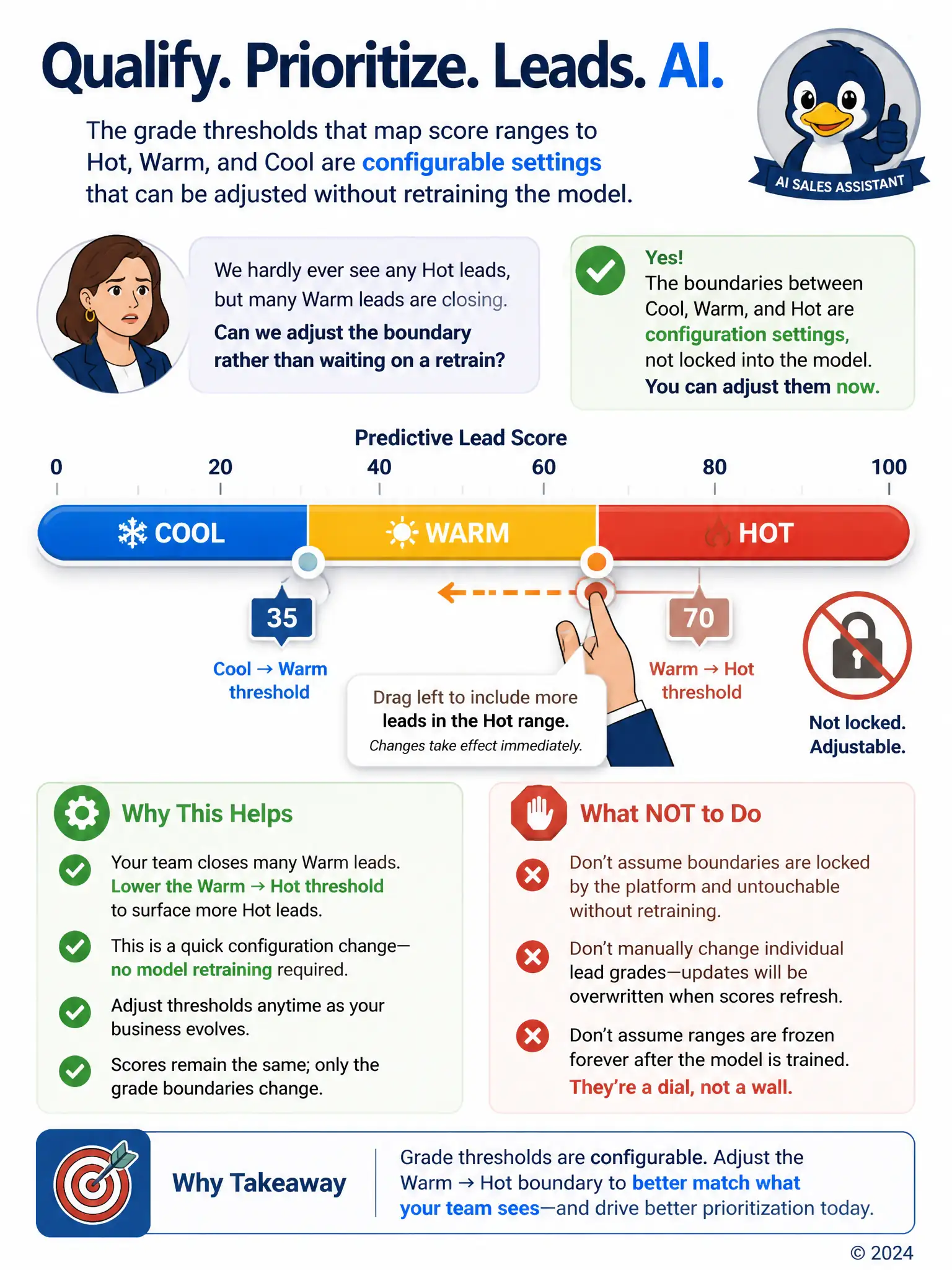
A sales director complains that under the client's predictive lead scoring setup, very few leads ever reach the Hot grade, even though her team closes a healthy share of leads graded Warm. She asks whether the boundary between Warm and Hot can be adjusted rather than waiting on a full model retrain. What should the consultant tell her?
Select an answer to reveal the explanation.
Short Explanation
You don’t need a full model retrain to fix this. The Hot, Warm, and Cool cutoffs are configurable settings, so you can move the Warm-to-Hot boundary to match how many Warm leads are actually closing. It’s a quick threshold adjustment, not a rebuild.
Full Explanation
The correct answer is the configurable-threshold option: the score ranges that determine whether a lead displays as Hot, Warm, or Cool are configuration settings on the predictive scoring model, separate from the trained model itself, so the consultant can adjust where the Warm-to-Hot boundary sits to better match how this team's Warm leads actually perform, without needing to retrain anything. The fixed-by-Microsoft option is incorrect because thresholds are not fixed globally by Microsoft; they are set per environment and can be tuned by an administrator to fit the client's own conversion patterns. The manual-edit option is incorrect because manually editing the Grade field on individual records does not change the underlying threshold logic and would simply be overwritten the next time scores recalculate. The locked-ranges option is incorrect because the score ranges behind the grade labels are not locked to the original training run; they are adjustable settings that can be revisited at any time, independent of when the model was last trained.