
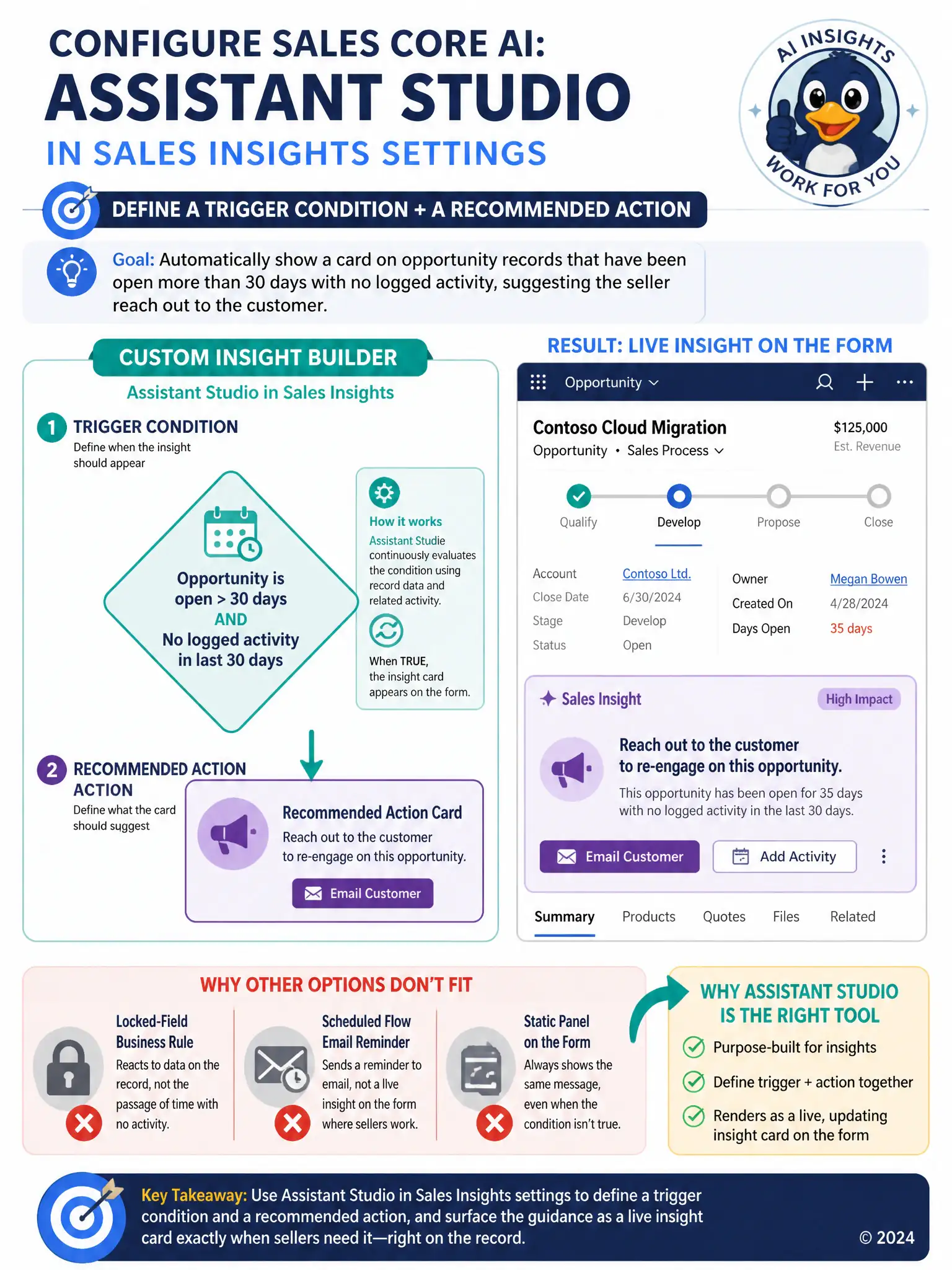
A consultant wants opportunity records that have been open more than 30 days with no logged activity to automatically display a card on the form suggesting the seller reach out to the customer. Out-of-the-box Sales Insights cards do not cover this exact condition. Which tool should the consultant use to build this custom, condition-based prompt without writing code?
Select an answer to reveal the explanation.
Short Explanation
You don't need code here; you need the form to speak up when the deal goes stale. Assistant Studio in Sales Insights settings lets you define the trigger and recommended action so the card appears right where the seller is working.
Full Explanation
The right choice is Assistant Studio in Sales Insights settings, defining a trigger condition and a recommended action. It is built for exactly this situation: it lets a consultant define a trigger condition, such as an opportunity being open past a chosen number of days with no recent activity, and pair it with a recommended action that surfaces as a card on the form, all without writing code. The classic business rule on the opportunity form that shows a locked field when the condition is met is incorrect because a business rule can lock or show a field based on data on the record, but it cannot evaluate a rolling time-since-last-activity condition or present a recommended-action style insight card. The scheduled Power Automate flow that sends the seller an email reminder is incorrect because while it could technically send a reminder email, it would not render as an in-context Sales Insights card on the opportunity form, and it adds an integration to maintain outside the tool built for this purpose. The canvas app embedded on the opportunity form showing a static reminder message is incorrect because it can only display static or manually refreshed content, and it has no built-in way to evaluate the 30-day, no-activity condition dynamically for each record.