
A consultant configuring Dynamics 365 Sales Premium for a client confirms that Sales Insights predictive lead scoring is licensed and turned on, but the interaction timeline on lead records shows almost none of the emails and meetings that sellers exchange with prospects through Outlook every day. Server-side sync is already running correctly for the mailbox. What should the consultant configure to start capturing these interactions on the correct records?
Select an answer to reveal the explanation.
Short Explanation
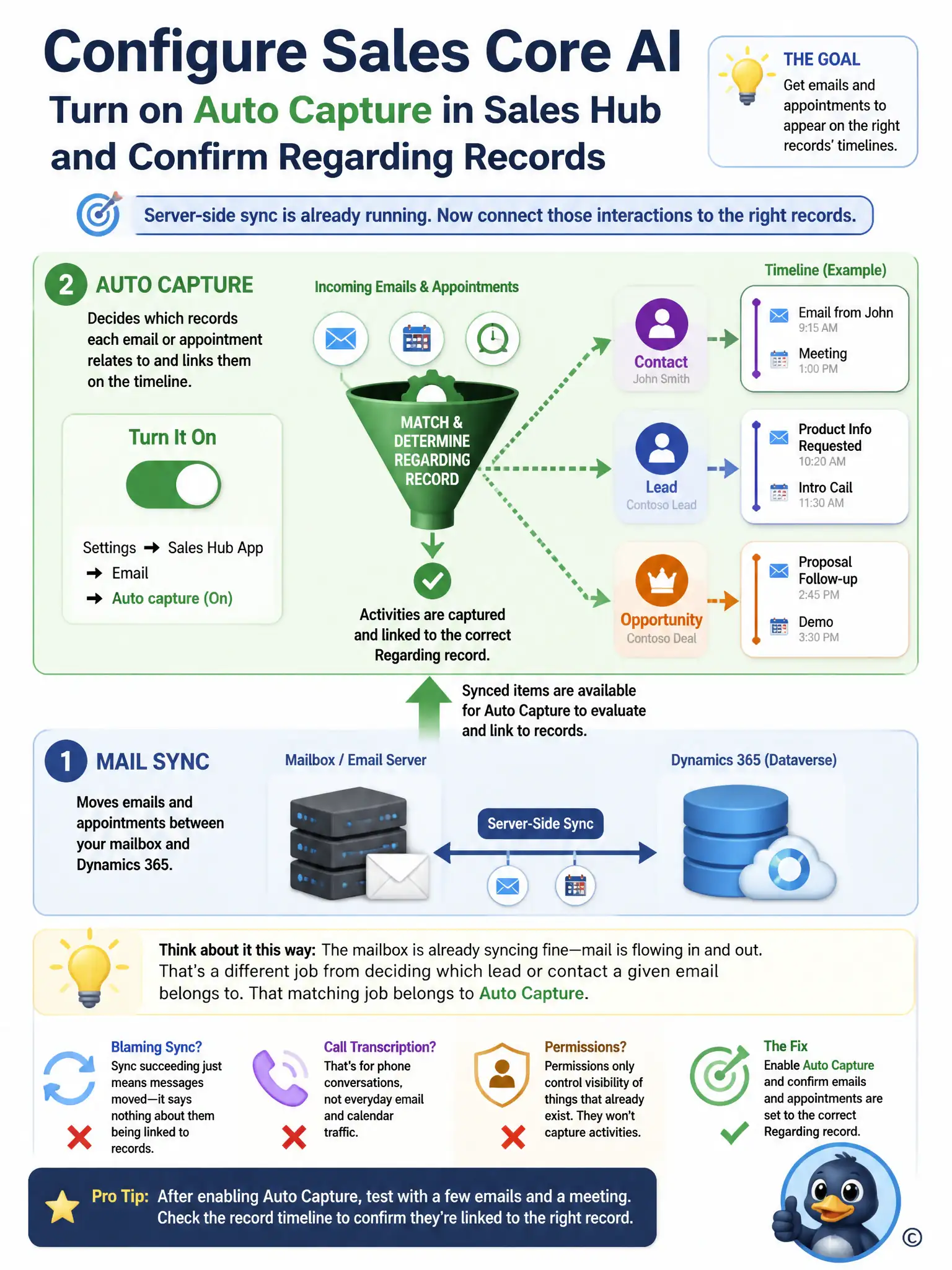
Think about it this way: the mailbox is already syncing fine, but sync only moves mail; it doesn't decide which lead or contact an email belongs to. You need to turn on auto capture in the Sales Hub app settings and confirm the detected emails and appointments are set to the correct Regarding record. Blaming sync, call transcription, or permissions won't capture interactions that were never linked.
Full Explanation
The correct configuration is to turn on auto capture in the Sales Hub app settings and confirm that the emails and appointments it detects are set to the correct Regarding record. Auto capture is the Sales Insights setting that scans a seller's mailbox for emails and appointments involving tracked contacts and offers to set them Regarding the matching lead, contact, or opportunity; until it is turned on and confirmed, none of that traffic lands on the interaction timeline even though the mailbox itself is syncing normally. Turning it on, and validating that Regarding matching is working, is what starts populating the timeline. Re-running server-side sync diagnostics is incorrect because the scenario already establishes server-side sync is running correctly; sync only moves mail and appointments between Exchange and Dynamics 365, and it does not decide which CRM record an item is tracked against. Enabling Conversation Intelligence is incorrect because Conversation Intelligence transcribes and analyzes voice calls placed through supported dialers, and it has no role in capturing email or meeting activity. Increasing security role privileges for affected sellers is incorrect because a missing security privilege would hide activities that already exist on the record; in this scenario the activities were never created or set Regarding in the first place, so raising privileges would not surface anything new.