
A consultant is rolling out Dynamics 365 Sales Copilot to a sales team. Several sellers report that Copilot never offers to draft summaries from emails with prospects who are not yet tracked as Dynamics records, even though those emails clearly relate to open deals. The consultant checks Auto Capture and finds it is turned off for the environment. What should the consultant do to let Copilot and Sales Insights work with these untracked prospect emails going forward?
Select an answer to reveal the explanation.
Short Explanation
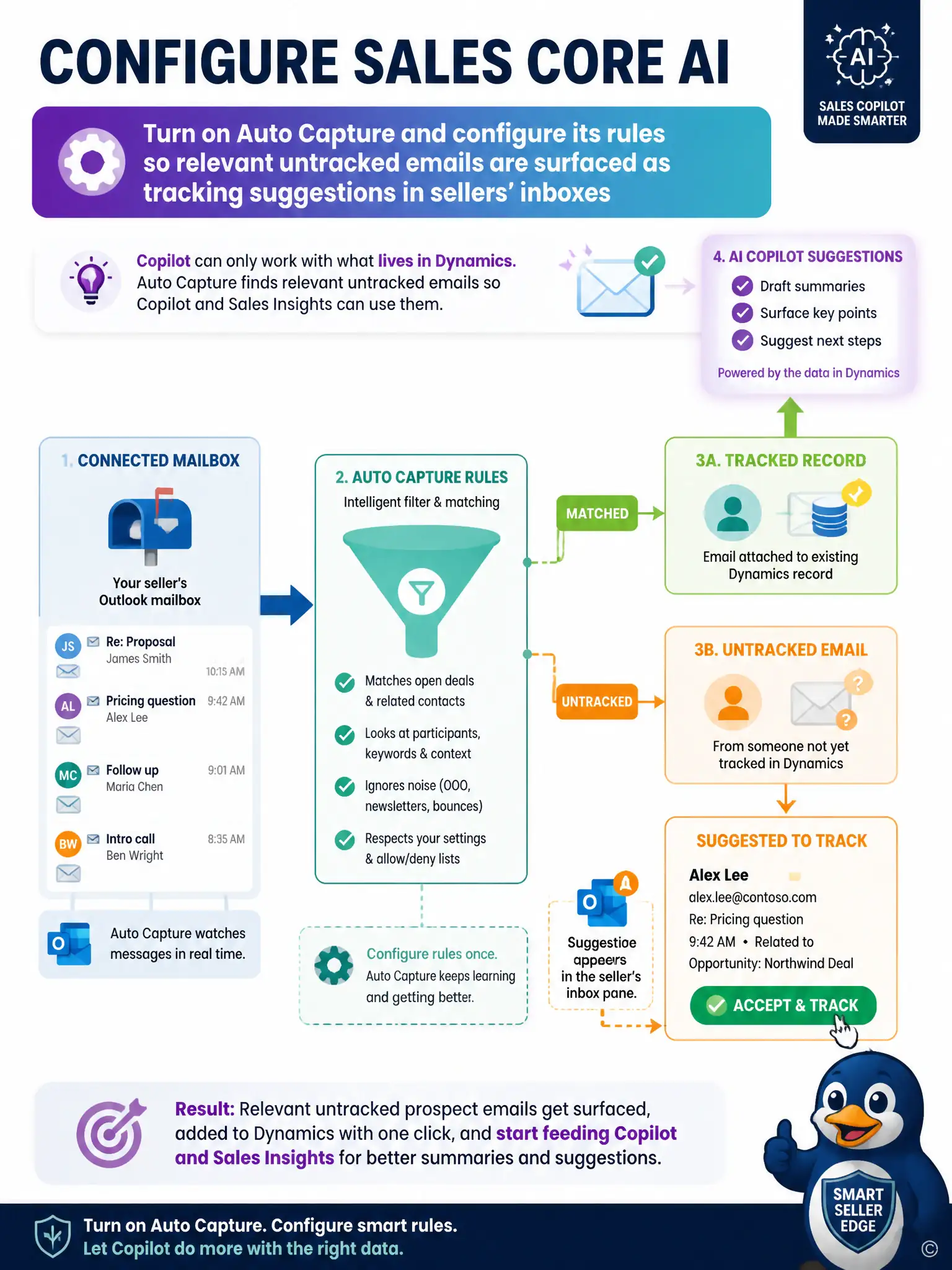
Copilot can only work with what actually lives in Dynamics, so an untracked prospect email is invisible to it. Turn on Auto Capture and tune its rules so relevant untracked emails show up as tracking suggestions in sellers' inboxes. Once those emails are captured, Copilot and Sales Insights can use them for summaries and suggestions.
Full Explanation
The correct approach is to turn on Auto Capture and configure its rules so relevant untracked emails are surfaced as tracking suggestions in sellers' inboxes. Auto Capture is the Sales Insights feature that scans a connected mailbox for messages tied to existing records and surfaces relevant ones, including emails with contacts not yet tracked, as suggestions the seller can accept to bring into Dynamics. Turning it on and tuning its rules is what lets untracked prospect emails become visible to Copilot and related Sales Insights features, since those features only reason over data that has been captured or tracked. The manual forwarding approach is incorrect because forwarding each untracked email to a Dynamics mailbox record does not create a tracked record or feed the Sales Insights pipeline, so Copilot still has no structured context. The server-side synchronization approach is incorrect because server-side sync only moves mail and appointments between Exchange and Dynamics; it does not decide which untracked emails get surfaced as capture suggestions, so turning it on alone would not fix the gap. The security role privilege approach is incorrect because security role privileges control what a user can view or edit, not which emails Auto Capture identifies as relevant, so raising privileges leaves the underlying capture setting unchanged.