
A consultant is troubleshooting why one seller in an otherwise successful Copilot for Sales rollout cannot see any Copilot features in either Outlook or the Dynamics 365 Sales app, while every other pilot seller can. The environment has Copilot for Sales enabled in the Power Platform admin center, and the seller has a valid Dynamics 365 Sales Premium license. (Select TWO.) Which two additional things should the consultant verify for this specific seller?
Select all correct answers, then click Submit.
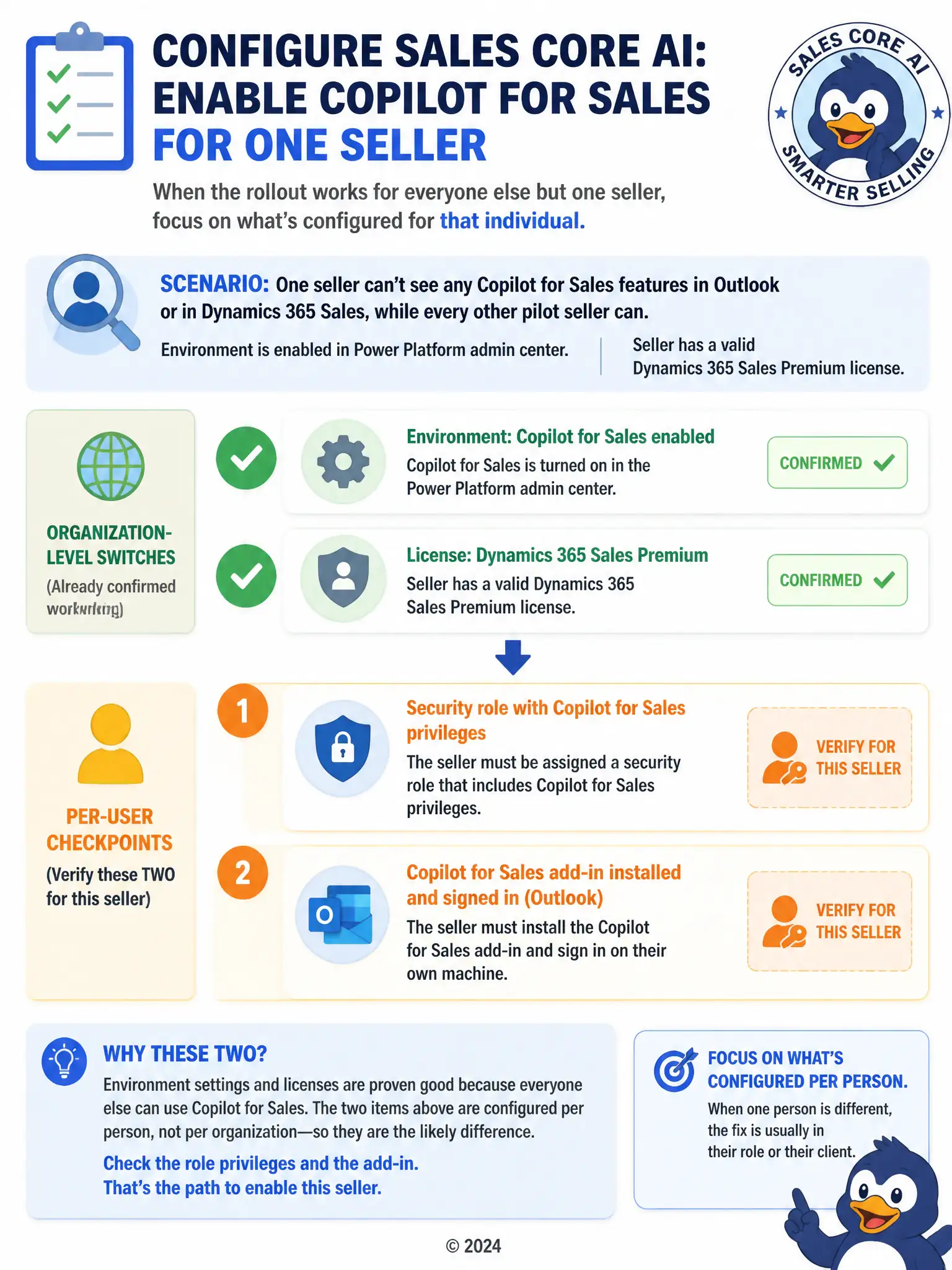
Short Explanation
When everyone else can use it and one seller can't, check what's set up for that person. You need to confirm their security role includes the Copilot for Sales privileges and that they've installed and signed in to the Copilot for Sales add-in in Outlook. Environment enablement and licensing won't fix a missing role or missing add-in sign-in.
Full Explanation
When every other pilot seller can use Copilot for Sales but one cannot, and environment-wide enablement and licensing are already confirmed, the remaining gaps are almost always tied to that individual seller. The two things to verify are whether the seller's assigned security role actually grants the Copilot for Sales privileges, since environment enablement does not automatically give every user visibility into the feature, and whether the seller has personally installed and signed in to the Copilot for Sales add-in in Outlook, since the add-in is a per-user client installation rather than something environment enablement pushes out automatically. The manager-approved predictive opportunity score threshold is incorrect because there is no manager approval workflow tied to predictive opportunity score thresholds that gates Copilot access; predictive scoring and Copilot for Sales are separate capabilities, and no such approval step exists in either. The forecast republished for the current fiscal period is incorrect because forecast republishing affects forecast configuration and calculation, not whether a seller can access Copilot features, and there is no relationship between the two. The consultant should check the seller's assigned security role and confirm the add-in installation and sign-in status before assuming a deeper licensing or environment problem.