
A consultant configures Dynamics 365 Sales Premium for a client that wants sellers to see LinkedIn profile photos, shared connections, and icebreaker suggestions directly on contact and opportunity records. Relationship health scores and who-knows-whom maps are already working from internal interaction data. After configuration, sellers still do not see LinkedIn-sourced icebreakers or shared connections. What is missing?
Select an answer to reveal the explanation.
Short Explanation
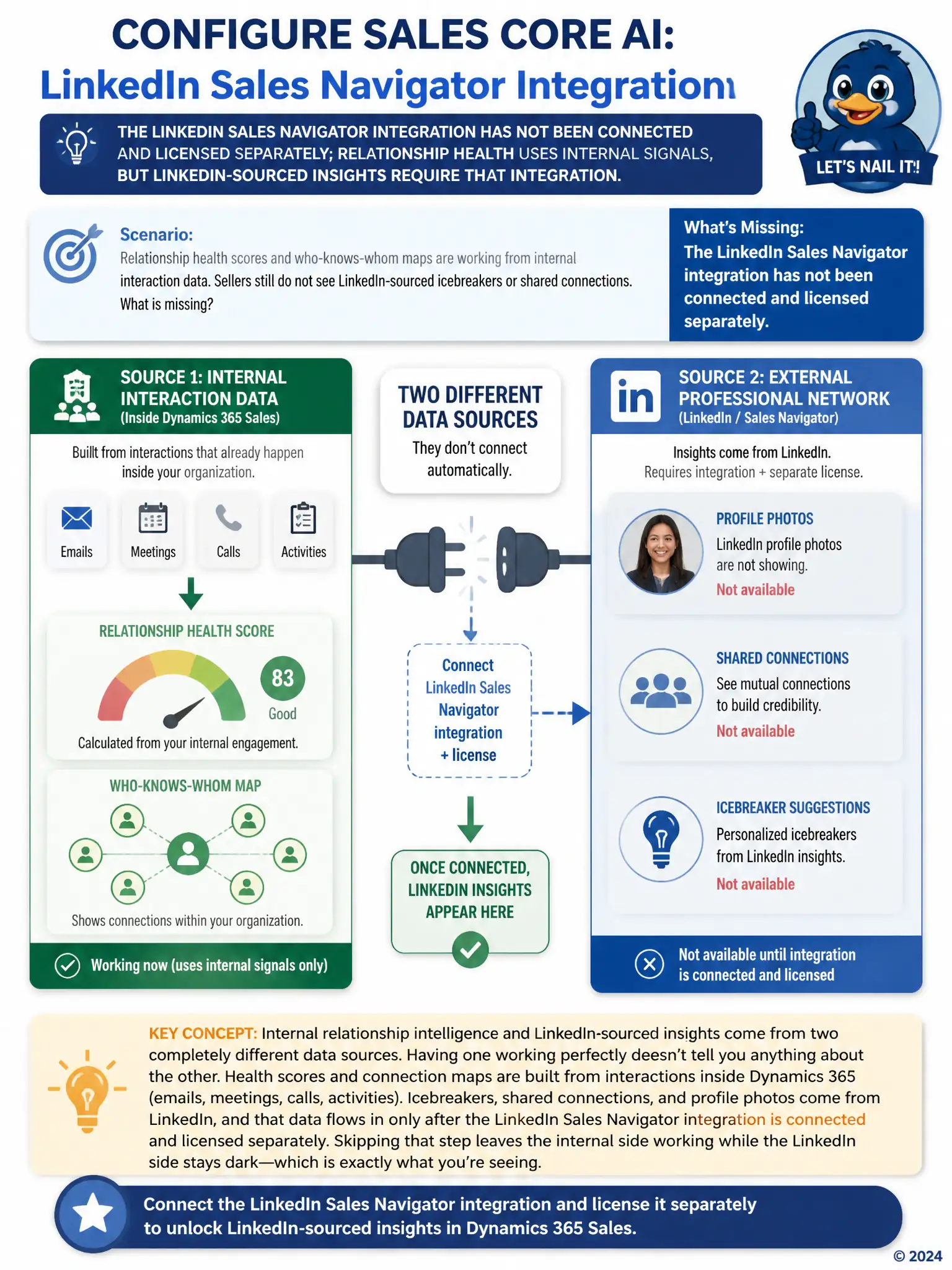
You've got internal relationship intelligence working, but LinkedIn icebreakers and shared connections don't come from Dynamics 365 data. They come from LinkedIn Sales Navigator, so you need to connect and license that integration separately. Until you do, the LinkedIn-specific content stays dark.
Full Explanation
The correct answer is the option stating that the LinkedIn Sales Navigator integration has not been connected and licensed separately. Relationship health scores and who-knows-whom connection maps are generated from internal signals such as email and meeting interaction history already flowing through Dynamics 365, but LinkedIn-sourced content, including profile photos, shared connections, and icebreaker suggestions, requires a separately connected and licensed LinkedIn Sales Navigator integration; without that integration configured, internal relationship intelligence works while LinkedIn-specific insights never appear. The option claiming that sellers' contact records are missing a populated Social Profile field is incorrect because Dynamics 365 does not source icebreakers from a manually populated Social Profile text field; that field, if it exists, is not a substitute for the LinkedIn integration, and icebreakers are generated from Sales Navigator data, not entered metadata. The option claiming that relationship health scoring must be disabled before LinkedIn icebreakers can appear is incorrect because relationship health scoring and LinkedIn icebreakers are not mutually exclusive features; both can run simultaneously once each is properly configured. The option claiming that LinkedIn icebreakers only appear on lead records, not contact or opportunity records, regardless of integration status is incorrect because LinkedIn-sourced insights are not restricted to lead records; once the integration is connected, they can surface on contacts and opportunities as well, which is exactly what this client wants. The consultant needs to connect and license the LinkedIn Sales Navigator integration to unlock the missing capability.