
A consultant is preparing to enable Copilot's generative email drafting feature for a sales team in Dynamics 365 Sales. (Select TWO.) Which two conditions must be true for the feature to function for the team's sellers?
Select all correct answers, then click Submit.
Short Explanation
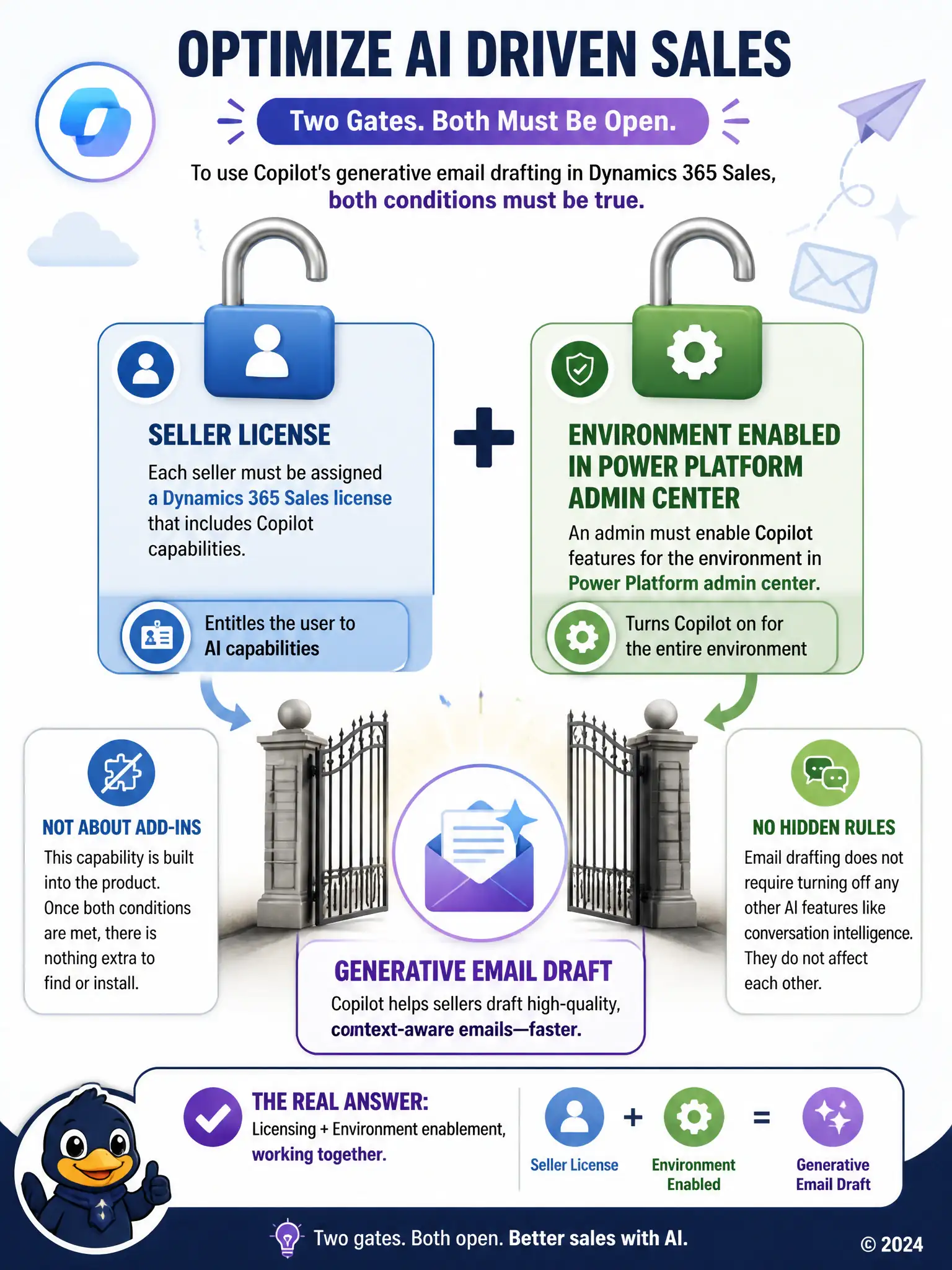
Getting Copilot email drafting working comes down to two gates: each seller needs a Dynamics 365 Sales license that includes Copilot, and an admin must enable Copilot for the environment in the Power Platform admin center. You don't install a separate add-in, and you don't disable conversation intelligence to make it work.
Full Explanation
The correct answers are the environment-level enablement condition and the seller licensing condition. Copilot capabilities in Dynamics 365 Sales require both an appropriate license assigned to each seller who will use the feature and administrative enablement of Copilot at the environment level through the Power Platform admin center; without either piece, sellers either lack entitlement to the feature or the environment itself has the capability turned off. The separate generative AI add-in from Microsoft AppSource is incorrect because Copilot's generative email drafting is a built-in capability of Dynamics 365 Sales once licensed and enabled, not a separate add-in that individual sellers must locate and install from AppSource. The requirement to disable conversation intelligence is incorrect because there is no dependency or conflict between conversation intelligence and Copilot email drafting; the two features operate independently and disabling one is not a prerequisite for enabling the other. The two genuine prerequisites are licensing at the seller level and administrative enablement at the environment level, both of which must be in place before generative email drafting will work for the team.