
Sellers on a team stopped trusting the AI-generated opportunity scores because the scores changed week to week without any indication of why. A consultant wants sellers to see which specific factors, such as days since last activity or contact engagement, drove a given score up or down. Which configuration addresses this?
Select an answer to reveal the explanation.
Short Explanation
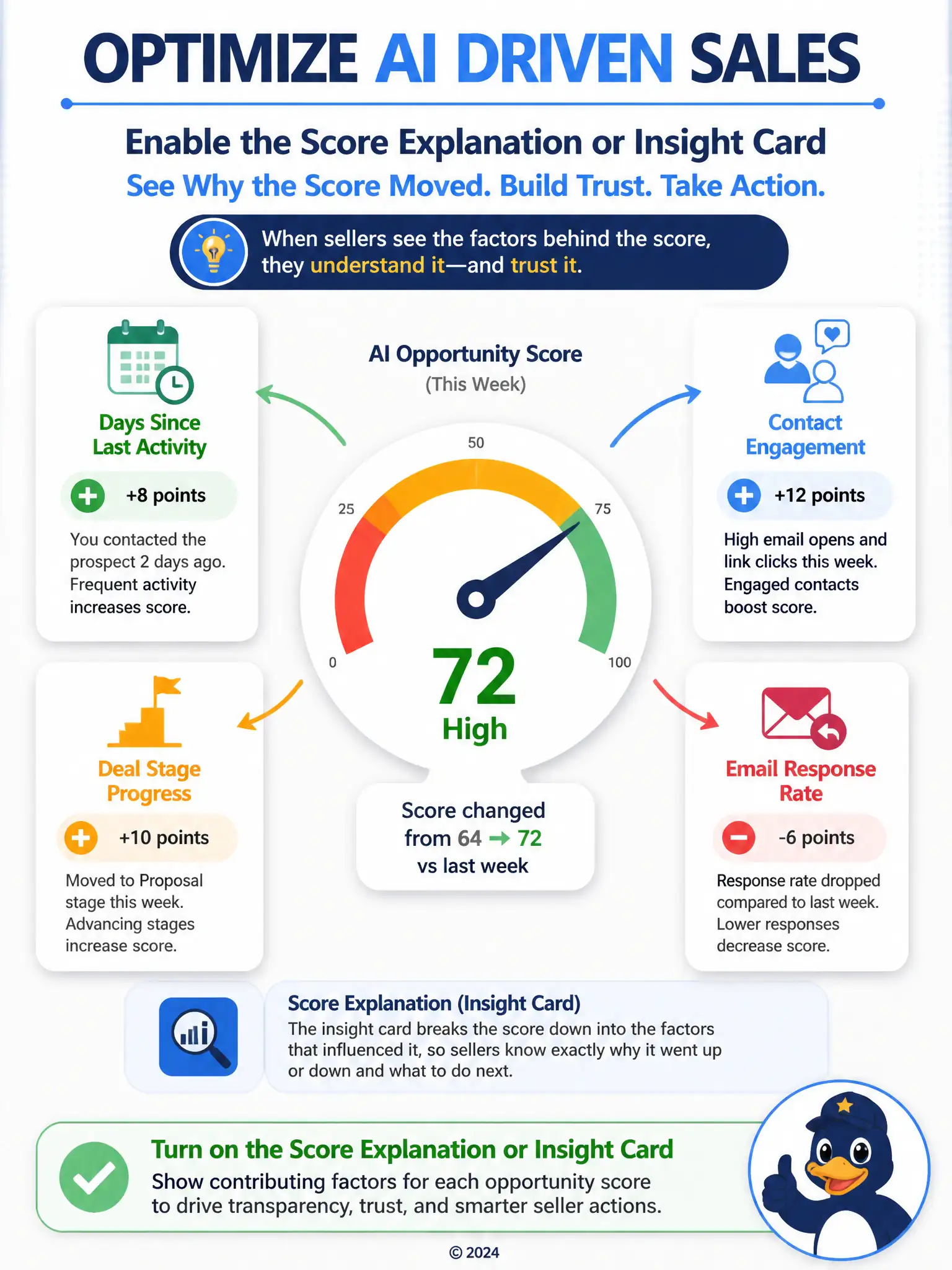
When sellers stop trusting a score, don't change the number faster or swap it out—show your work. Enable the score explanation or insight card so sellers can see which factors, such as days since last activity or contact engagement, drove the score up or down.
Full Explanation
The correct configuration is to enable the score explanation or insight card that shows contributing factors for each opportunity score. This directly restores trust by making the score's movement explainable rather than opaque, because sellers can see the specific inputs behind a given deal's score. The configuration that increases the frequency of model retraining is incorrect because retraining more often does not add transparency; scores could still change without sellers understanding why, and more frequent retraining could even increase volatility. The configuration that turns on premium forecasting to replace opportunity scoring with revenue projections is incorrect because premium forecasting is a different capability focused on aggregate revenue and close-date projections, not on explaining an individual opportunity's score, so it does not address the sellers' concern. The configuration that grants sellers a custom security role with edit access to the scoring model configuration is incorrect because it is unnecessary for explainability and risky; untrained changes to model configuration could degrade scoring accuracy for the whole team rather than simply showing why a score changed. The scenario calls for visibility into scoring factors, which is exactly what the explanation card provides.