
A consultant assigned to configure Sales Insights features for a client logs in with a System Customizer security role and finds that the toggles for enabling predictive opportunity scoring and relationship analytics in Sales Insights settings are greyed out. Another colleague with a different role can access and change the same settings without issue. What is the most likely explanation?
Select an answer to reveal the explanation.
Short Explanation
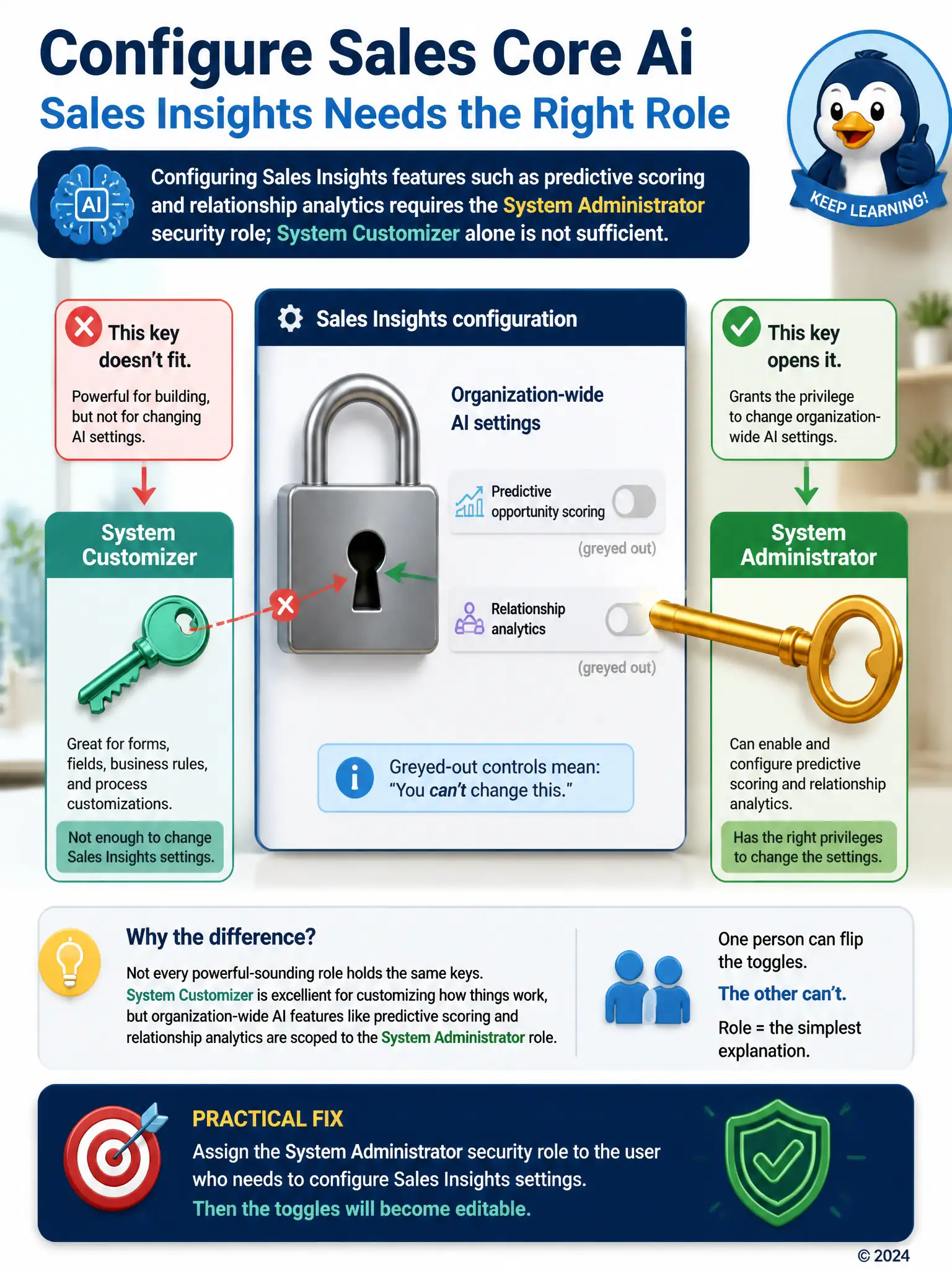
You need System Administrator to change org-wide AI settings like predictive scoring and relationship analytics; System Customizer doesn't have that privilege. If one person can flip those toggles and another can't, it's role scope, not license provisioning, Conversation Intelligence licensing, or already-enabled toggles. Get the System Administrator role assigned so you can make the change.
Full Explanation
Enabling and configuring Sales Insights capabilities such as predictive opportunity scoring and relationship analytics is a privileged administrative action that requires the System Administrator security role; System Customizer, while broad for customization tasks like forms and business rules, does not include the specific privileges needed to change these settings, which is why the toggles appear greyed out for the consultant but not for a colleague holding the higher-privileged role. The option saying Sales Insights settings can only be modified by the user who originally provisioned the Dynamics 365 Sales Premium license is incorrect because Sales Insights settings are governed by security role, not by which individual originally provisioned the license; any user with the correct role can manage them regardless of who first enabled Sales Premium. The option saying the System Customizer role can configure Sales Insights only after Conversation Intelligence has been separately licensed is incorrect because Conversation Intelligence licensing has no bearing on whether the System Customizer role can access predictive scoring or relationship analytics settings; those are governed purely by security role privileges. The option saying the greyed-out toggles indicate the features are already enabled and simply awaiting the next scheduled sync is incorrect because greyed-out toggles indicate the current user lacks the privilege to change the setting, not that the feature is already active; an enabled feature would show as toggled on and editable, not disabled, and there is no scheduled-sync delay involved. The consultant should request the System Administrator role, or have it assigned temporarily, to complete the configuration.