
A consultant configured Copilot for Sales in Outlook for a manufacturing client. Reps want the email assistant to reference each account's partner certification tier, which is stored in a custom Dataverse table that is not part of the standard Account or Opportunity forms, when drafting renewal emails. Which action extends Copilot for Sales to use this data?
Select an answer to reveal the explanation.
Short Explanation
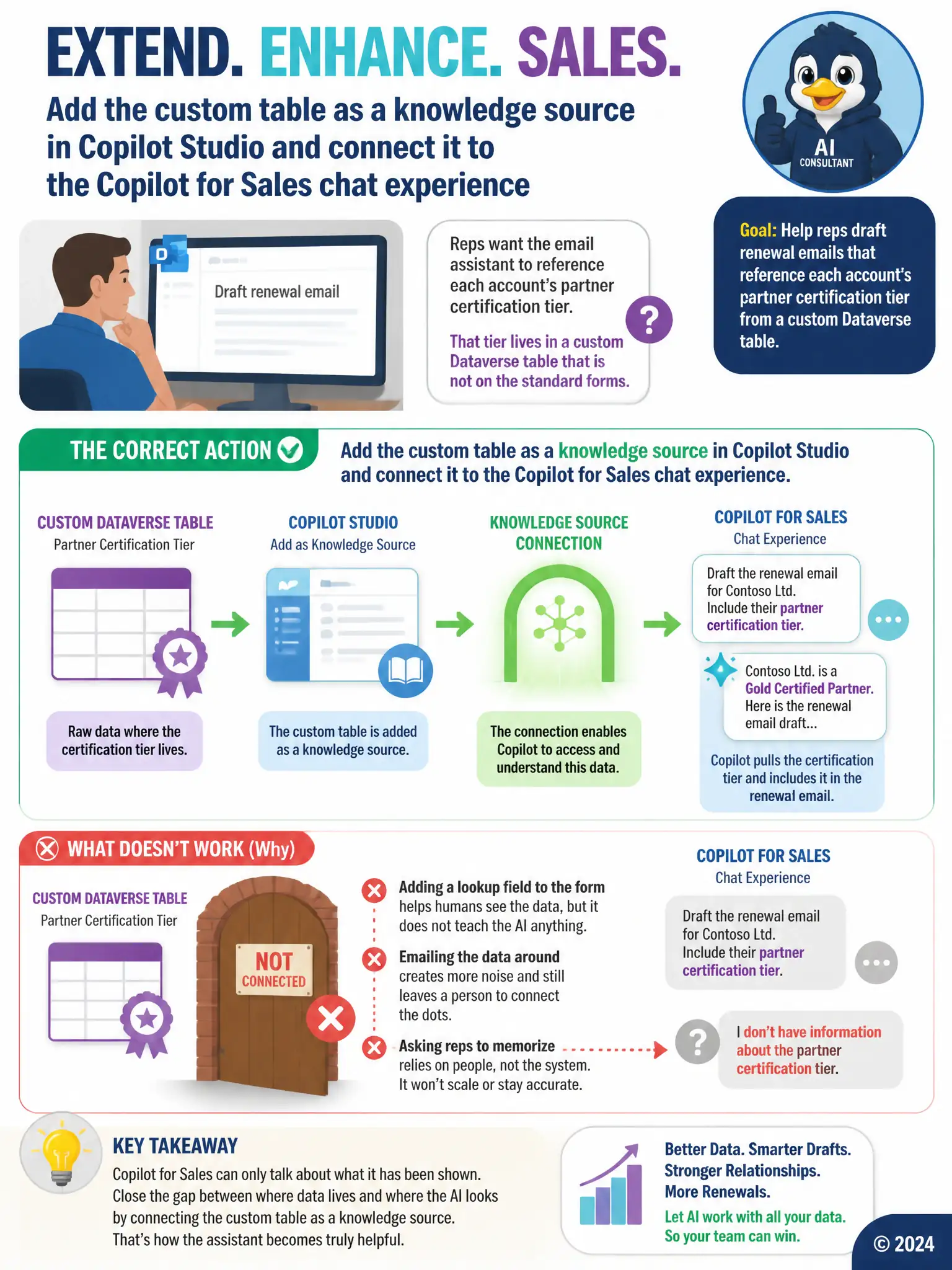
Copilot for Sales can only use data you connect to it, so you need to add the custom Dataverse table as a knowledge source in Copilot Studio and connect it to the Copilot for Sales chat experience. That lets the assistant pull partner certification tiers when drafting renewal emails instead of ignoring them.
Full Explanation
The action that extends Copilot for Sales is adding the custom Dataverse table as a knowledge source in Copilot Studio and connecting it to the Copilot for Sales chat experience. Copilot for Sales in Outlook only surfaces information that has been connected as a data source, so a custom Dataverse table holding partner certification tiers is invisible to the assistant until it is added as a knowledge source and wired into the chat experience. Once connected, the assistant can draw on that table when drafting renewal emails, which is exactly what the scenario requires. The lookup-field approach is incorrect because adding a lookup field to the Opportunity form only makes the data visible when a rep opens the record manually; it does nothing to feed the AI drafting engine. The daily-email flow is incorrect because a daily email digest is a workaround that still requires the rep to read and manually incorporate the data themselves, rather than extending Copilot's own knowledge. The memorization approach is incorrect because relying on reps to memorize account-level details does not scale, introduces error, and is not an extension of the platform at all; it simply avoids the problem the client asked to solve.