
A consultant enables Copilot for a pilot group of ten sellers in a Dynamics 365 Sales Premium environment. After the rollout, three sellers report the Copilot pane never appears on their opportunity and account forms, while the other seven see it working normally. The consultant confirms all ten sellers have identical Dynamics 365 Sales Premium licenses and are in the same business unit. What should the consultant check first to explain the gap?
Select an answer to reveal the explanation.
Short Explanation
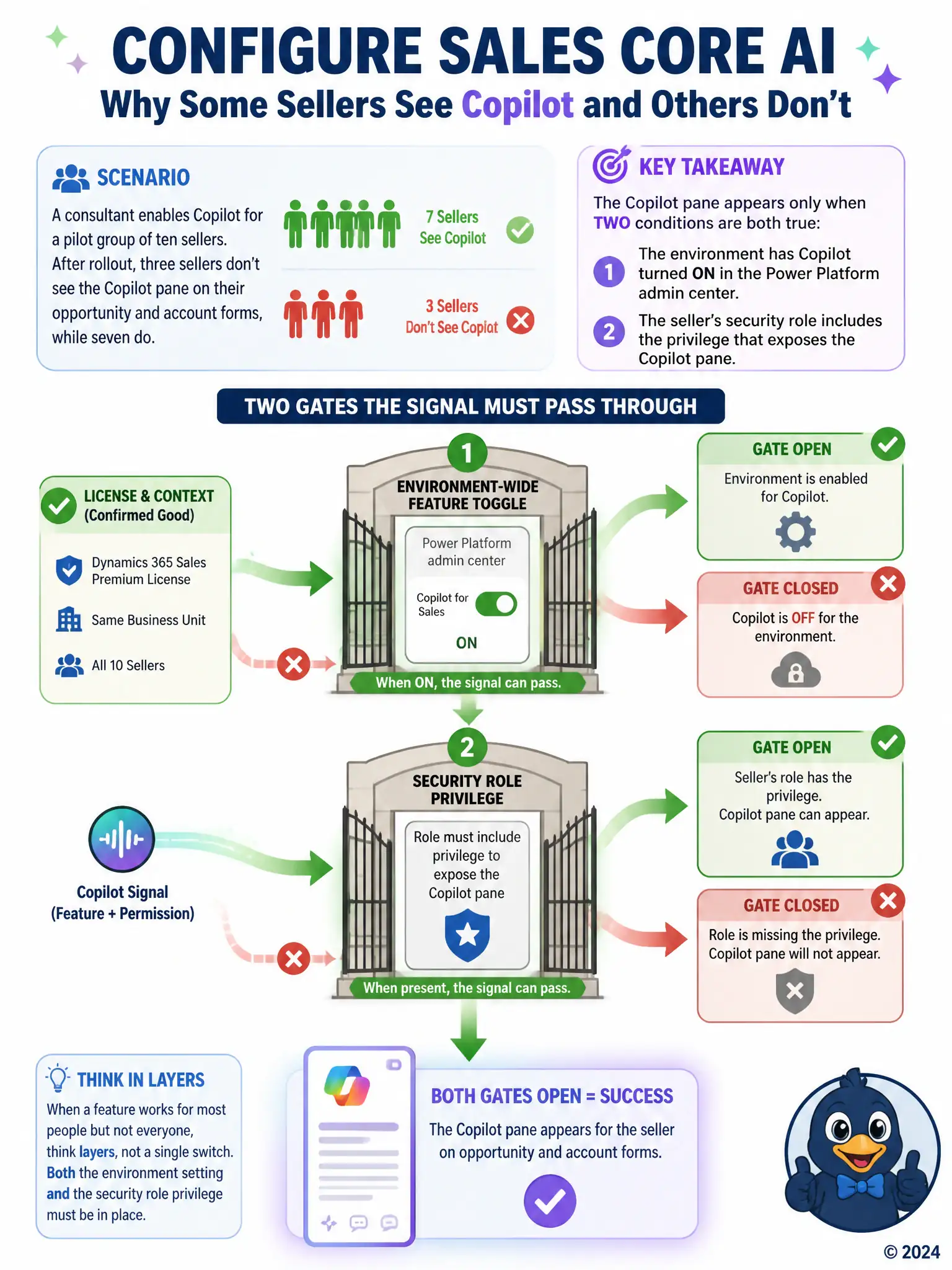
When most sellers see Copilot and a few don't, you should check the two gates: the environment setting in the Power Platform admin center and the security role privilege that exposes the pane. If those three sellers have a role missing that privilege, they'll look licensed and normal but still see nothing. Don't chase Copilot Studio, Sales Insights, or a personal preview switch.
Full Explanation
The correct answer is the option that checks whether the Power Platform admin center has Copilot turned on for the environment and whether the three affected sellers' security roles include the privilege that exposes the Copilot pane. Copilot visibility in Dynamics 365 Sales depends on two independent gates: the feature must be switched on for the environment in the Power Platform admin center, and the signed-in user's security role must carry the privilege that surfaces the Copilot pane. Because licensing and business unit are already identical across all ten sellers, a role or team-based security difference affecting only three users is the most likely explanation, so checking role assignments and the environment toggle is the right first step. The option about each seller purchasing and activating a separate Microsoft Copilot Studio license is incorrect because Copilot inside Dynamics 365 Sales is a native capability of the Sales app itself; Copilot Studio is a separate product for building custom copilots and is not a prerequisite for the built-in Sales Copilot pane. The option about installing the legacy Dynamics 365 Sales Insights add-on solution is incorrect because the Sales Insights add-on solution belongs to an earlier, separate embedded-intelligence architecture and has no bearing on whether the newer Copilot pane renders. The option about each seller manually switching on a personal preview-features toggle in user settings is incorrect because Copilot is enabled at the environment level by an administrator, not through an individual user preview toggle, so there is no per-user switch for sellers to find or forget to enable.