
A consultant configures Sales Insights so that a 'Deal Health' predictive card should appear only on opportunity forms and not on lead forms, per the client's request. After publishing the change, the card appears on both entities. Reviewing the Sales Insights settings app, what did the consultant most likely leave unchanged?
Select an answer to reveal the explanation.
Short Explanation
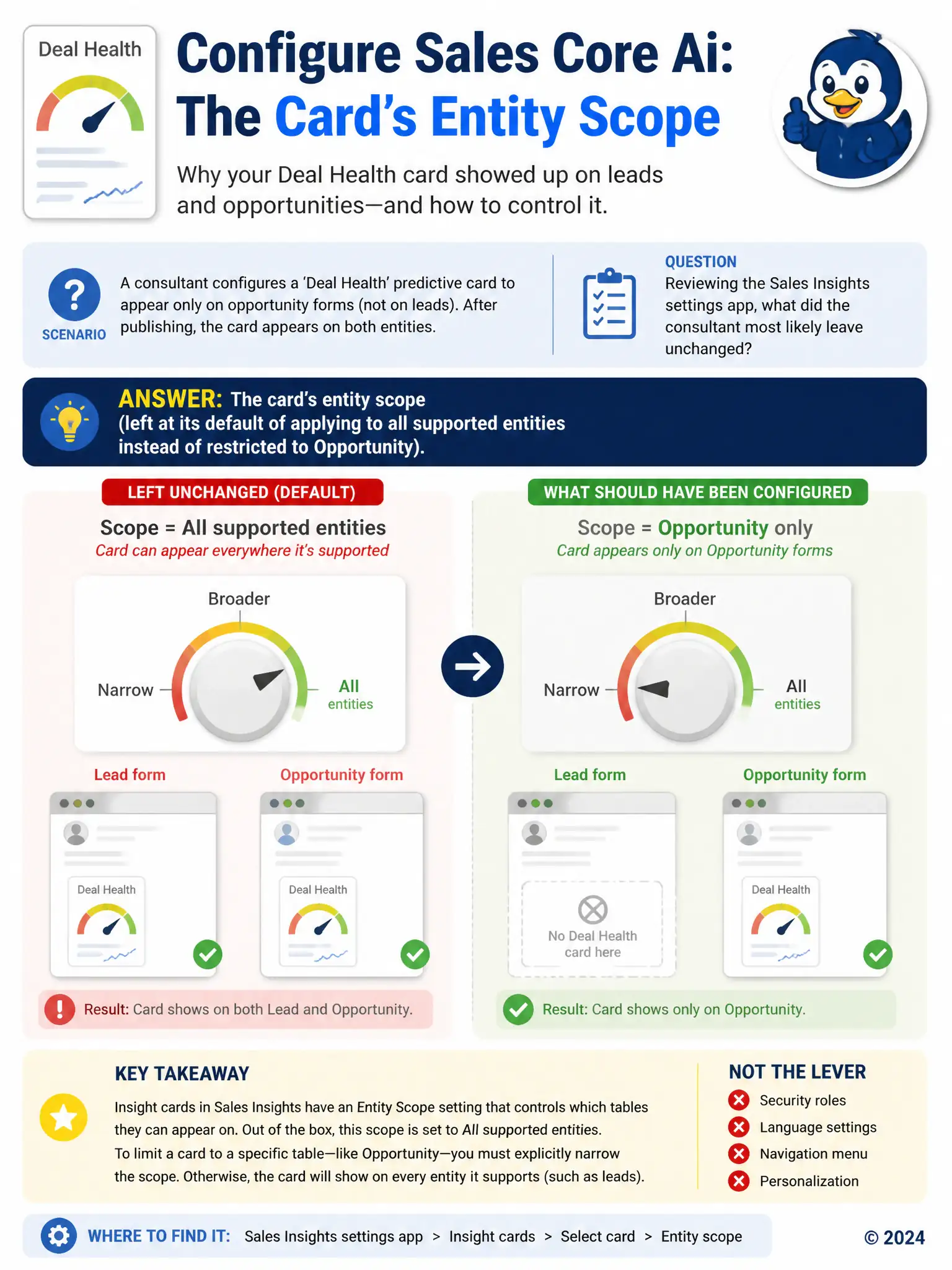
You need to check the card's entity scope, because Sales Insights cards default to every supported entity unless you restrict them. If you don't dial that scope down, the Deal Health card will show on leads too, not just opportunities.
Full Explanation
The correct answer is the card's entity scope, which was left at its default of applying to all supported entities instead of being restricted specifically to the opportunity table. Predictive insight cards configured through the Sales Insights settings app are scoped per entity, and that scope defaults to applying across every supported entity unless an administrator explicitly restricts it to a specific table such as opportunity. Leaving the default scope in place means the card continues rendering on lead forms as well as opportunity forms, exactly matching the behavior described. The security role assigned to sellers, which must be limited to opportunity-only access before card scoping takes effect, is incorrect because security roles control what data a user can access, not which entities a given predictive card is configured to display on; restricting a role would not change the card's own scope setting. The environment's default language setting, which determines which entities predictive cards are allowed to render on, is incorrect because language settings affect how card text and labels are localized, not which tables the card is permitted to appear on. The Sales Hub app's sitemap, which needs a manual entry added before any entity-level card restriction can apply, is incorrect because the sitemap controls navigation areas and entries within an app's menu structure; it has no role in determining which forms a Sales Insights card renders on, and cards appear based on form and entity configuration rather than sitemap entries.