
A plant copilot's in-app help still describes a retired receiving screen, so it tells clerks to follow a click path the current app no longer has. What should the architect do with that help topic?
Select an answer to reveal the explanation.
Short Explanation
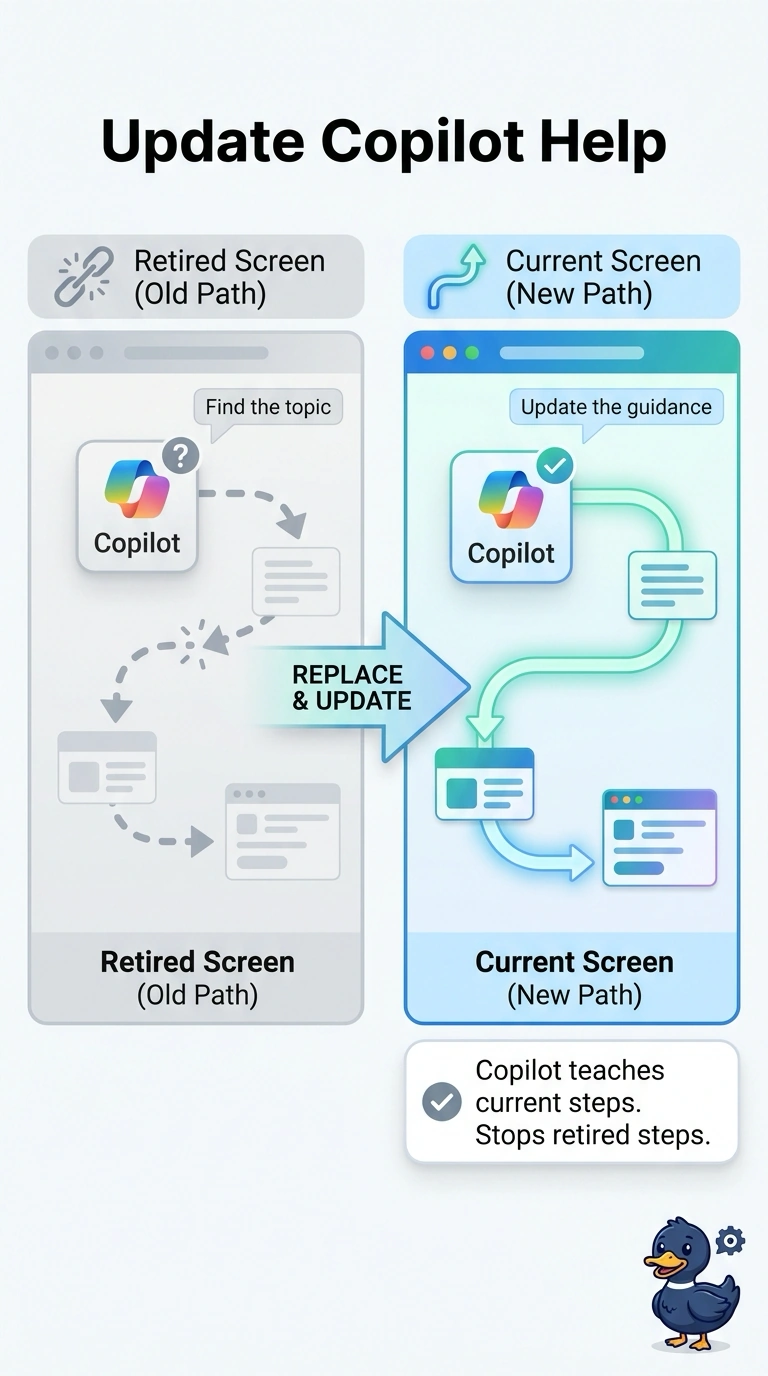
A hallway map that still shows a demolished corridor will send people into the wall. You replace the in-app help topic with the current screen so the copilot teaches the right click path. That keeps clerks from being guided by the retired steps.
Full Explanation
In-app help grounds the copilot’s guidance, so a topic describing a retired receiving screen can cause it to teach a click path the current app no longer has. Replace that topic with the current screen so the copilot can guide clerks using the live workflow. Keeping the retired screen in the help to match last year’s training slides preserves outdated guidance rather than correcting it. Adding the retired screen again makes the old path more likely to be retrieved and still does not provide the current steps. Moving the retired steps into a personal prompt while keeping the same help topic published leaves the outdated source available to the copilot for clerks. Exam caveat: replacing the topic means the retired content should no longer remain available as a knowledge source; a duplicate under another name can still be retrieved. Practical check: ask the copilot how to receive on the current screen and compare its steps with the live app. Then search the published help content to confirm the retired screen and click path are gone, and have a clerk who remembers the old screen verify that the copilot no longer teaches it.