
Sellers at a manufacturer ask Copilot in Dynamics 365 Sales for a dealer price. That price list lives in a system outside Dataverse, and the copilot cannot see it. What should the architect add?
Select an answer to reveal the explanation.
Short Explanation
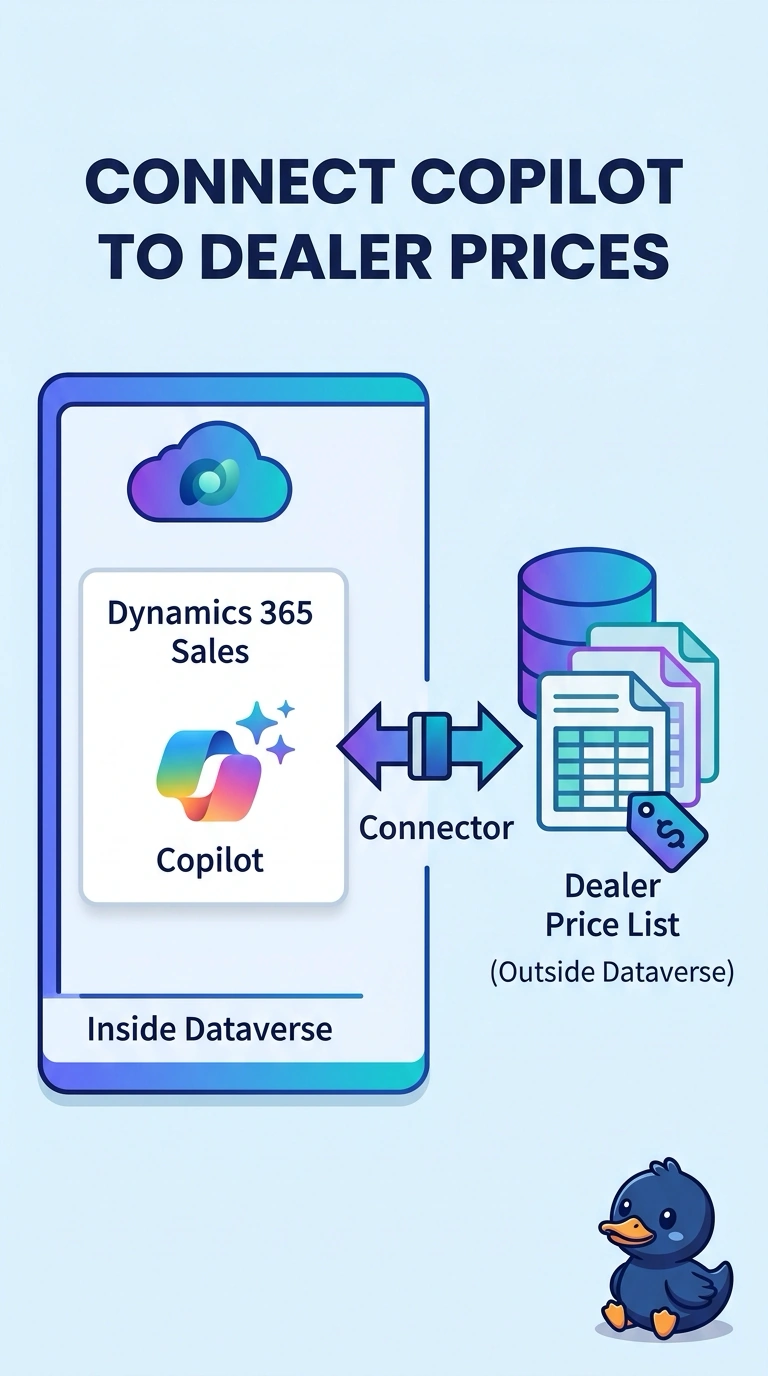
You need the dealer price where it is maintained, not a guess from a shelf tag or a note that can go stale. Add a connector so Copilot in Dynamics 365 Sales can read the price list outside Dataverse; a second app that hides the copilot and price list does not help sellers get the answer.
Full Explanation
Copilot in Dynamics 365 Sales can answer a dealer-price question only from data it can reach. Because the price list lives outside Dataverse, add a connector that lets the copilot read the list where it is maintained, rather than treating the price as if it already lived in Dataverse. A nightly paste into each seller’s personal opportunity notes copies a number that may change after the paste and places it in personal notes rather than in the system that owns it. A custom vision model trained on photographs of printed shelf tags tries to infer the price from an image; it does not give the copilot access to the dealer’s maintained price list. A second sales app that hides both the copilot and the dealer price list removes the tool and the information sellers need, rather than enabling the copilot they already use. Exam caveat: a connector makes available only the dealer-price data the seller is allowed to see; it does not justify copying the entire dealer system into every opportunity. Practical check: ask the sales copilot for one dealer price, compare its answer with the outside price list, and confirm sellers are not maintaining that figure in personal notes.