
An insurer seats claims adjusters and insurance brokers in one building. Adjusters work cases all day, and brokers work pipeline and meetings. A sponsor wants one copilot product for both desks. Which design fits the two roles?
Select an answer to reveal the explanation.
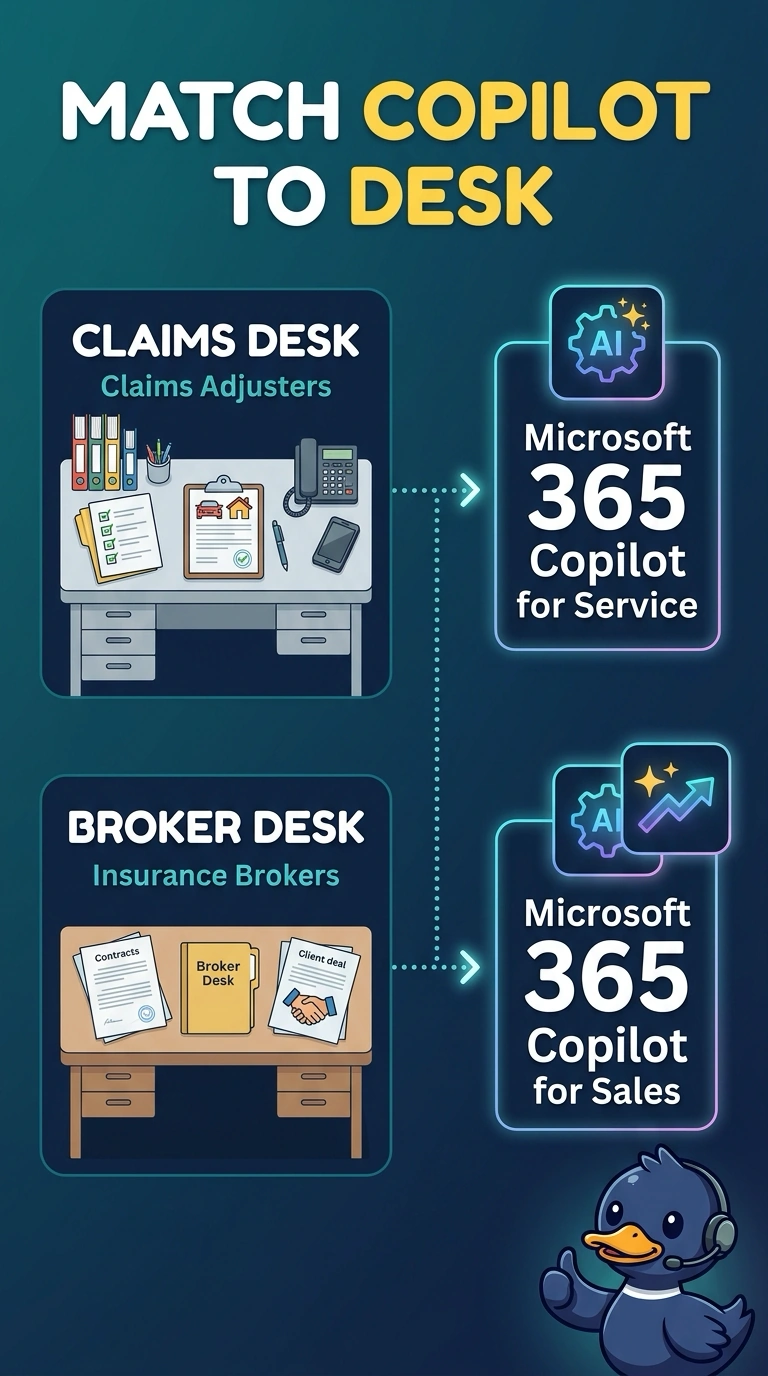
Short Explanation
Two trades can share a building and still need different benches. You put Microsoft 365 Copilot for Service with the adjusters and Microsoft 365 Copilot for Sales with the brokers. One product for both desks puts one of those jobs on the wrong bench.
Full Explanation
Microsoft 365 Copilot for Service and Microsoft 365 Copilot for Sales are configured for different work. Adjusters live in cases, so the claims desk gets Copilot for Service. Brokers live in pipeline and meetings, so the broker desk gets Copilot for Sales. The sponsor's single product would erase that split. Configuration is what makes each copilot fit its desk, and pooling both roles onto one product does not create the missing experience later. Giving both desks Copilot for Sales makes case work look like selling, and adjusters lose the service configuration their queue needs. Giving both desks Copilot for Service makes the broker pipeline look like a case queue, and sellers lose the sales configuration. Turning both copilots off and pasting claims and deals into one shared chat transcript drops the prebuilt role fit and mixes two jobs in one place. Exam caveat: sharing a building, a tenant, or a manager does not make the two roles one copilot configuration. Operational check: write one adjuster's day and one broker's day, and confirm each action is covered by the copilot on that desk and not by the other product.