
A business-to-business retailer wants the service case to open with the related order. Sellers do not work those cases. Which configuration fits?
Select an answer to reveal the explanation.
Short Explanation
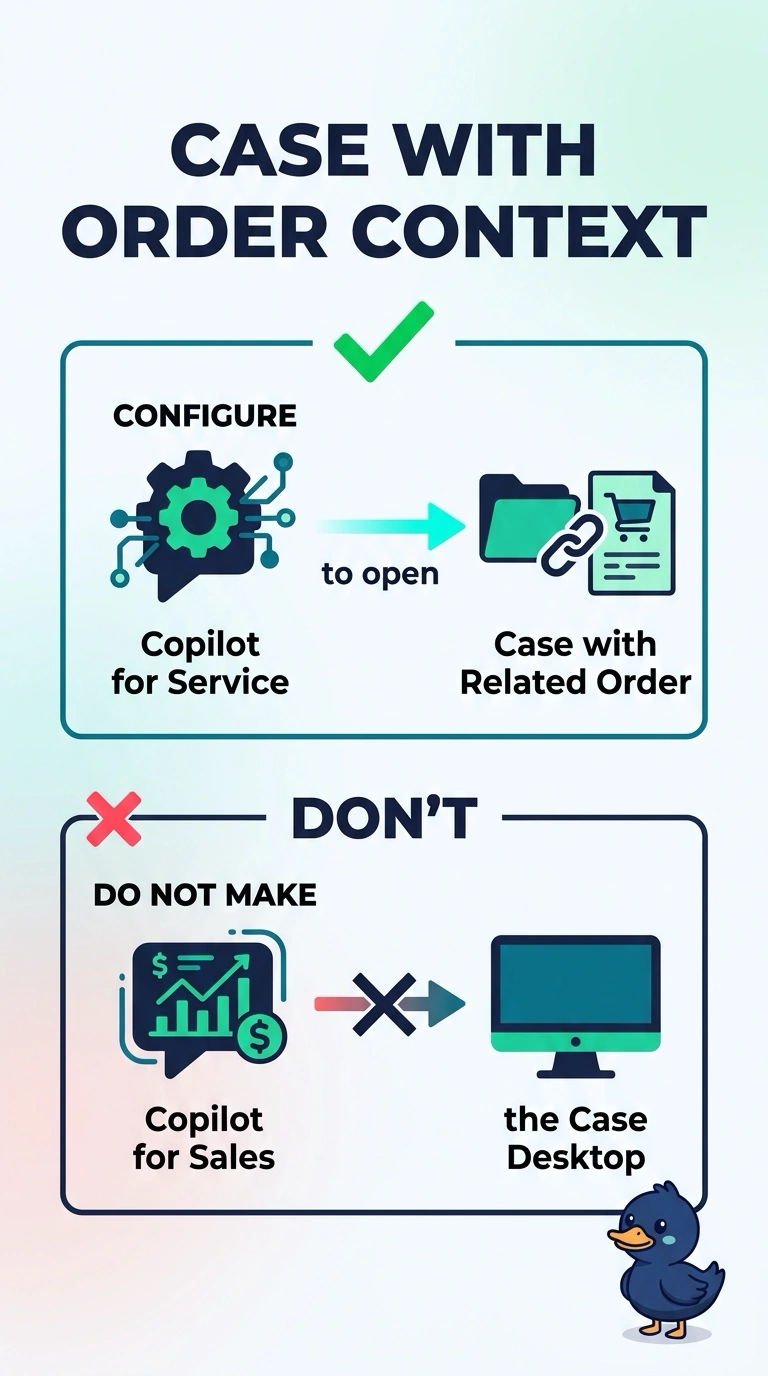
The person working the case needs the order on that desk, not a seller's briefing tool standing in for the desk. You configure Copilot for Service to open the case with the order context, and you leave Copilot for Sales off that desktop. A seller copilot owning the case puts the wrong role on the work.
Full Explanation
Copilot for Service is the case workspace. For this retailer's business buyers, the case is about an order, so the service configuration should open the case with that order context already available to the copilot. Copilot for Sales is the seller surface, and sellers do not work these cases, so it should not become the case desktop. Making Copilot for Sales the case desktop and leaving the order off the service workspace assigns the case to the wrong copilot and withholds the order. Giving the service team Copilot for Sales and letting it fill in order details the case does not have invents order facts instead of reading them. Enabling both copilots on the case form and letting the seller copilot own the case splits ownership and hands the case to the role that is not working it. Exam caveat: order context on the case depends on the order being connected to the case. The copilot cannot show an order the case is not linked to. Operational check: open a case that has a related order as a service user and confirm the service copilot shows that order, then confirm seller accounts are not the case desktop.