
A newly hired field tech at a small cooperative office is more comfortable with a graphical interface than the CLI, but still needs a quick read on interface status, system health, and recent log entries for a POP router. What does J-Web's Monitor section provide?
Select an answer to reveal the explanation.
Short Explanation
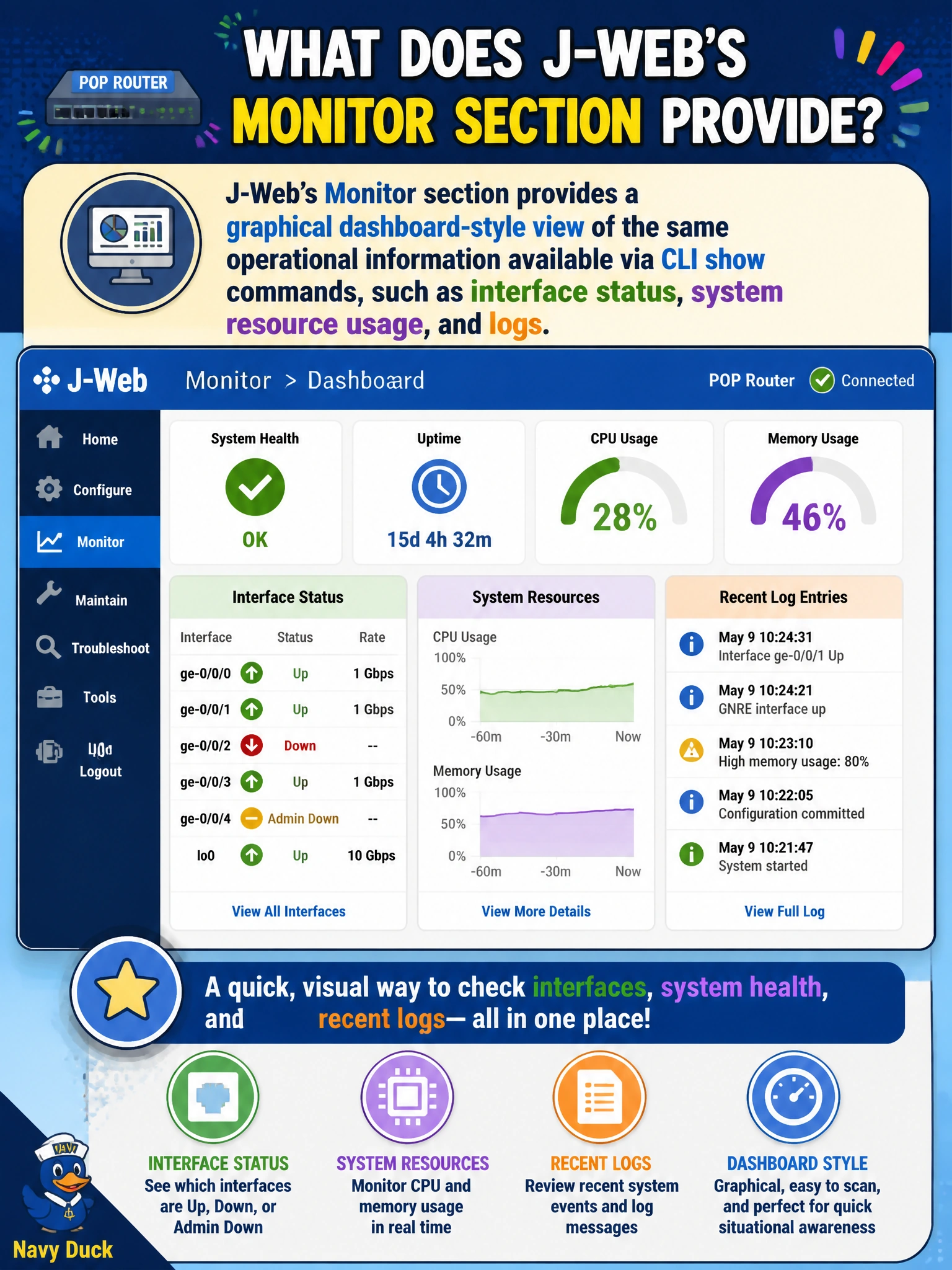
J-Web's Monitor section is the same information a CLI veteran gets from a string of show commands, just laid out as a dashboard instead of scrolling text. For a tech who's more at home clicking through screens, it's a friendlier front door to the exact same interface, health, and log data.
Full Explanation
J-Web organizes its functionality into separate sections, and Monitor is specifically the read-only, dashboard-style view of operational state — interface status and traffic, system resource utilization, and recent log entries — presented graphically rather than as CLI text output, giving a less CLI-comfortable technician the same underlying information a show interfaces, show chassis, or show log messages session would provide. Authoring and committing configuration changes lives in J-Web's separate Configure section, a distinct area built around editing and applying candidate configuration, which is not what Monitor is for. J-Web does offer some packet-capture capability comparable to monitor traffic, but describing Monitor as only that packet-capture tool understates it — the section's actual scope is the broader operational picture, of which packet capture is just one piece, not the whole. Scheduling automatic software upgrades isn't a J-Web Monitor function at all; software installation in J-Web falls under its own maintenance-oriented workflow, separate from the read-only Monitor dashboard. A caveat: J-Web is a convenience layer over the same underlying operational data the CLI exposes, so for scripted or repeatable checks across many POPs, the CLI generally remains the more efficient tool. A concrete check: have the new tech open J-Web's Monitor > Interfaces view and confirm it reflects the same admin/link state as show interfaces terse for the same device.