
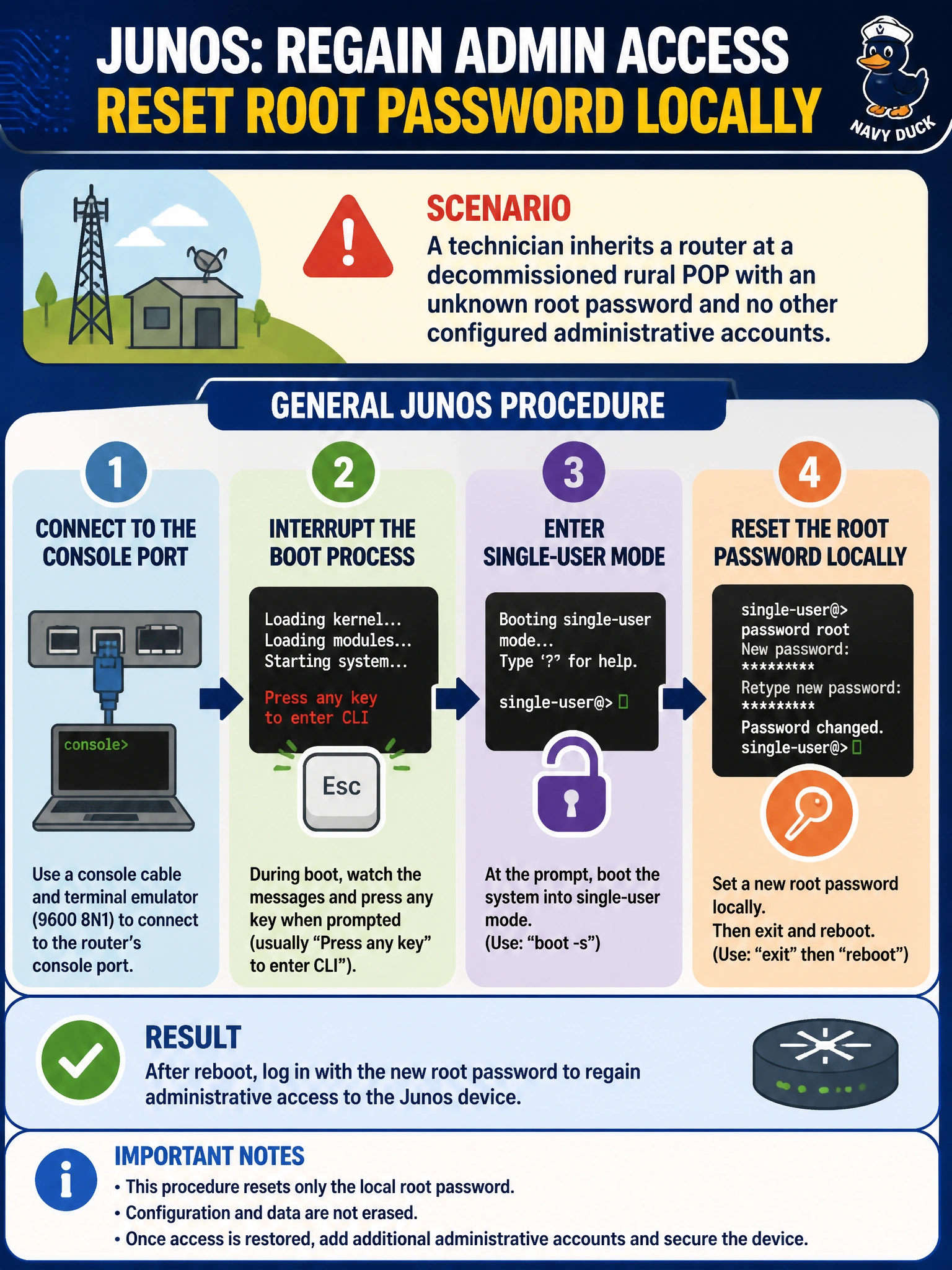
A technician inherits a router at a decommissioned rural POP with an unknown root password and no other configured administrative accounts. What is the general Junos procedure for regaining administrative access?
Select an answer to reveal the explanation.
Short Explanation
Losing the root password locks you out of a router's front door, but there's still a back door built for exactly this — the console port. Connecting there and interrupting the boot lets a technician drop into a recovery mode and set a new root password without ever knowing the old one.
Full Explanation
Password recovery on Junos requires physical console access: the technician connects a terminal directly to the console port, reboots the device, and interrupts the normal boot sequence at the right moment to reach a recovery/single-user mode instead of letting the OS boot normally into its usual login prompt. From that recovery mode, the root password can be reset without supplying the old one, after which the technician reboots normally and logs in with the new credential. There is no remote, network-based way to reset a lost root password — that would be a serious security hole rather than a feature — so an SNMP-based factory reset over the network isn't how this works, and SNMP in any case isn't designed to modify local authentication credentials. There's also no universal factory-set default password baked into every Junos device that a locked-out technician could fall back to over Telnet; relying on that assumption would fail immediately and is exactly the kind of guessed fact worth avoiding. Likewise, J-Web's login page authenticates against the same accounts as the CLI — it has no separate self-service password-reset mechanism, and it's equally inaccessible when root access is lost. A caveat: this procedure requires being physically or console-adjacent to the device, which matters for planning a truck roll to a remote decommissioned POP. A concrete check: after resetting the password, log in via console first to confirm the new credential works before relying on remote SSH access.