
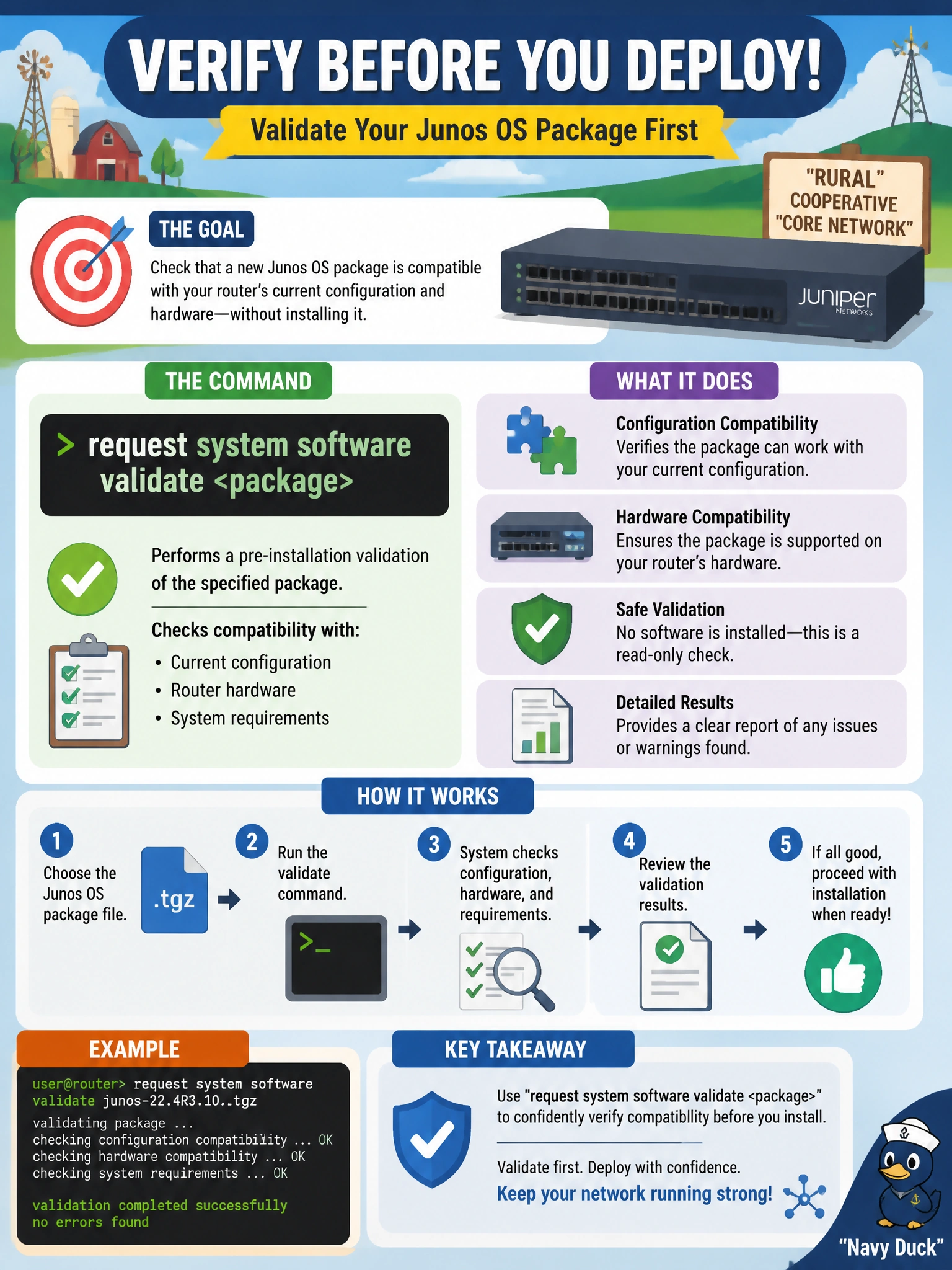
Before installing a new Junos OS package on a production router at a rural cooperative's core, an engineer wants to check that the package is compatible with the router's current configuration and hardware without actually installing it yet. Which command performs that check?
Select an answer to reveal the explanation.
Short Explanation
Think of it like trying on a part for fit before actually bolting it into place. request system software validate checks the new package against the router's current setup and hardware first, catching a mismatch before anything is actually installed on a production core box.
Full Explanation
The validate keyword on request system software validate <package> runs compatibility checks between the candidate software package and the router's existing configuration and installed hardware, reporting problems back to the engineer without touching the currently running software — a safe, reversible dry run before committing to an install on a production core router. request system software add <package> performs the actual installation; used alone it copies the new package onto the device and typically requires a reboot to take effect, skipping the validation step entirely unless the validate option is separately combined with it. request system reboot simply restarts the routing engine on whatever software is currently installed — it performs no compatibility checking and isn't part of installing new software at all. request system configuration rescue save stores a copy of the current configuration as a rescue configuration for later recovery, which is a useful safeguard around any maintenance window but doesn't evaluate a software package for compatibility. A caveat: validation checks configuration and hardware compatibility, but it can't guarantee every runtime behavior of the new release will match expectations. A concrete check: review the validate output for any reported errors before proceeding to request system software add <package> reboot.