
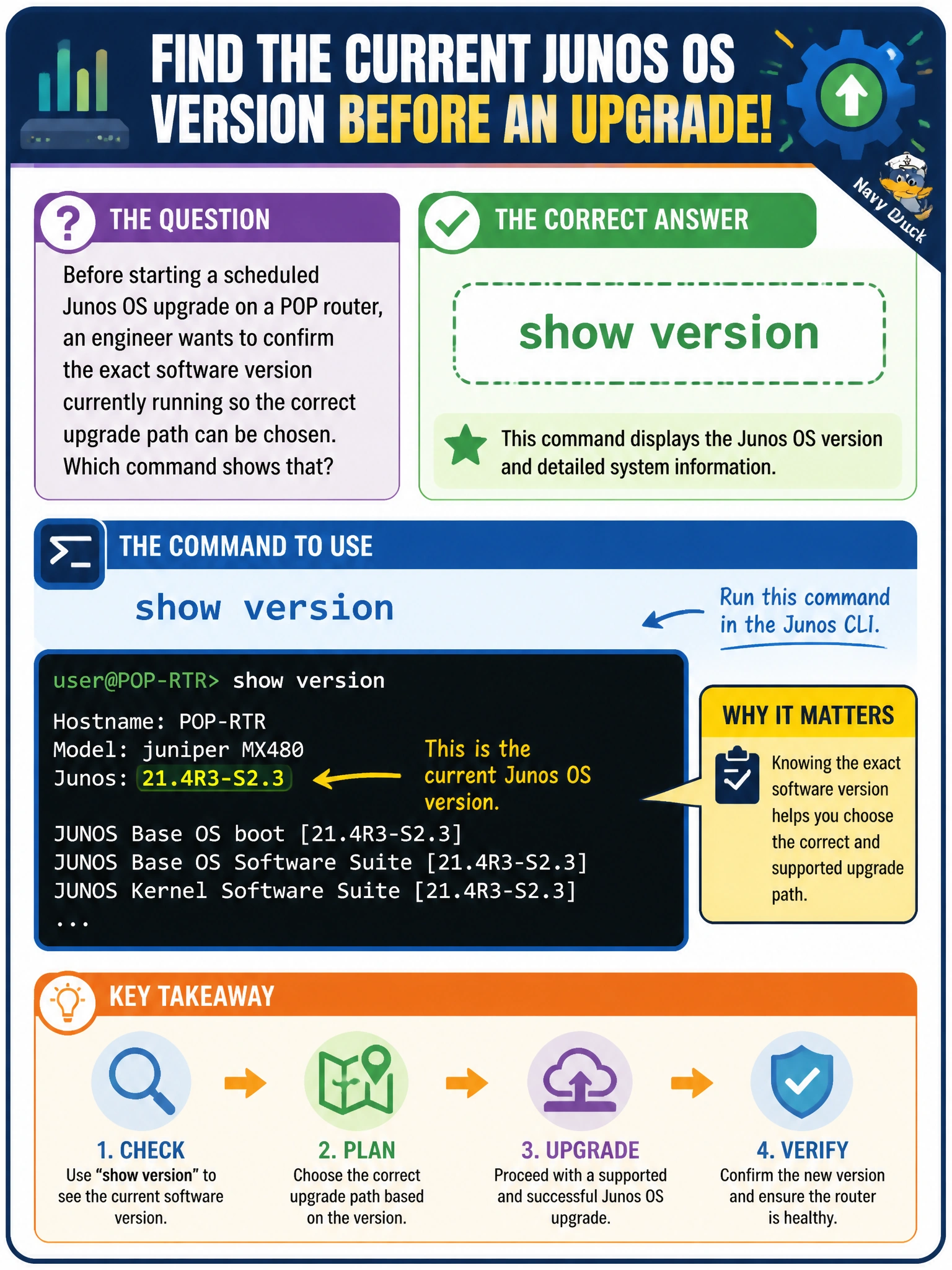
Before starting a scheduled Junos OS upgrade on a POP router, an engineer wants to confirm the exact software version currently running so the correct upgrade path can be chosen. Which command shows that?
Select an answer to reveal the explanation.
Short Explanation
You wouldn't plan a road trip without first checking where you're actually starting from. show version is that starting point for a software upgrade — it tells the engineer exactly which Junos OS release the router is running right now, so the right upgrade path can be picked.
Full Explanation
show version reports the Junos OS release currently loaded and running on the routing engine, along with the product model, which together determine which upgrade paths and target images are valid — some upgrade paths require an intermediate release rather than a direct jump, so knowing the exact starting version is a prerequisite, not a formality. show chassis hardware reports physical component inventory — chassis, FPCs, PICs, and their serial numbers — which matters for confirming hardware compatibility with a target release but doesn't itself report the software version installed. show system storage reports filesystem free space, relevant to whether the new image will fit, but silent on which version is currently running. show configuration displays the device's configuration hierarchy — the settings that will need to be preserved across the upgrade — but configuration syntax alone doesn't reliably indicate the exact software build in use. A caveat: on a dual-routing-engine chassis, confirm the version on both the master and backup RE, since they should generally match before and after the upgrade. A concrete check: run show version immediately after the reboot to confirm the router actually came up on the intended target release.