
An engineer has already validated a new Junos OS package against a POP router's configuration and is ready to actually install it and have the router come up on the new version after a single maintenance-window reboot. Which command accomplishes both the install and the reboot in one step?
Select an answer to reveal the explanation.
Short Explanation
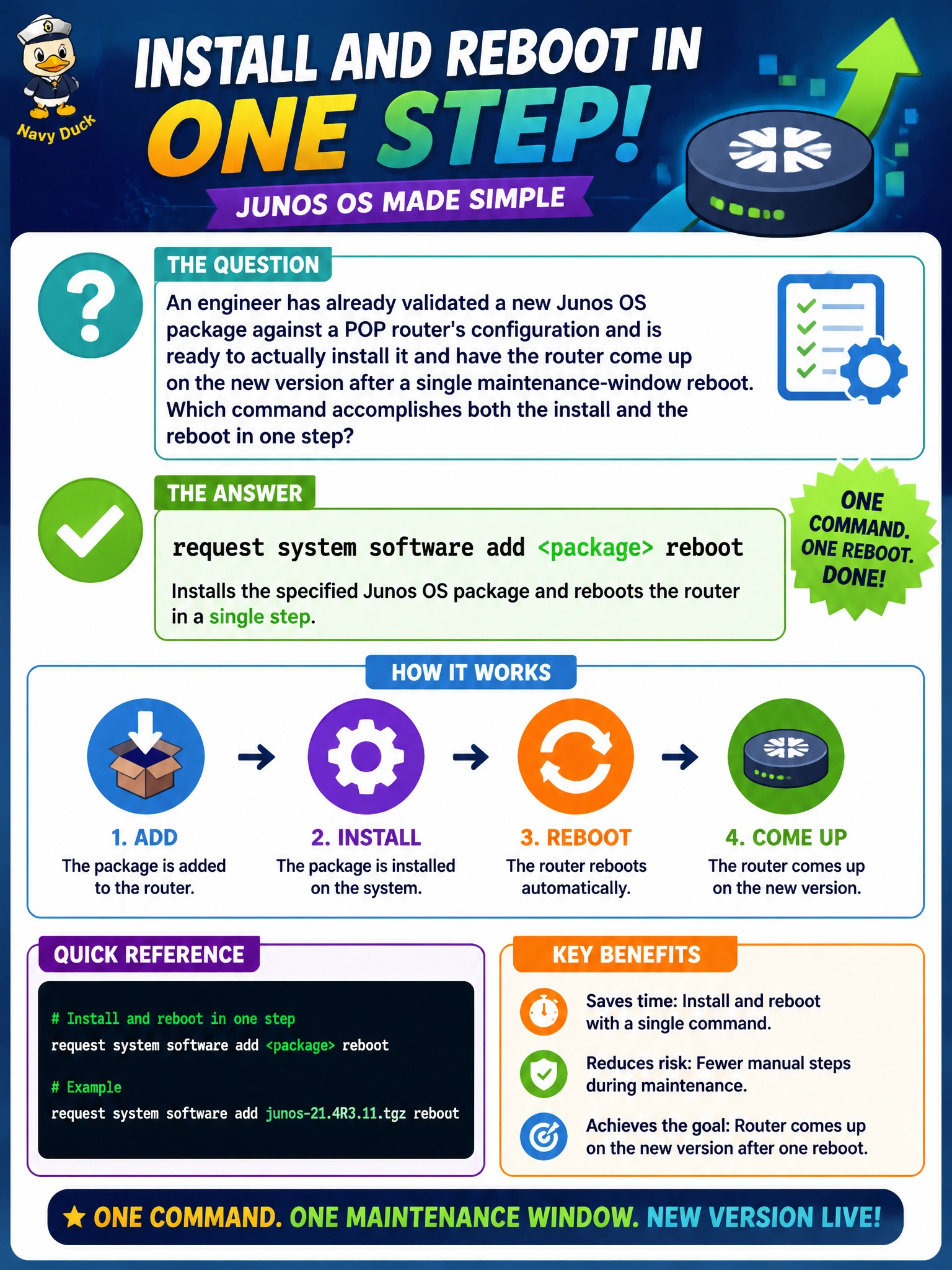
Validation was the dress rehearsal; this is opening night. request system software add <package> reboot actually installs the new image and restarts the router onto it in one motion, which is exactly the single maintenance-window action the engineer's been building up to.
Full Explanation
request system software add <package> reboot copies the specified software package onto the device, installs it, and then reboots the router into the new version automatically — combining what would otherwise be two separate steps (install, then a manual reboot) into a single command, which keeps a maintenance window tight and predictable. request system software validate <package> was the correct earlier step in this sequence, but run alone it only checks compatibility and never installs anything, so relying on it here would leave the router still running its old software indefinitely. request system snapshot backs up the current software and configuration to backup storage media; it's a reasonable precaution to run before this step, but it doesn't install the new package or perform any part of the upgrade itself. request system storage cleanup frees disk space by removing old logs and unused images, which may have been a necessary prerequisite if space was tight, but it plays no role in actually performing the install. A caveat: the reboot triggered by this command will briefly take the POP's traffic offline, so it belongs squarely inside the announced maintenance window, not run ad hoc. A concrete check: after the reboot completes, run show version to confirm the router is now running the intended target release.