
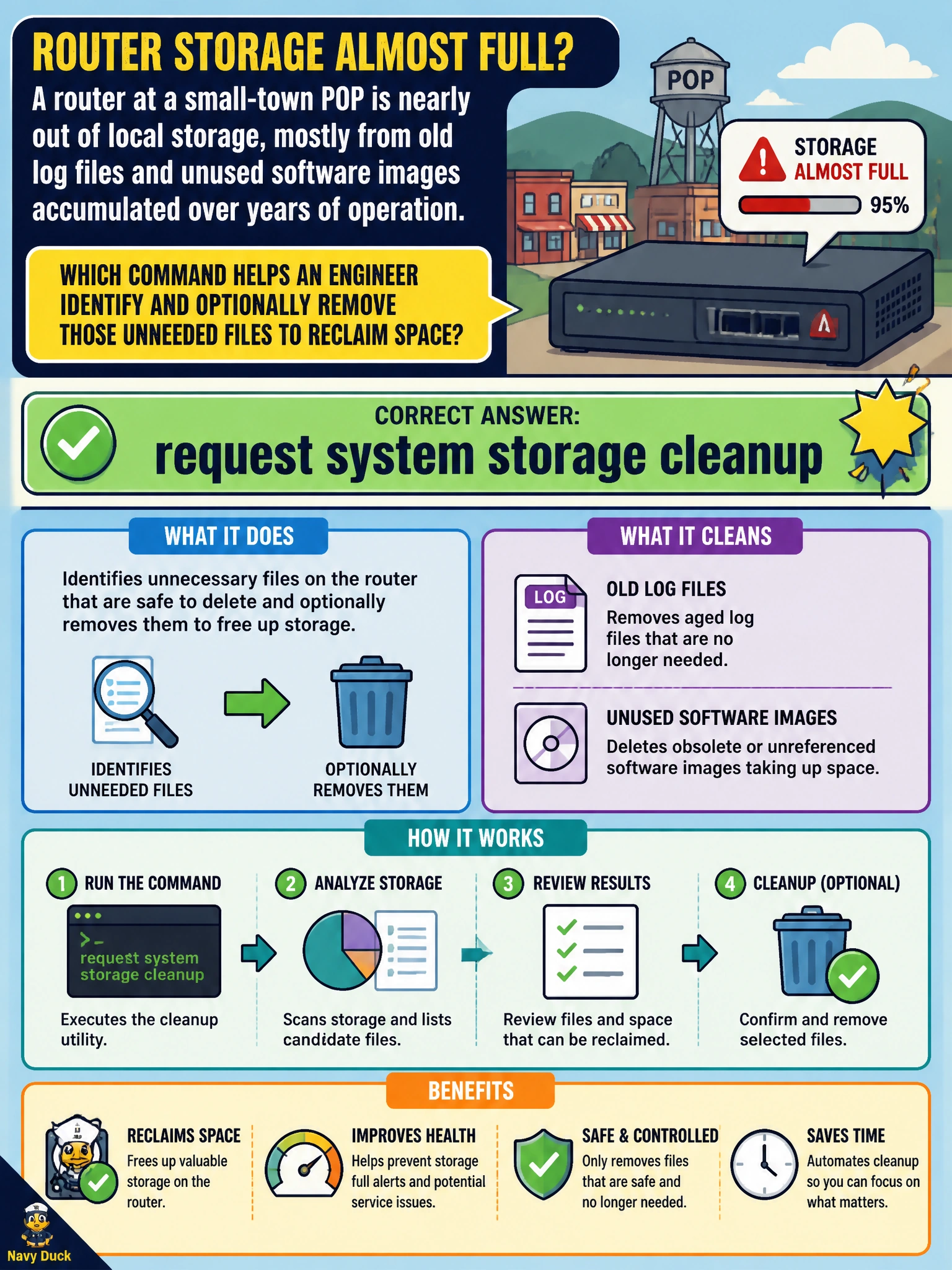
A router at a small-town POP is nearly out of local storage, mostly from old log files and unused software images accumulated over years of operation. Which command helps an engineer identify and optionally remove those unneeded files to reclaim space?
Select an answer to reveal the explanation.
Short Explanation
Years of accumulated old logs and stale software images pile up on a router the same way a garage fills with boxes nobody's opened in years. request system storage cleanup walks through and offers to clear out exactly that kind of clutter, giving the engineer real space back before it becomes an upgrade blocker.
Full Explanation
request system storage cleanup surveys the device's filesystems for files that are safe to remove — rotated and archived log files, crash and core dump files, and software images left over from previous upgrades — and presents them for deletion, either interactively or with a dry-run option, making it the purpose-built tool for reclaiming space accumulated over years of operation. request system snapshot does the opposite of freeing space: it creates a backup copy of the current software and configuration on backup media, which consumes additional storage rather than reclaiming any. request system software rollback reverts the device to the previously installed Junos OS version; it's a recovery action tied to a specific prior upgrade, not a general housekeeping tool, and it doesn't target old logs or unrelated stale images. clear log messages only truncates the contents of one specific log file, which can help marginally but is far narrower than a full storage sweep across logs, crash files, and old images. A caveat: some files flagged by the cleanup are tied to files currently open by running processes and should not be force-removed outside the command's own logic. A concrete check: run request system storage cleanup with the dry-run style listing first, review what would be deleted, then confirm before removing.