
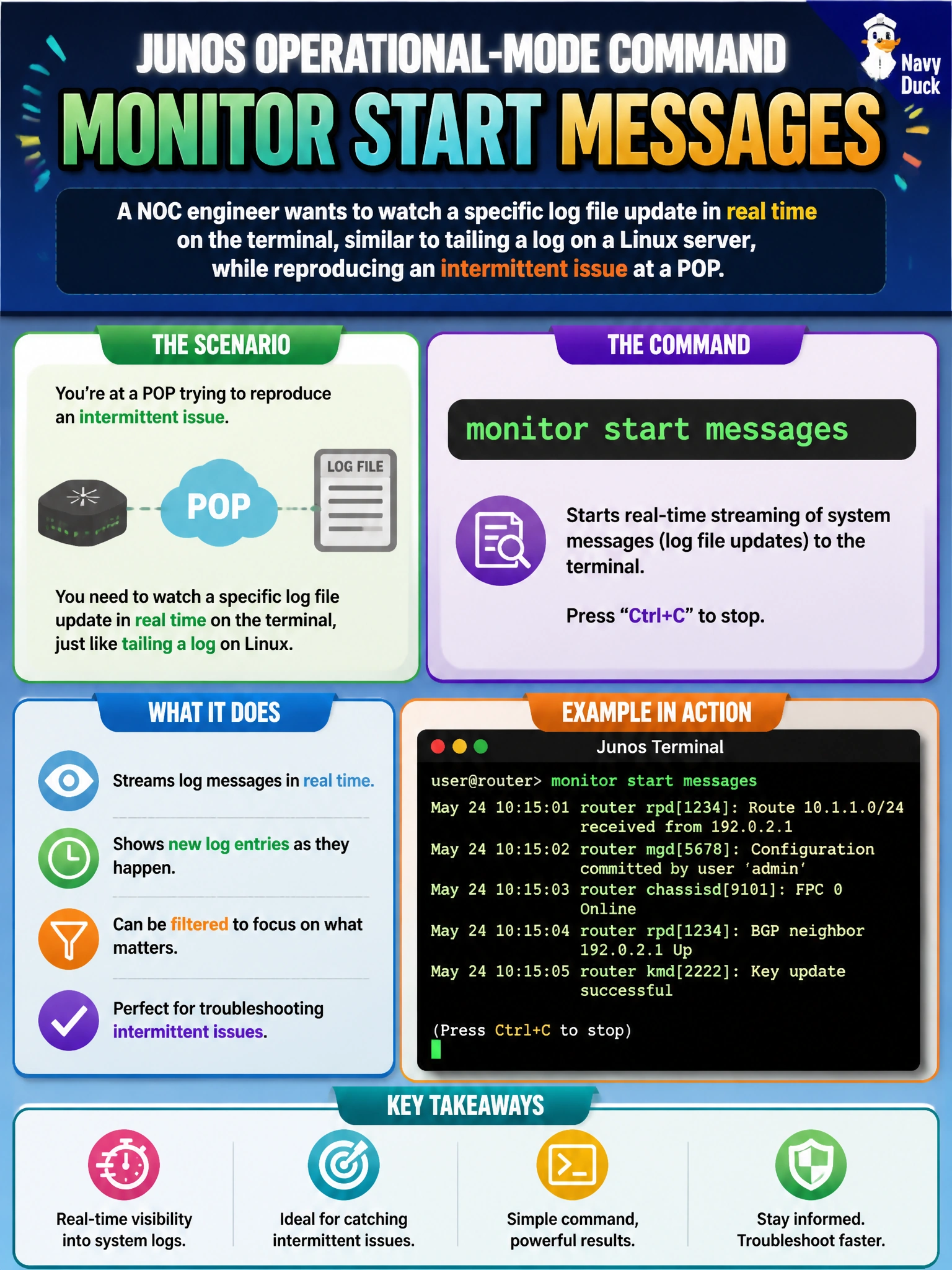
A NOC engineer wants to watch a specific log file update in real time on the terminal, similar to tailing a log on a Linux server, while reproducing an intermittent issue at a POP. Which Junos operational-mode command does that?
Select an answer to reveal the explanation.
Short Explanation
Reading a log file once is like reading yesterday's newspaper; monitor start is more like watching the news ticker scroll live. It streams new lines as they're written, so an engineer chasing an intermittent problem sees each new event the instant it happens.
Full Explanation
monitor start <filename> opens a live, continuously-updating view of a log file, printing each new line as it's appended — exactly the behavior needed while actively reproducing an intermittent issue and wanting immediate feedback rather than checking the log after the fact. show log messages and show log messages | last 50 are both static commands: they return the file's contents as of the moment they run and then stop, so catching a fast-moving intermittent event requires re-running the command repeatedly and hoping the timing lines up. monitor interface is a genuinely useful live tool, but it displays interface traffic and error counters, not the contents of a log file, so it answers a different question than "what is being logged right now." A practical caveat: multiple files can be monitored at once, and monitor stop is needed to end the live stream cleanly before it clutters further CLI output. A concrete check: start monitor start messages, reproduce the intermittent condition on-site, and confirm the expected log entry — such as a link-down/link-up pair — appears in the live stream at the moment the issue occurs.