
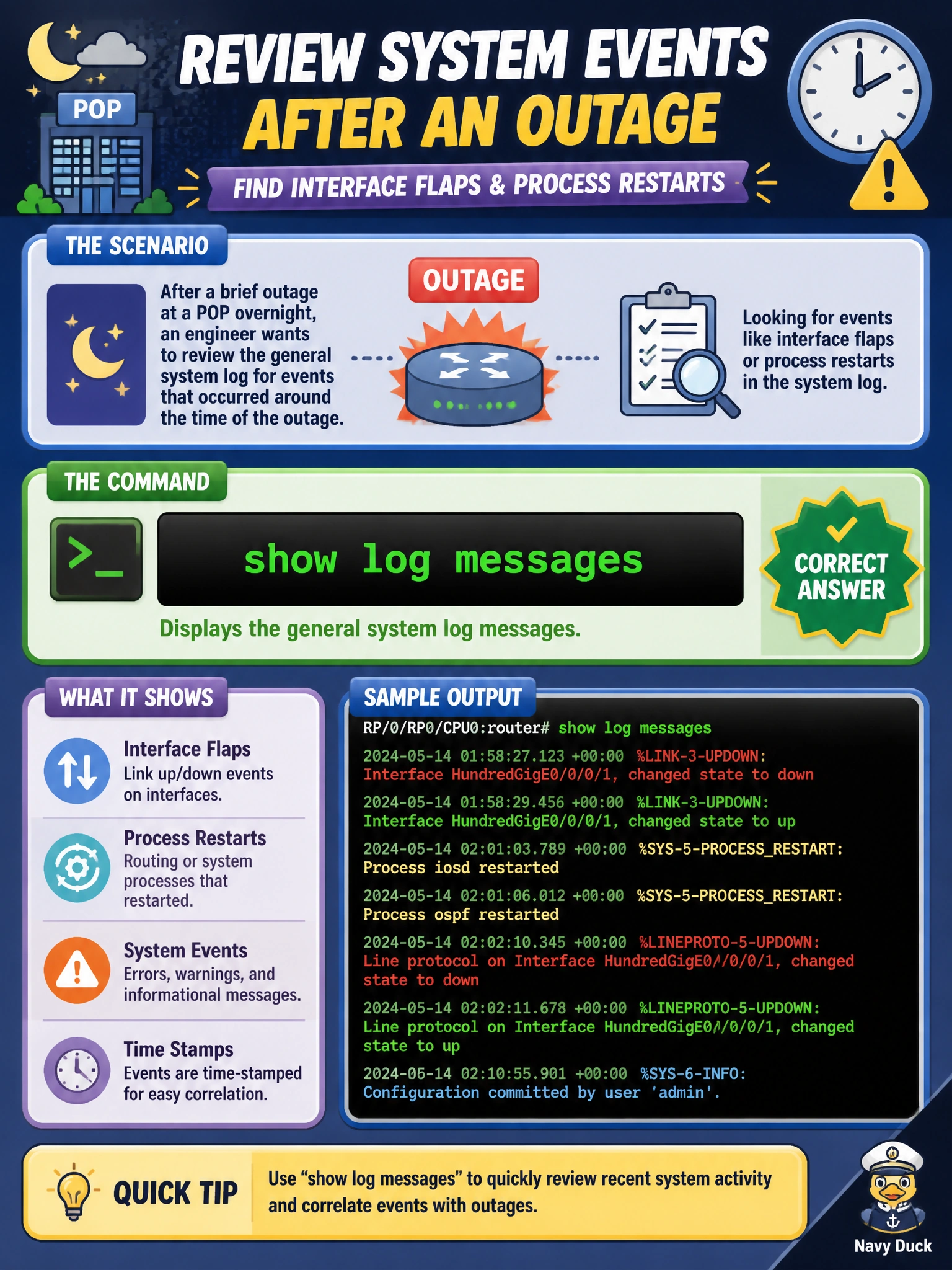
After a brief outage at a POP overnight, an engineer wants to review the general system log for events like interface flaps or process restarts that occurred around the time of the outage. Which command displays that log?
Select an answer to reveal the explanation.
Short Explanation
The system keeps a running notebook of what's happened — link changes, restarts, warnings — and show log messages is how you read that notebook back. It's the natural first stop after any overnight outage, before reaching for anything fancier.
Full Explanation
Junos writes routine operational events — interface state changes, process starts and restarts, authentication attempts, and general system notices — to the messages log by default, and show log messages displays that file's contents directly from the CLI, which makes it the natural starting point for reconstructing what happened around an overnight outage. show system processes instead lists currently running processes and their resource usage at the moment the command is run; it has no memory of what happened hours earlier, so it can't reveal a process that already restarted and stabilized overnight. show chassis alarms only surfaces conditions currently active and flagged as alarm-worthy — a transient event that has since cleared, like a brief link flap, may never appear there even though it's fully recorded in the messages log. show configuration displays the device's current configuration hierarchy; it describes intended state, not a historical record of events, so it's the wrong tool entirely for after-the-fact investigation. One caveat: the messages log rotates and archives on a configured schedule, so a long-past event may have aged into an archived file rather than the current one. A concrete check: run show log messages | match Aug or show log messages | last 100 to scope the review to the outage window.