
An engineer at a rural ISP's carrier-hotel POP needs to inspect the actual packet headers crossing an interface in real time, similar to a lightweight packet sniffer, to confirm a subscriber's DHCP requests are actually reaching the router. Which Junos CLI command is built for that?
Select an answer to reveal the explanation.
Short Explanation
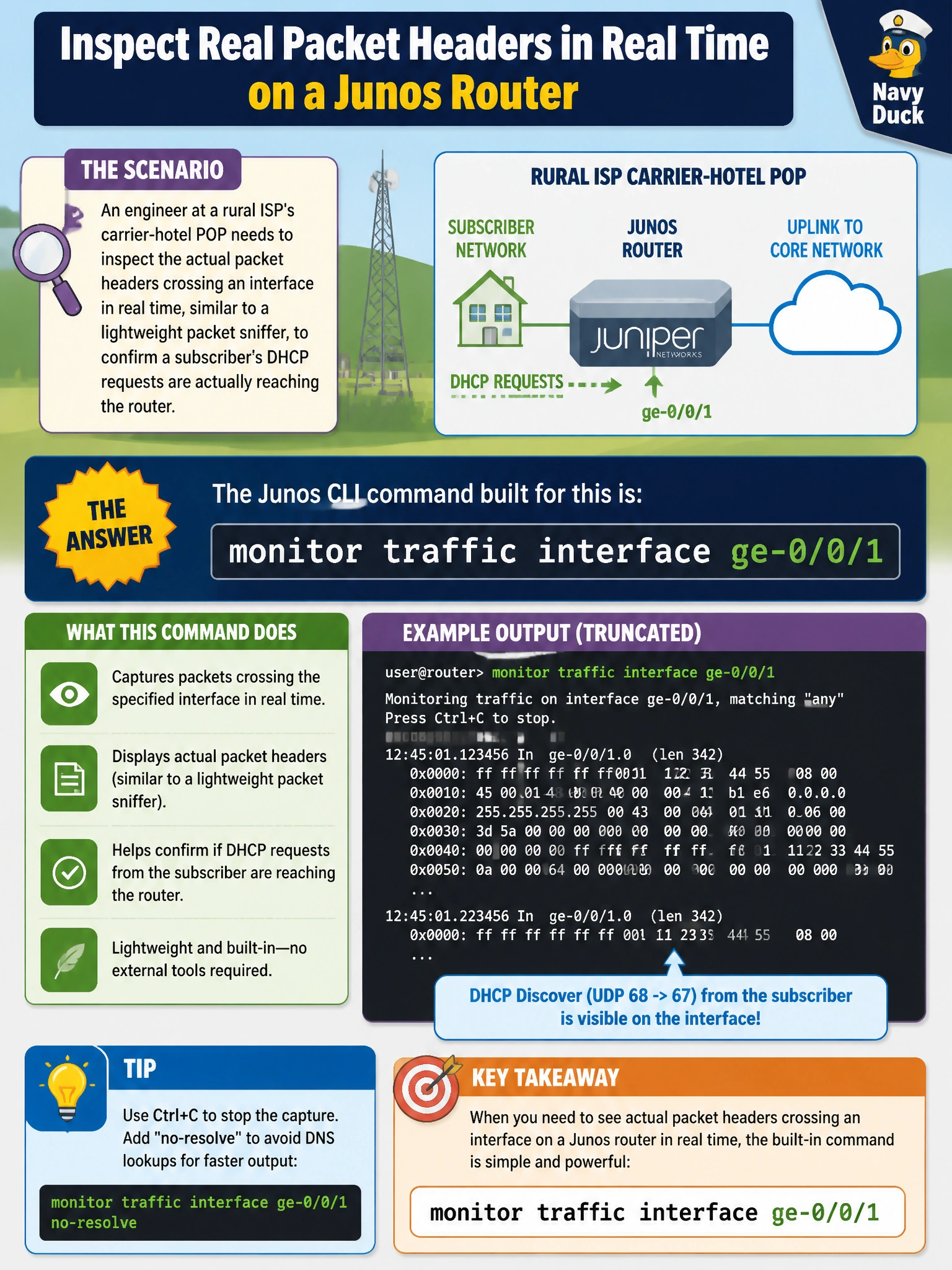
When you need to see what's actually inside the traffic, not just how much of it there is, you reach for monitor traffic interface. It's Junos's built-in version of a packet sniffer, printing header details for packets as they cross the wire so you can confirm something specific, like a DHCP request, is really showing up.
Full Explanation
monitor traffic interface puts the interface into a capture mode and prints a live, per-packet summary of header information as frames arrive, which is precisely the tool for confirming that specific traffic — like a subscriber's DHCP discover — is actually reaching the router rather than being dropped or misrouted somewhere upstream. monitor interface is a sibling command that instead reports aggregate rate and error counters for the interface as a whole; it can tell you traffic volume is nonzero but can't show you it's DHCP traffic specifically. show interfaces ge-0/0/1 extensive is a static counters dump, useful for spotting errors and drops but incapable of displaying packet contents at all. traceroute operates end-to-end between hosts to map a path hop by hop; pointing it at a local interface name isn't valid usage, and even used correctly it reveals routing hops, not packet header contents on a single link. An important caveat: packet capture adds load to the routing engine, so it should be scoped narrowly (a specific interface, ideally with a match filter) and run briefly, not left running indefinitely on a busy POP uplink. A concrete check: run the capture and confirm DHCP discover/offer packets appear with the subscriber's MAC address in the header.