
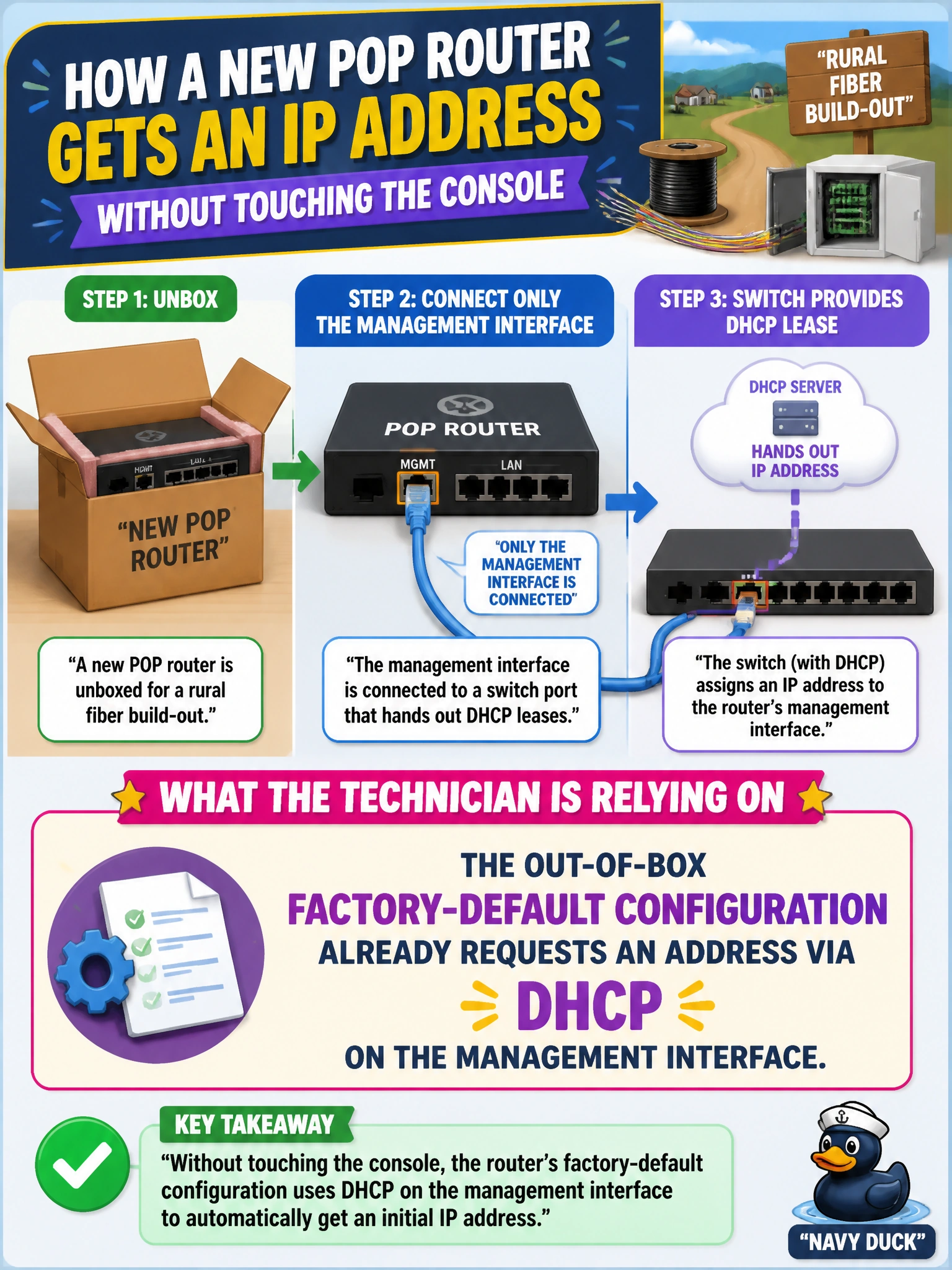
A technician unboxes a new POP router for a rural fiber build-out and connects only the management interface to a switch port that hands out DHCP leases, without touching the console. What is a technician relying on to get an initial address this way?
Select an answer to reveal the explanation.
Short Explanation
Straight out of the box, Junos devices are already set up to go ask a DHCP server for an address on the management interface — no configuration typing required. That's the one shortcut that lets a technician skip the console cable entirely, as long as there's a DHCP server on the other end of that port.
Full Explanation
Junos devices ship with a factory-default configuration that already includes a DHCP client request on the management interface, which is precisely why plugging that interface into a network segment with an available DHCP server can get the device an initial IP address without any console-based configuration at all. This is a convenience built into the out-of-box state, not something a technician configures — it's already present the moment the device powers on unconfigured. Login classes are unrelated to DHCP; they're assigned to user accounts under the system login hierarchy, and DHCP address assignment has no mechanism for negotiating account permissions alongside an IP lease. The factory-default host-name, or lack of a customized one, plays no role in DHCP negotiation — DHCP client identification typically relies on interface hardware addressing, not a configured hostname string. The root-authentication password is an entirely separate concern — a credential for administrative login — with no relationship to DHCP client behavior on an interface. Once the router has an address this way, the technician would still need to log in and complete the rest of initial setup, including root-authentication and host-name, so DHCP addressing is a starting point, not a substitute for full commissioning.