
A co-op engineer types the root-authentication plain-text-password command and enters a password at the prompt. What does Junos do with that password in the resulting configuration?
Select an answer to reveal the explanation.
Short Explanation
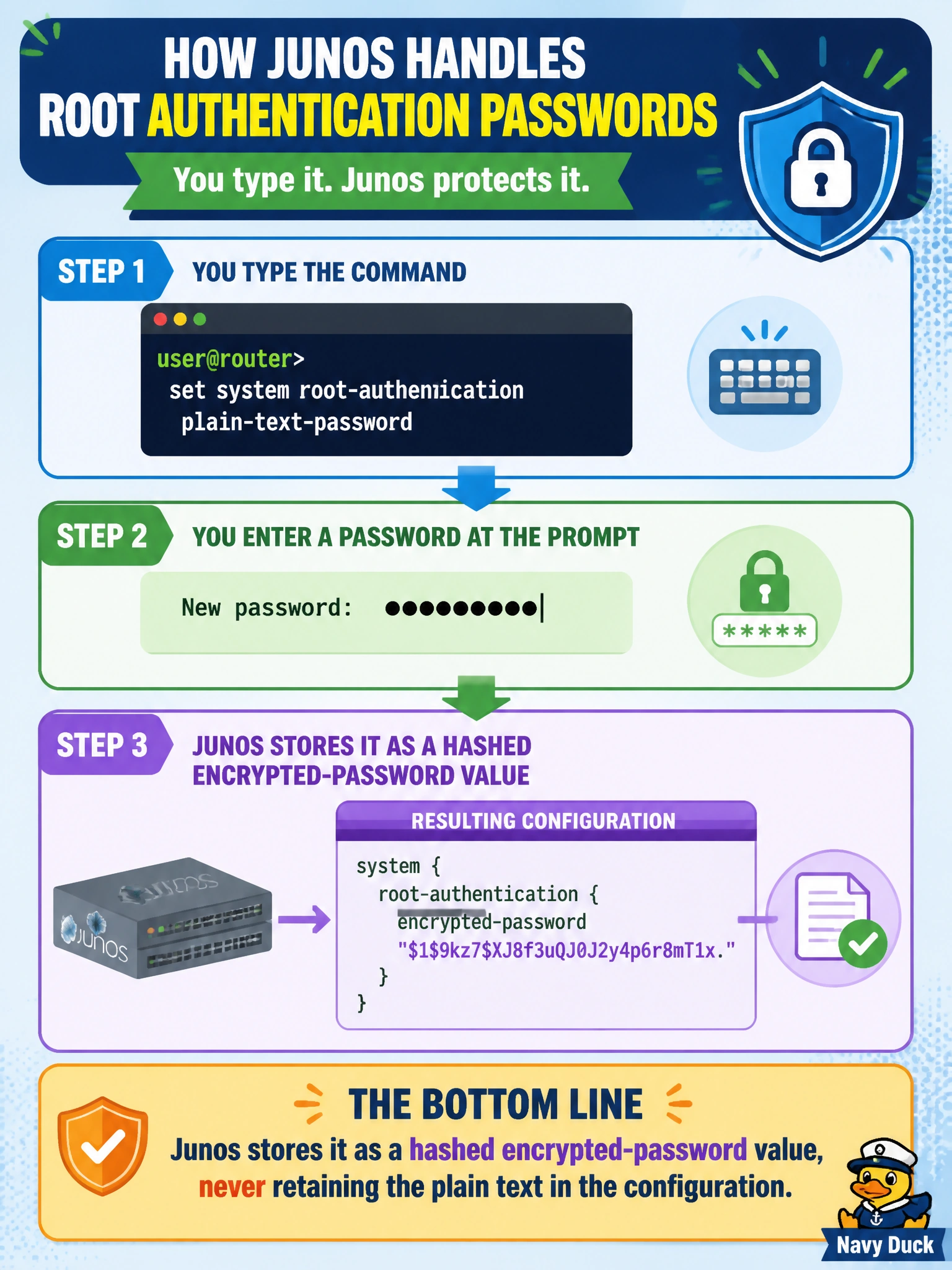
The name 'plain-text-password' describes how you type it in, not how Junos keeps it. The moment you hit enter, Junos hashes that password and stores the encrypted form under root-authentication — the readable text never sticks around in the config.
Full Explanation
The plain-text-password option under root-authentication describes the input method — typing a readable password at an interactive prompt — not the storage format. Junos immediately hashes whatever is entered and commits the result as an encrypted-password value in the configuration; the plain text itself is never persisted or displayed back, including in configuration display output, which instead shows the hashed string. This matters operationally because it means the original password can't be recovered by reading the configuration file — only reset by setting a new one. It's not the case that Junos discards the password and moves to a fallback authentication method; root-authentication configures the credential for the root account specifically, and authentication-order governs how login attempts for accounts generally are validated against methods like radius or a local password, an entirely different configuration concern. The password also isn't relocated into a login-class definition — root-authentication and login classes are separate statements under system configuration, one setting a credential, the other defining permission scope, and they aren't merged. A good habit when documenting a commissioning procedure is to record that a root password was set and rotated on schedule, without ever recording the plain-text value itself, since Junos's own storage already treats it as sensitive.