
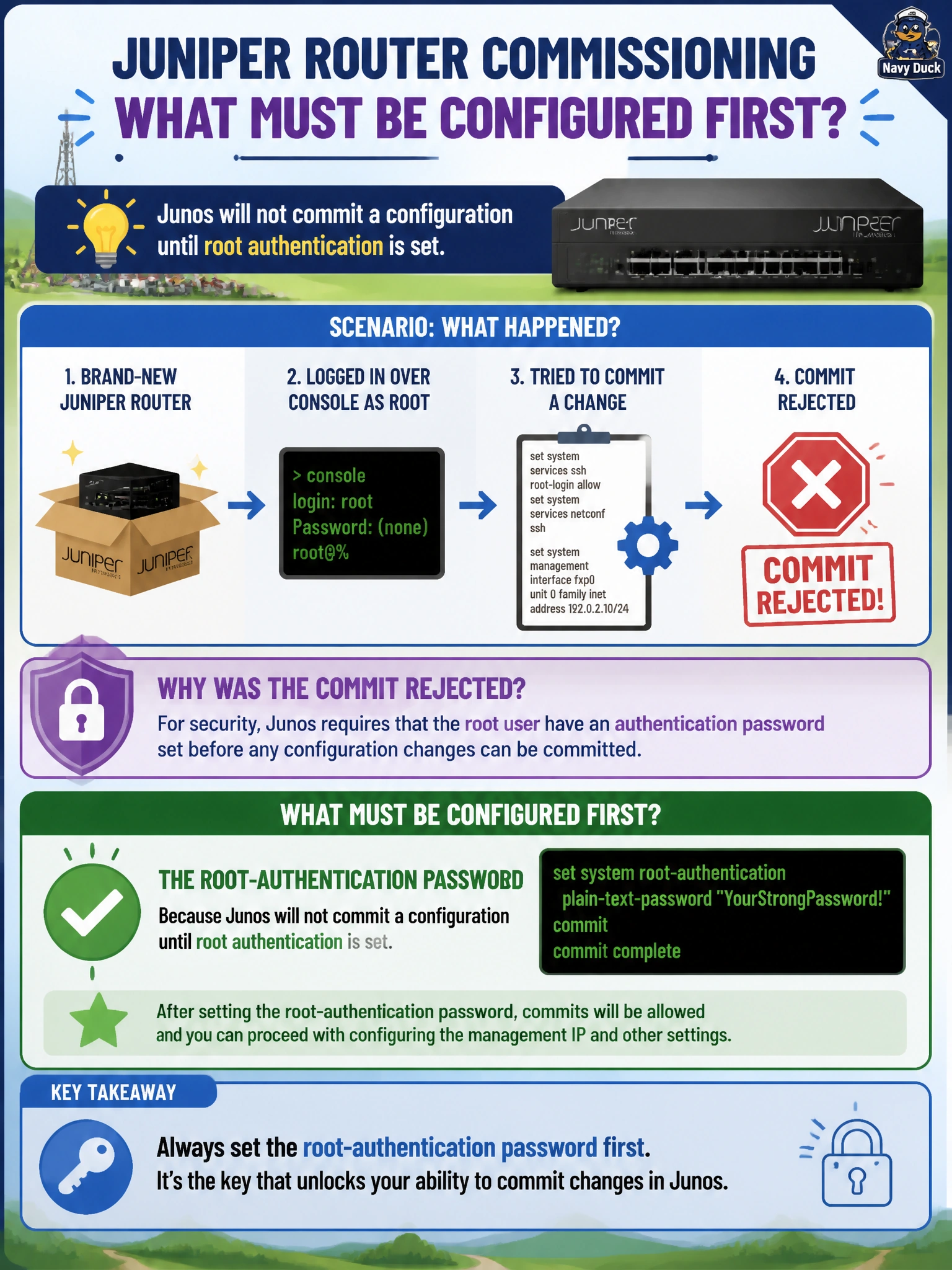
A field technician receives a brand-new Juniper router to commission as a POP node for a rural broadband cooperative. Fresh out of the box, the technician logs in over the console as root with no password prompted and tries to commit a change to enable a management IP address, but the commit is rejected. What must be configured first?
Select an answer to reveal the explanation.
Short Explanation
Junos treats an unauthenticated root account like an open front door — it won't let you lock in any other change until you set a password for it. Think of root-authentication as the deadbolt that has to go on before you can trust anything else in the house. Set that password first, and the rest of the commit goes through fine.
Full Explanation
On a factory-default Junos device, the root account exists with no password, and that gap is treated as a blocking condition rather than a cosmetic warning. The commit process checks the candidate configuration, and one of the checks it enforces is that root-authentication contains a password (plain-text-password or an already-encrypted-password) before it will activate any candidate configuration, including an otherwise unrelated management-IP change. The mechanism exists because Junos assumes an unauthenticated root account is not yet a trustworthy administrative boundary, so it refuses to lock in any other change until that boundary is established. A hostname is cosmetic and has no bearing on commit eligibility — it only affects the CLI prompt and log identification. An SNMP community string configures a monitoring integration, not an authentication gate, so its absence never blocks a commit. A syslog destination is similarly unrelated: Junos logs commit attempts locally by default whether or not a remote syslog host exists. On a real commissioning task, the operational check is simple: attempt a commit immediately after first login, and if it fails citing root authentication, set the password before touching anything else in the candidate configuration.