
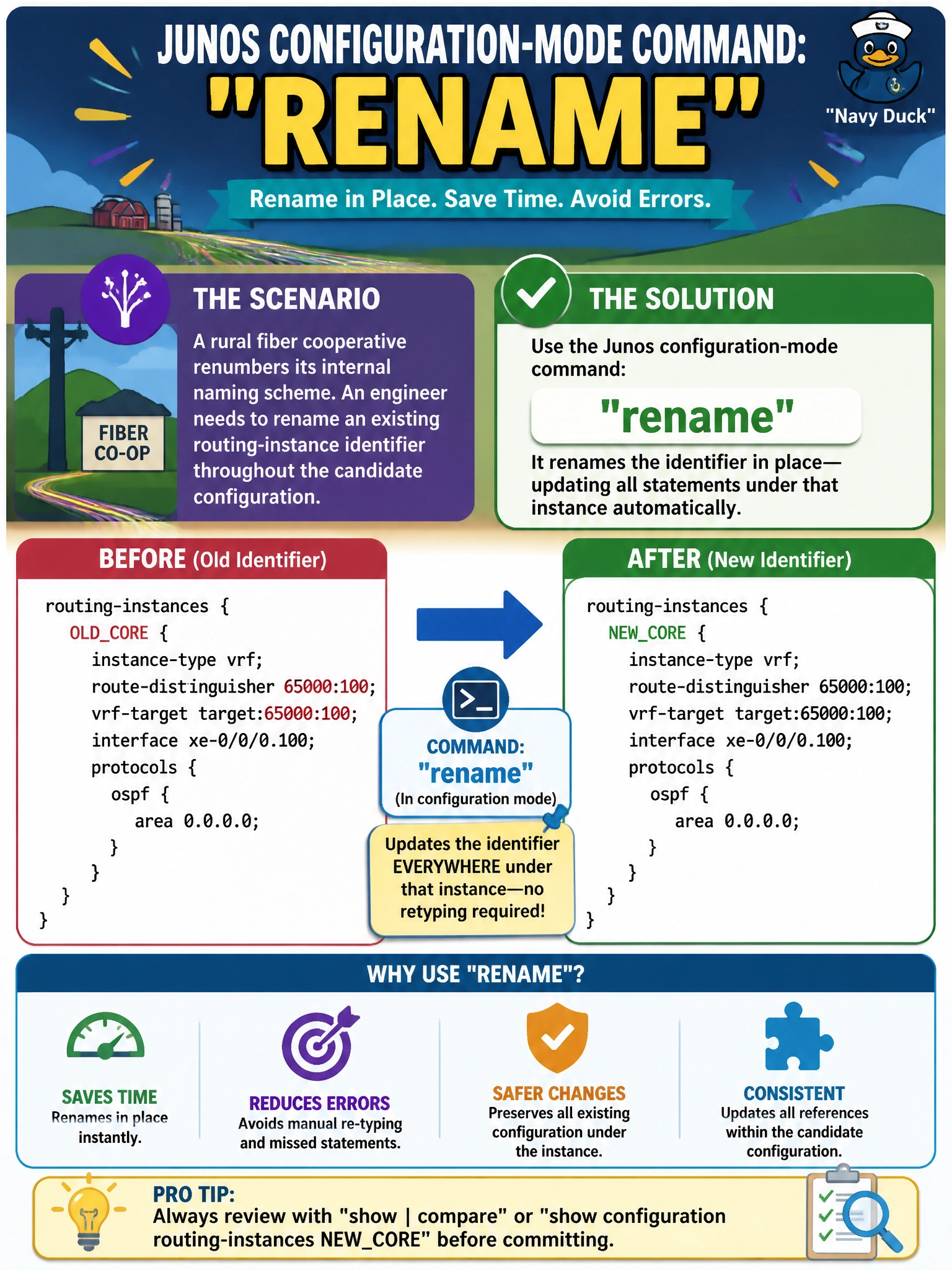
After a rural fiber cooperative renumbers its internal naming scheme, an engineer needs to rename an existing routing-instance identifier throughout the candidate configuration without deleting and manually re-typing every statement under that instance. Which Junos configuration-mode command accomplishes a rename in place?
Select an answer to reveal the explanation.
Short Explanation
rename relabels an identifier — like a routing instance's name — while every statement nested underneath it comes along automatically. It's a lot faster than deleting the whole thing and retyping it under the new name.
Full Explanation
The rename command changes the identifier of a configuration object, such as a routing-instance name, an interface unit's description tag, or a policy name, in place within the candidate configuration, carrying every nested statement underneath it along to the new name, so the engineer avoids manually recreating an entire hierarchy of statements by hand. copy duplicates an existing configuration hierarchy under a new name while leaving the original in place, which is useful for cloning a template but does nothing to eliminate the old name during a renumbering effort, since both would exist afterward. insert is used to reorder items within an ordered list, such as changing the sequence of firewall filter terms, which has nothing to do with relabeling an identifier. annotate attaches a descriptive comment to a configuration statement for documentation purposes, leaving the statement's actual name and content completely unchanged. Caveat: rename only takes effect in the candidate configuration until a commit is issued, and anything referencing the old name elsewhere in the configuration, such as a routing-instance applied under an interface, must be updated separately, since rename does not chase down and fix external references automatically. Check: run show | compare after the rename to confirm exactly which lines changed before committing.