
Before committing a rollback, an engineer at a rural cooperative wants to see precisely which configuration lines will be added or removed compared to what's currently active, rather than trusting memory of what changed. Which command shows that difference?
Select an answer to reveal the explanation.
Short Explanation
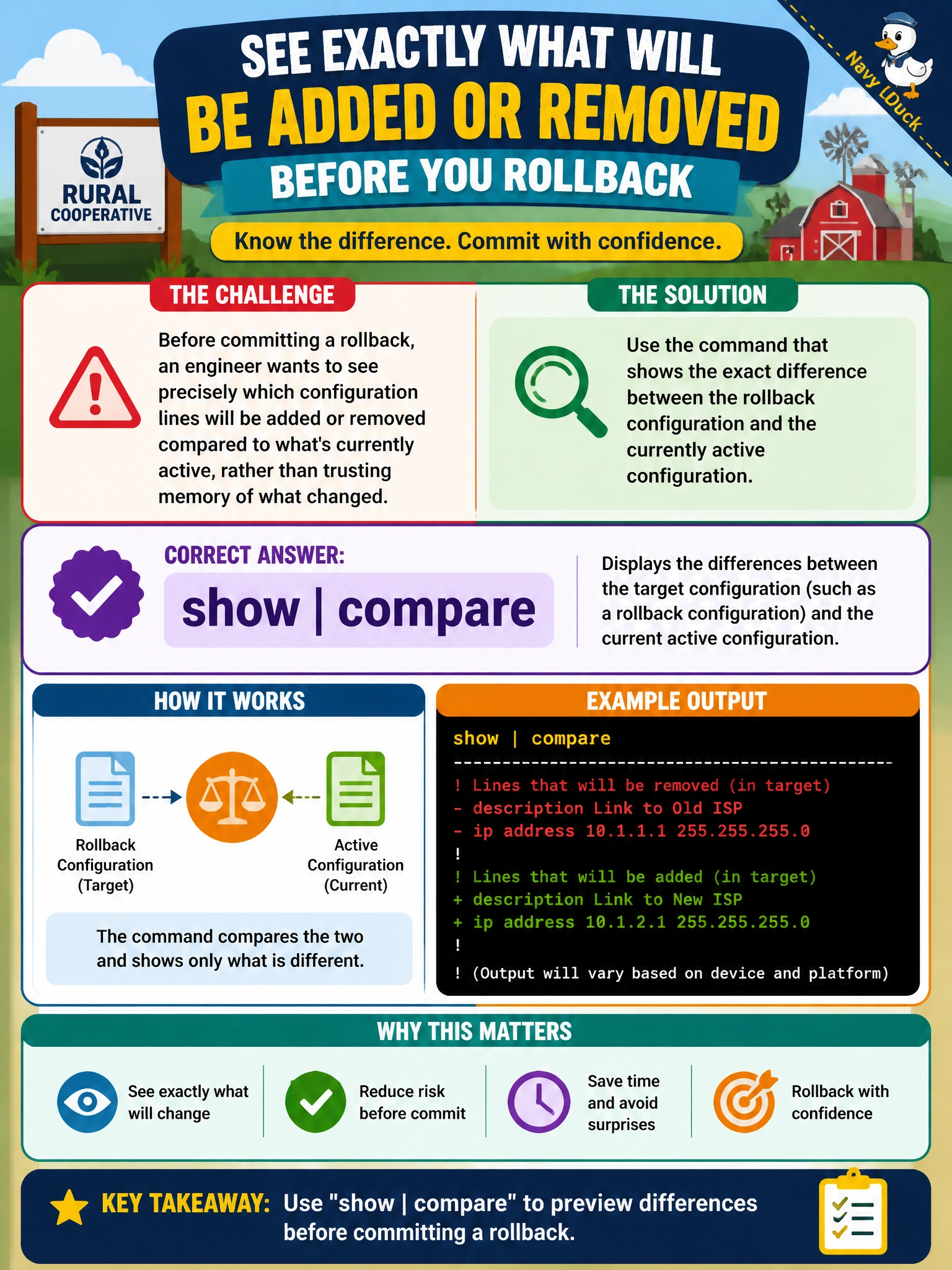
show | compare is the diff tool: lines with a plus are being added, lines with a minus are going away, right there before commit is ever typed. It turns 'this is probably what changed' into 'here's exactly what changed.'
Full Explanation
Run from within a hierarchy level or at the top, show | compare (optionally show | compare rollback N) prints a plus-and-minus style diff between the candidate configuration and the active configuration, or a specified prior rollback, letting the engineer review a pending change line by line before ever committing it. Plain show configuration prints the full candidate configuration but gives no built-in indication of what's different from what's already active, forcing a reviewer to compare visually, which is exactly the error-prone habit the engineer is trying to avoid. show system commit lists the history of past commits and any attached comments, which documents what already happened, not what a pending, uncommitted edit is about to change. show configuration | display set reformats the same candidate content into flat set-style statements — a display-format change useful for copying configuration elsewhere, but it still isn't a comparison against the active configuration. Caveat: the diff defaults to comparing against the active configuration unless a rollback number is given, so comparing against an older saved state needs show | compare rollback N specifically. Check: confirm every line in the diff was an intentional part of the change before typing commit.