
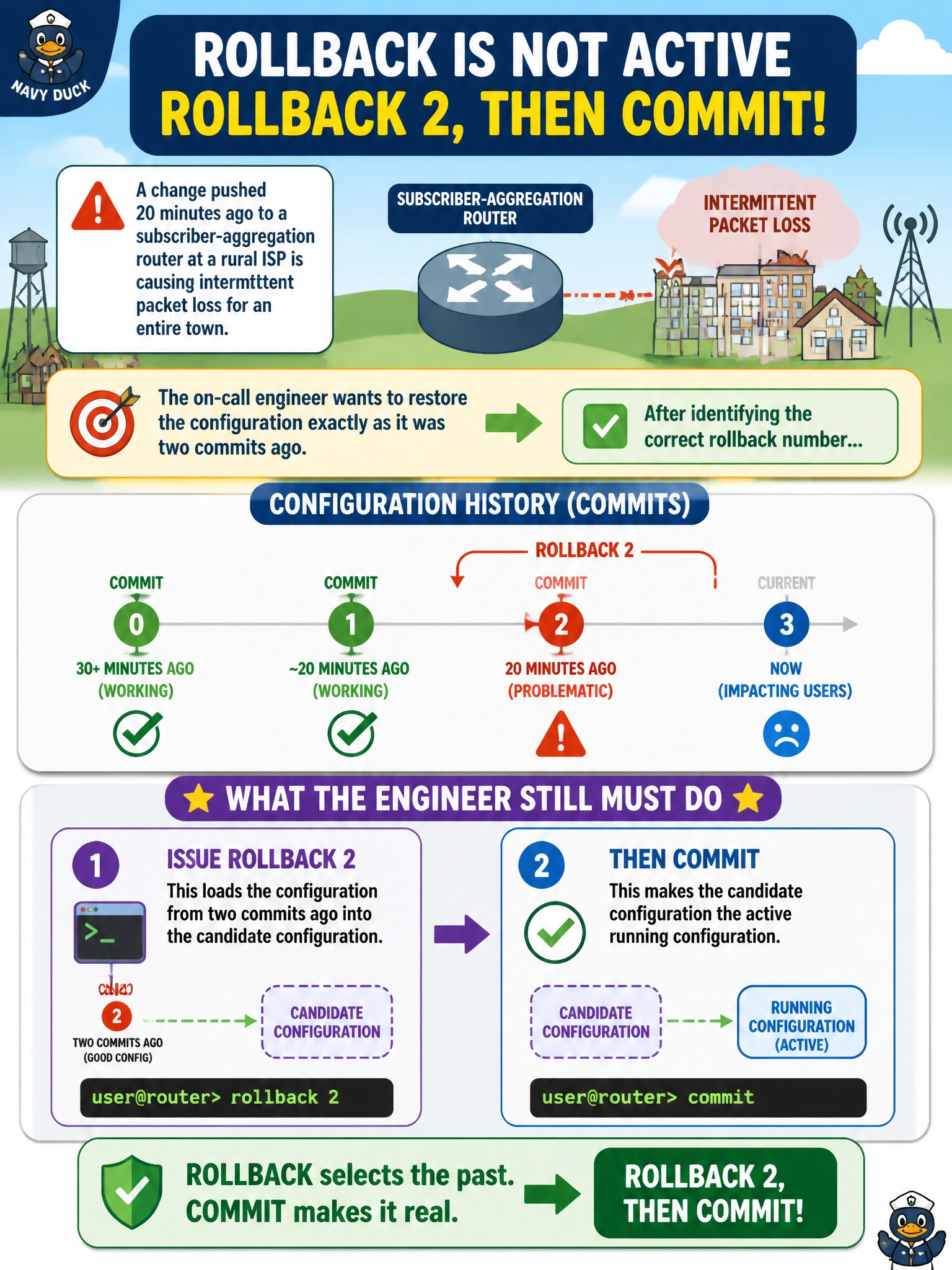
A change pushed 20 minutes ago to a subscriber-aggregation router at a rural ISP is causing intermittent packet loss for an entire town. The on-call engineer wants to restore the configuration exactly as it was two commits ago. After identifying the correct rollback number, what must the engineer still do to make that older configuration active on the router?
Select an answer to reveal the explanation.
Short Explanation
rollback only loads an old configuration back into the candidate — it doesn't push it live by itself. Committing is still required afterward, same as any other edit, before the router actually starts running it.
Full Explanation
The rollback command replaces the candidate configuration with a previously committed configuration from Junos's built-in numbered history, where rollback 0 is the most recently committed (currently active) configuration, rollback 1 is the one before that, and so on; rollback 2 in this scenario loads the configuration from two commits back into the candidate only. Because rollback behaves like any other candidate edit, the engineer must still issue commit for that older configuration to actually become active and start affecting traffic. Assuming rollback immediately replaces the active configuration skips this required step and would leave the engineer thinking the fix was live when it isn't. Rebooting re-reads whatever configuration is already active in flash; it does not automatically retrieve a specific numbered rollback, and rebooting an aggregation router mid-outage would make the town's packet loss worse, not better. load override replaces the candidate from an arbitrary saved ASCII file path, a different mechanism from Junos's automatically maintained numbered rollback history. Caveat: rollback numbers shift with every new commit, so the number identified should be confirmed against show system commit right before use. Check: after rollback 2, run show | compare to preview the exact change before committing.