
A technician is about to push a routing change to a router at an unstaffed rural POP with no out-of-band access, and is worried a mistake could disconnect the site entirely. Which commit variant lets the change take effect immediately but automatically reverts to the prior configuration if the technician doesn't reconfirm within a set time window?
Select an answer to reveal the explanation.
Short Explanation
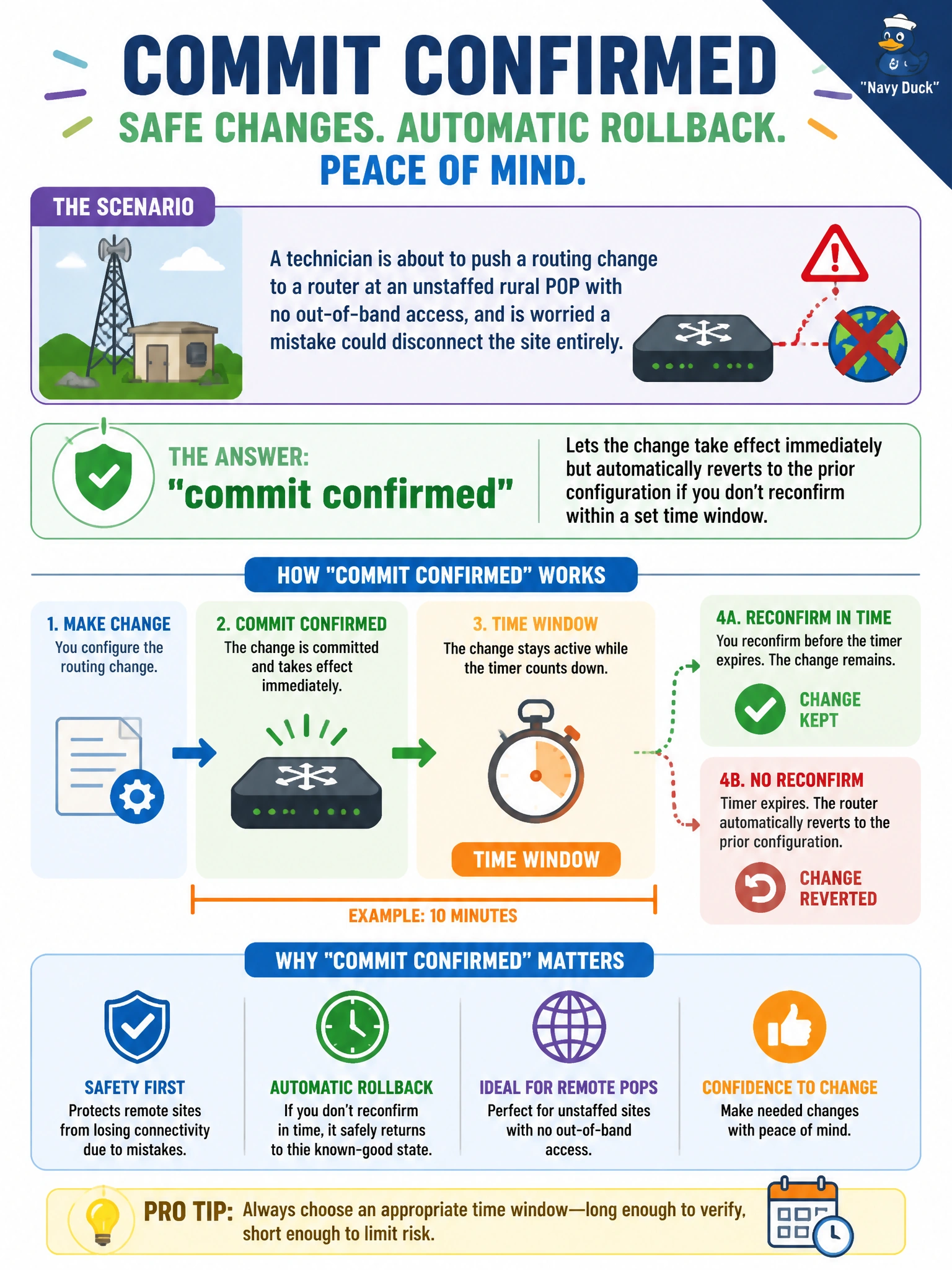
commit confirmed is the safety net for exactly this kind of remote-site nightmare: the change goes live right away, but if contact is lost and no second commit follows, Junos rolls itself back automatically. It's a self-destructing commit.
Full Explanation
commit confirmed activates the candidate configuration immediately, just like a normal commit, but starts a countdown timer (10 minutes by default, adjustable with commit confirmed minutes) during which a plain commit must be issued to make the change permanent. If that follow-up commit never arrives — because the change severed reachability to the unstaffed POP, for instance — Junos automatically reverts to the configuration that was active before the confirmed commit, restoring connectivity without anyone touching the router again. That is precisely the protection the technician needs before pushing a routing change to a site with no console access. commit at only schedules a normal commit for a future time and carries no automatic rollback safety net once it fires. commit check never activates the candidate at all, so it can't be used to actually push a live change with a reconfirmation window — it only tests validity. rollback N reverts to an already-committed prior configuration in the candidate; it doesn't apply a new pending change with a built-in timer. Caveat: the candidate still has to be valid enough to commit in the first place; the timer only guards against loss of contact afterward. Check: after commit confirmed, watch for the rollback-warning message and verify connectivity before sending the follow-up commit.