
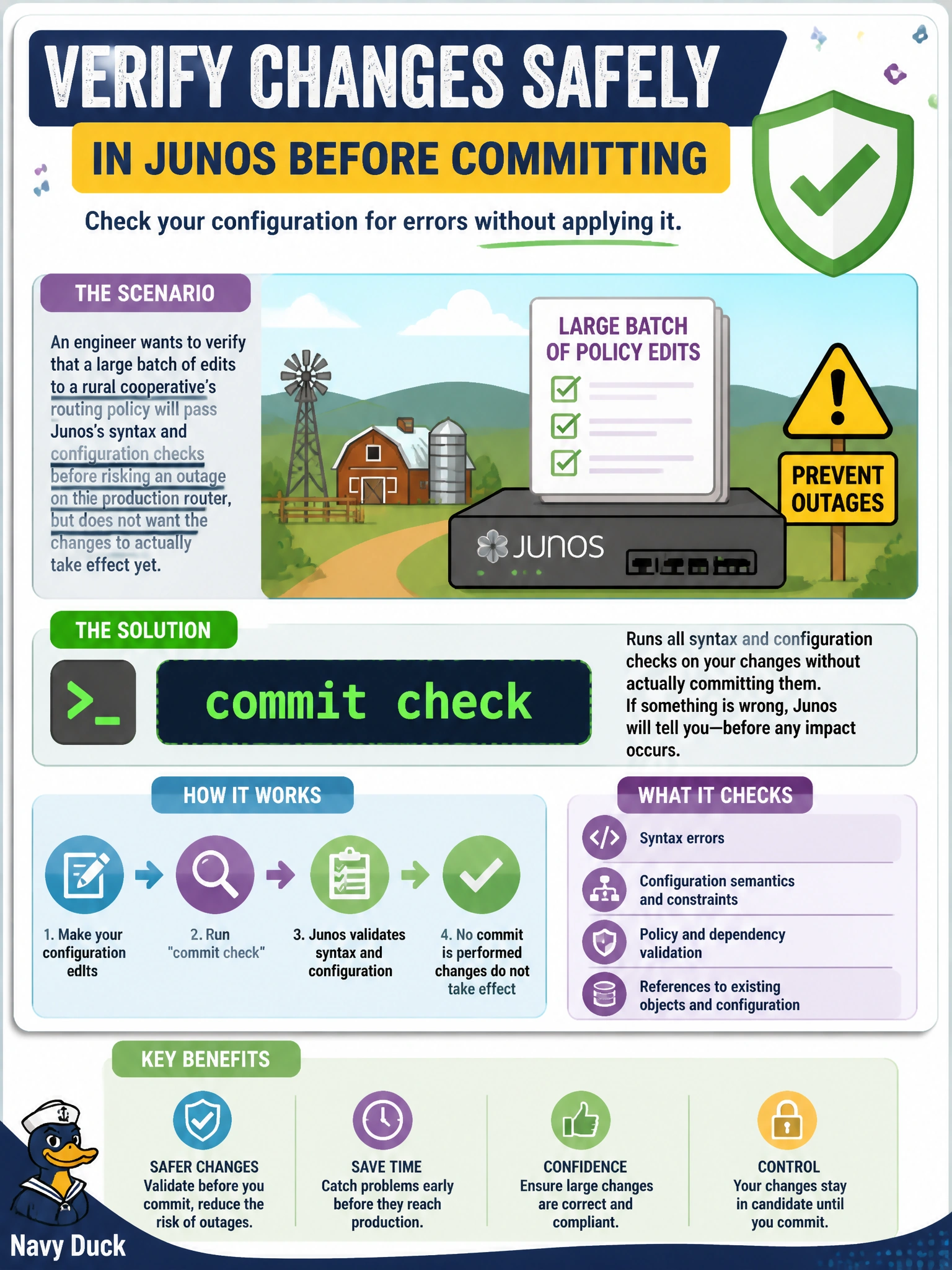
An engineer wants to verify that a large batch of edits to a rural cooperative's routing policy will pass Junos's syntax and configuration checks before risking an outage on the production router, but does not want the changes to actually take effect yet. Which command should the engineer run?
Select an answer to reveal the explanation.
Short Explanation
commit check is a dry run: Junos walks through the same validation it would do for a real commit — syntax, references, semantic rules — but never touches the active configuration. Think of it as a spell-check before you hit send.
Full Explanation
commit check tells Junos to run the full set of syntax and semantic validations it would normally perform during a commit, checking that statements are well-formed and that references between hierarchies resolve correctly, without ever activating the candidate configuration or touching the router's running state. It's the right tool for exactly this scenario: confidence that a large batch of routing-policy edits will pass validation, gained before any risk is taken on the production box. commit confirmed 10 still performs a real commit that goes live immediately, just with a built-in safety timer that auto-reverts if not reconfirmed — it activates the change rather than only testing it, which the engineer explicitly wants to avoid at this stage. commit synchronize is for routers with dual routing engines, making sure both engines commit the same configuration together; it has nothing to do with a validation-only dry run. commit and-quit performs a normal, live commit and then exits configuration mode afterward, again an actual activation rather than a check. Caveat: commit check validates what Junos can verify statically, but it can't catch every operational surprise, such as a policy that is syntactically valid yet behaves unexpectedly once traffic hits it. Check: look for the 'configuration check succeeds' message before proceeding to a real commit.