
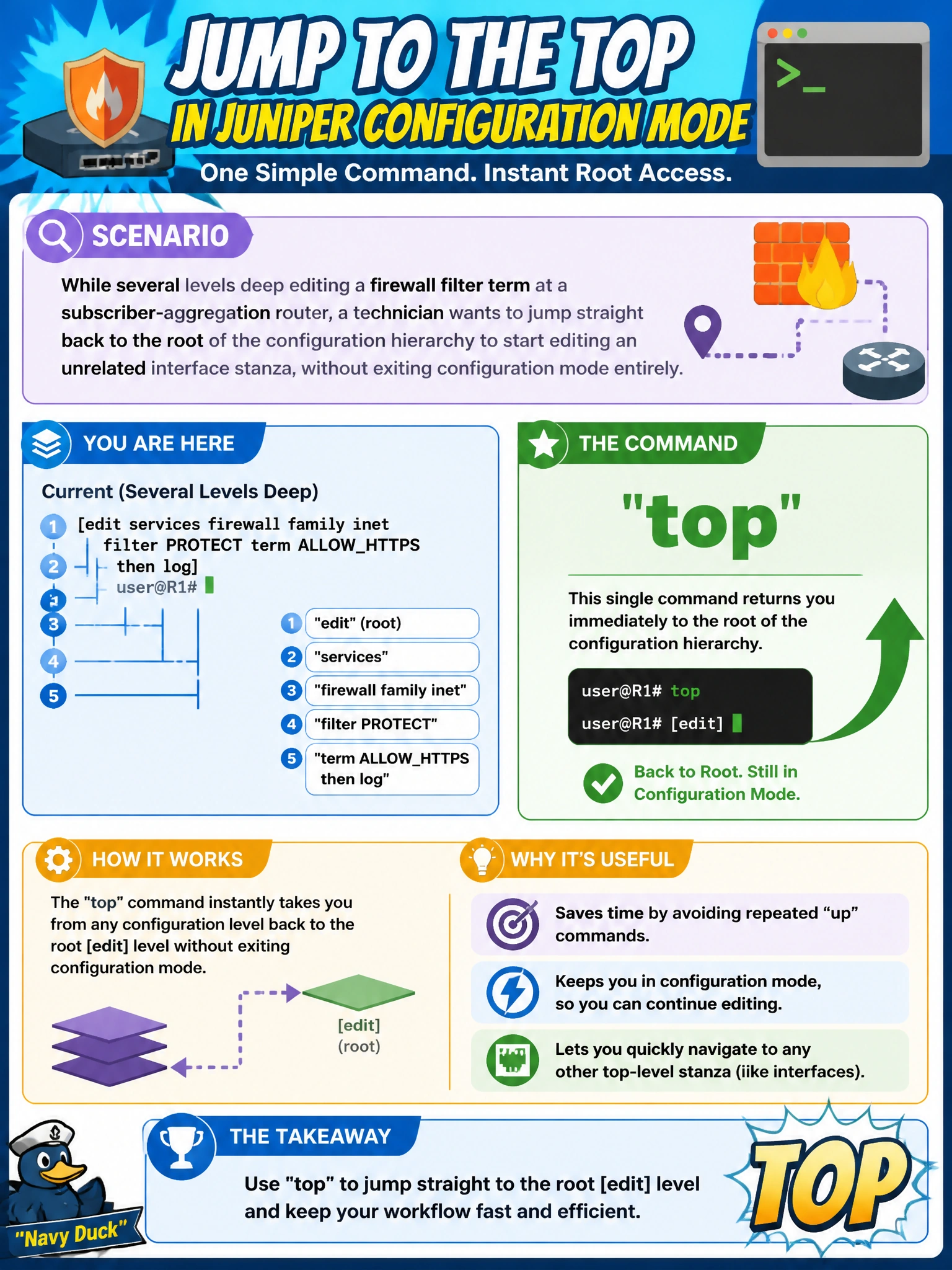
While several levels deep editing a firewall filter term at a subscriber-aggregation router, a technician wants to jump straight back to the root of the configuration hierarchy to start editing an unrelated interface stanza, without exiting configuration mode entirely. Which single command accomplishes this?
Select an answer to reveal the explanation.
Short Explanation
top is the express elevator back to the ground floor of the hierarchy — one command, no matter how many levels deep you are. It keeps you in configuration mode; it just resets where 'here' means.
Full Explanation
The top command moves the current working context immediately to the root of the configuration hierarchy regardless of how many levels deep the technician was, in a single step, while remaining inside configuration mode the whole time. This is the fastest way to abandon one branch of editing and start fresh on an unrelated stanza, like moving from a firewall filter term over to an interface. up moves the working context only one hierarchy level per invocation, so reaching the root from several levels deep would take repeated commands rather than one; it solves a related but slower problem. exit backs out of configuration mode a level at a time (or leaves configuration mode entirely from the top level), which is a different action than simply repositioning within an active editing session. run top is not valid syntax — top is a configuration-mode navigation command, not something passed to run, which is reserved for issuing operational-mode commands from within configuration mode. Caveat: typing top followed by a hierarchy statement moves to the root and then immediately back into that new statement in one step. Check: the prompt showing just [edit] with no trailing hierarchy path confirms the technician is now at the top.