
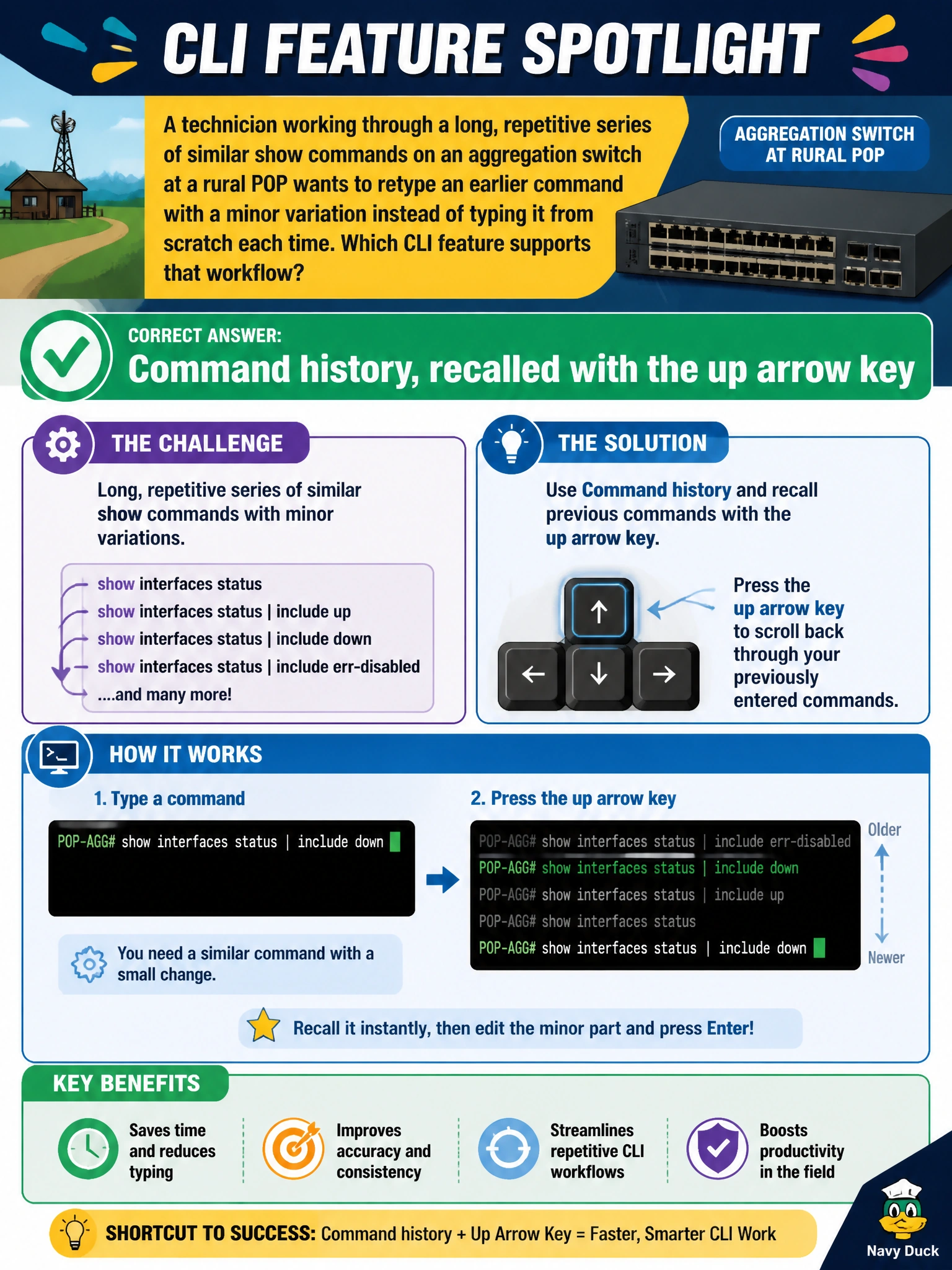
A technician working through a long, repetitive series of similar show commands on an aggregation switch at a rural POP wants to retype an earlier command with a minor variation instead of typing it from scratch each time. Which CLI feature supports that workflow?
Select an answer to reveal the explanation.
Short Explanation
Retyping the same command with one tiny change over and over gets old fast. The CLI keeps a running history of what you've typed, and the up arrow lets you pull an earlier line back to the prompt to tweak and rerun it.
Full Explanation
The Junos CLI keeps a command history for the session, and pressing the up arrow key recalls previously entered commands to the prompt, where a technician can edit a small portion, such as an interface name, before pressing Enter again, which is a much faster workflow than retyping a long command from scratch each time. Context-sensitive help via a question mark is useful for discovering valid syntax at a given point in a command, but it does nothing to recall or reuse a command that was already typed earlier in the session. Output filtering with a pipe and match narrows what a command's results display, which is unrelated to how the command itself gets entered or re-entered at the prompt. Configuration groups are a configuration-mode feature for reusing blocks of configuration statements across multiple locations in the hierarchy, an entirely different concept from recalling a previously typed operational command. A related editing shortcut worth knowing alongside history recall is that keys like Ctrl-A and Ctrl-E jump the cursor to the start or end of the recalled line, which speeds up making that small variation before rerunning it.