
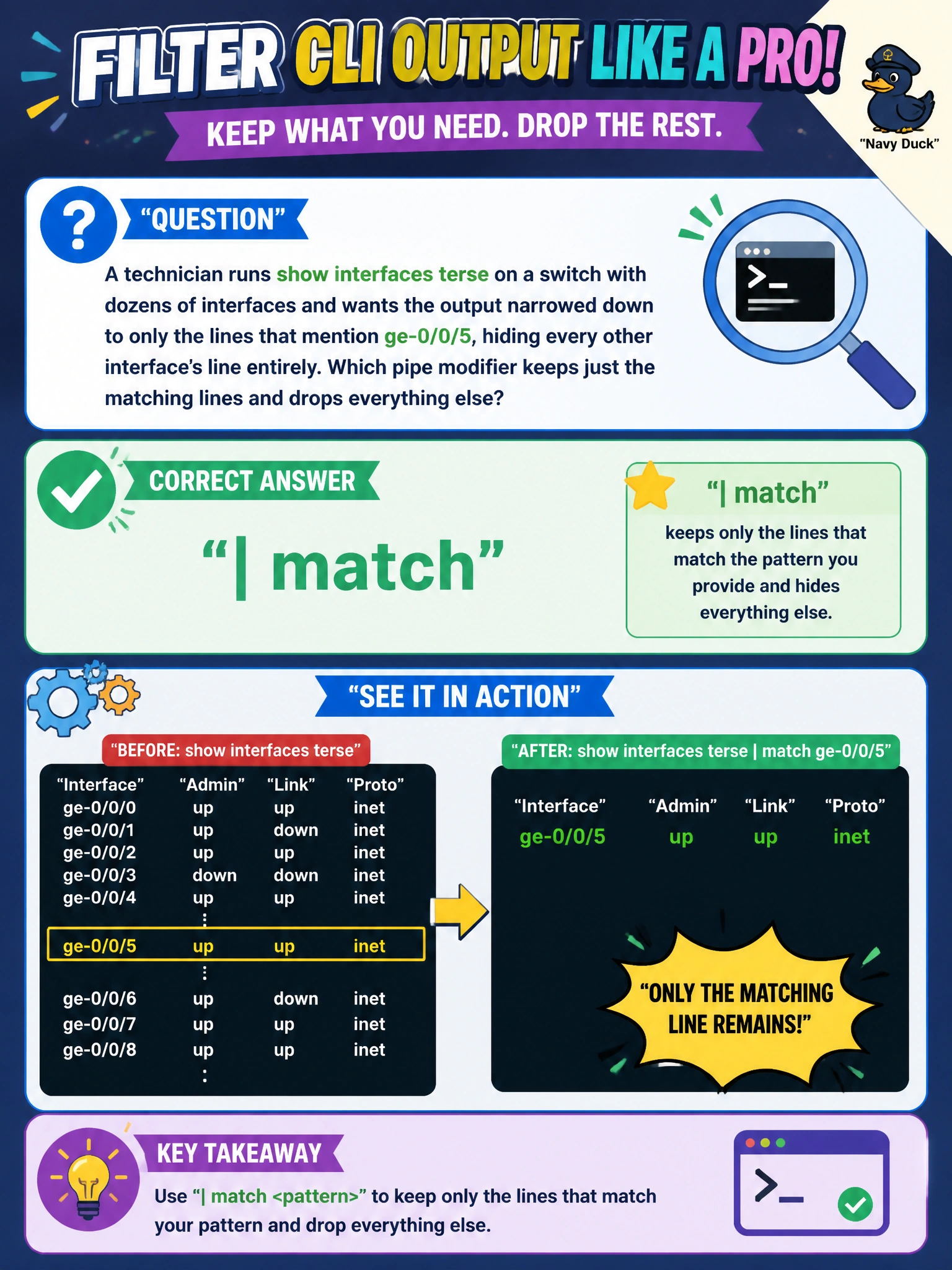
A technician runs show interfaces terse on a switch with dozens of interfaces and wants the output narrowed down to only the lines that mention ge-0/0/5, hiding every other interface's line entirely. Which pipe modifier keeps just the matching lines and drops everything else?
Select an answer to reveal the explanation.
Short Explanation
When you only want the lines mentioning something specific, | match is your filter: it keeps every line containing the pattern you gave it and throws out the rest. That's different from | except, which does the opposite, and different from | find, which just jumps to the first hit without hiding anything.
Full Explanation
The match pipe modifier text-filters CLI output line by line, keeping only lines that contain the given string or pattern and discarding every other line, which is exactly what narrowing a busy terse listing down to one interface calls for. The except modifier produces the mirror-image result, hiding matching lines while keeping everything else, which is useful for a different goal like hiding routine keepalive noise rather than isolating one interface's line. The find modifier repositions the display so it starts at the first line containing the match, but it still shows every subsequent line afterward, so it doesn't remove the other interfaces from view at all. The count modifier discards the actual output entirely and returns only a numeric total of matching lines, which helps answer a how-many question but is useless if the technician actually needs to read that interface's status. A caveat worth keeping in mind is that match performs a straightforward substring search, so a pattern that's too short can catch unintended matches elsewhere in the output, like another interface name that happens to share characters. An operational check is running the same command with match applied and confirming every line returned genuinely references ge-0/0/5 before acting on what's displayed.