
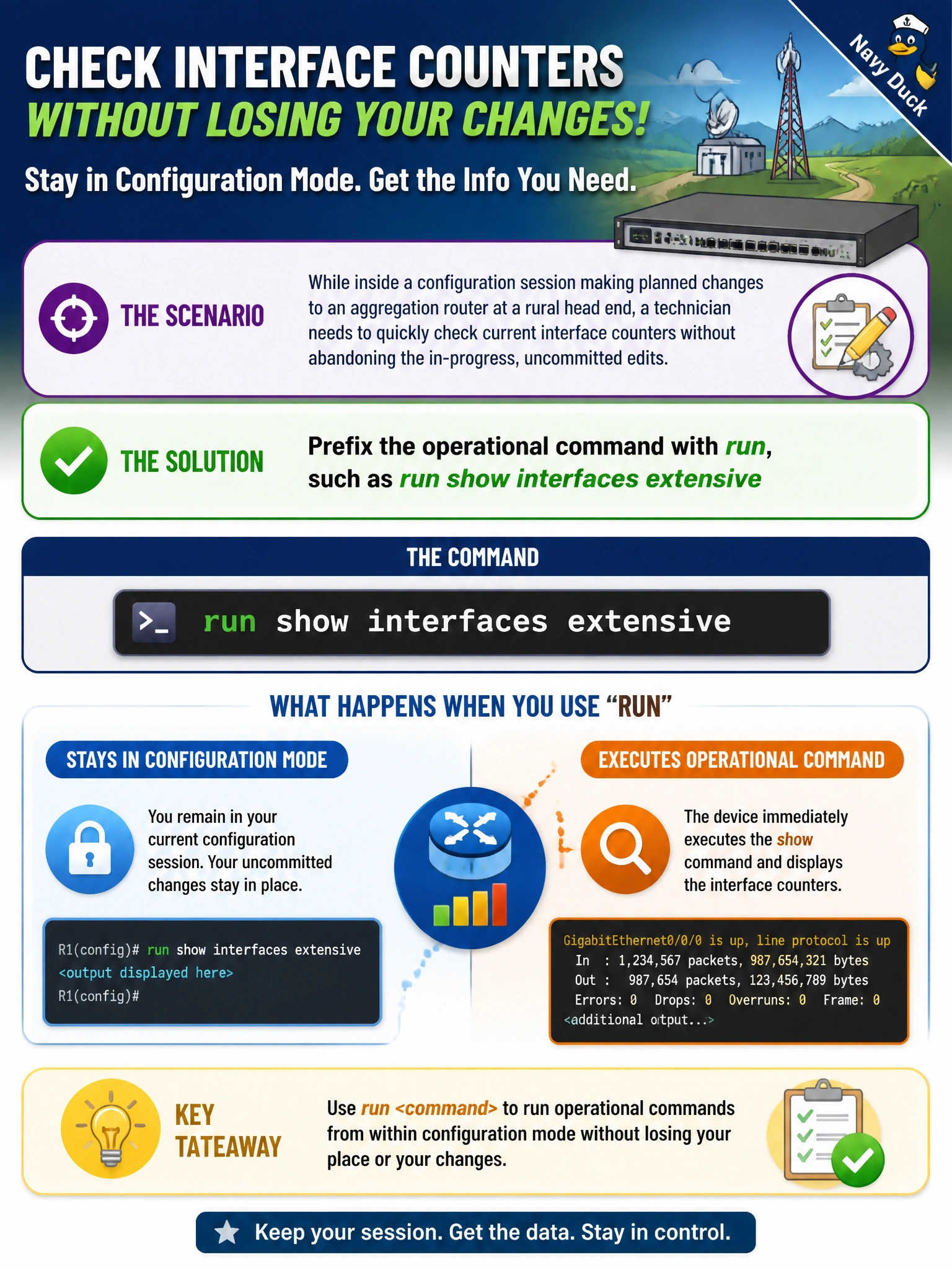
While inside a configuration session making planned changes to an aggregation router at a rural head end, a technician needs to quickly check current interface counters without abandoning the in-progress, uncommitted edits. Which approach lets them do that from within configuration mode?
Select an answer to reveal the explanation.
Short Explanation
Leaving your in-progress edits behind just to check something isn't the only option. Junos lets you prefix an operational command with run right from inside configuration mode, so you can peek at live status without losing your place.
Full Explanation
The run command, typed from within an active configuration session, executes the specified operational-mode command and displays its output without exiting the configuration session or disturbing any uncommitted edits staged so far, which directly addresses a need to check live counters mid-edit. Exiting configuration mode with exit would work to reach operational mode, but it is a clumsy detour compared to run, and depending on how the session was structured could also raise a prompt about discarding uncommitted changes, adding unnecessary risk to a change already in progress. Opening a second terminal with the same credentials is possible in principle but is not a Junos CLI feature at all, and it introduces its own complications, such as two concurrent sessions on the same device during a live change window. Committing the change first just to check status is unsafe practice, since it applies edits that may not have been fully reviewed simply to satisfy a status check, rather than waiting until the technician is confident the configuration is complete and correct. A closely related fact worth remembering is that run only executes a single operational command each time it's invoked, so several checks in a row require prefixing each one individually.