
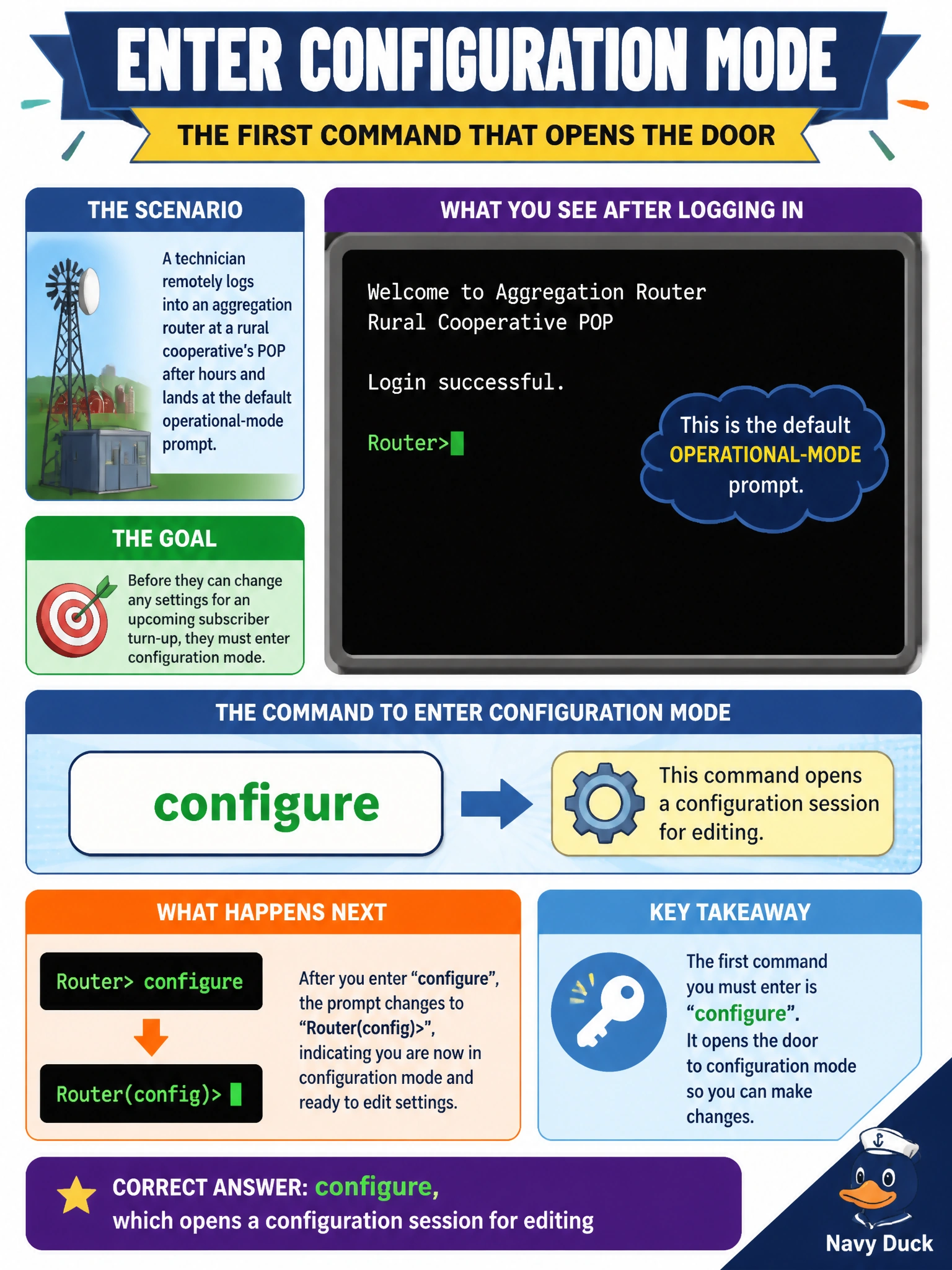
A technician remotely logs into an aggregation router at a rural cooperative's POP after hours and lands at the default operational-mode prompt. Before they can change any settings for an upcoming subscriber turn-up, which command must they enter first to enter configuration mode?
Select an answer to reveal the explanation.
Short Explanation
Think of operational mode as the router's dashboard: you can look at everything, but you can't touch the dials. Typing configure is what hands you the wrench, opening a configuration session where changes can actually be made before they're ever applied.
Full Explanation
Junos deliberately separates looking at a device from changing it. A freshly logged-in session starts in operational mode, where show, monitor, ping, and similar commands read state but never alter it. Typing configure transitions the CLI into configuration mode, recognizable by the prompt changing to end in a hash symbol, and opens an editable configuration session where the technician can add or modify statements before anything takes effect on the box. The exit option is wrong by function: it terminates or backs out of a session rather than opening one, so it moves the wrong direction entirely. Show configuration is a read-only operational-mode command that displays the currently active settings but grants no editing capability, so it cannot be the entry point for making changes. Run is used the opposite way, to execute an operational command from inside an already-open configuration session, which presumes configuration mode was already entered. On a live cooperative POP router, a quick operational check worth performing before touching anything is confirming who else is logged in and whether they hold an open, uncommitted configuration session, since two technicians editing simultaneously is a common source of dropped or conflicting changes during a maintenance window.