
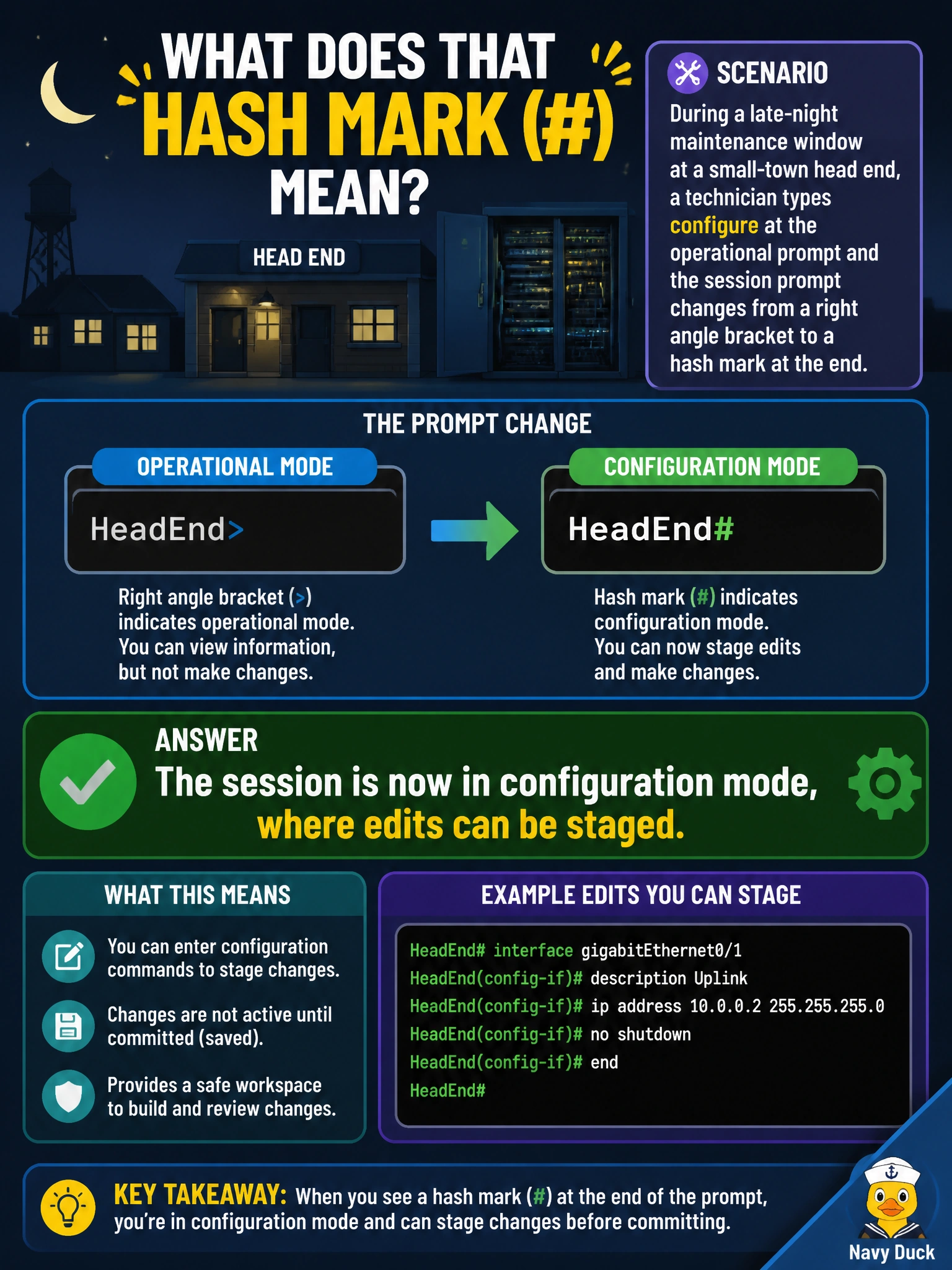
During a late-night maintenance window at a small-town head end, a technician types configure at the operational prompt and the session prompt changes from a right angle bracket to a hash mark at the end. What does that hash mark indicate about the session?
Select an answer to reveal the explanation.
Short Explanation
The prompt is Junos quietly telling you which mode you're in, no need to guess. A trailing angle bracket means you're just watching the router; once it flips to a hash mark, you're inside a configuration session where staged edits are possible.
Full Explanation
The Junos CLI prompt encodes mode as a visible cue precisely so a technician never has to guess whether a typed command will read state or attempt to change it. Ending in a right angle bracket signals operational mode, while ending in a hash mark signals that a configuration session is open and statements typed from here will be staged into the configuration under edit. Claiming the session remains in operational mode ignores the very prompt change the question describes, since that symbol swap is the mode indicator itself. A logout-and-reconnect explanation is unsupported because nothing in the described sequence involves ending the session or re-authenticating; typing configure operates entirely within the existing login. Switching to J-Web is also incorrect, since J-Web is a separate browser-based interface entirely, not something the terminal-based CLI transitions into by typing a command, and the CLI remains fully available afterward. A useful habit on a shared cooperative device is glancing at that trailing character before typing anything destructive, since acting on a stale assumption about which mode a session is in is a common cause of unintended edits during a night window.