
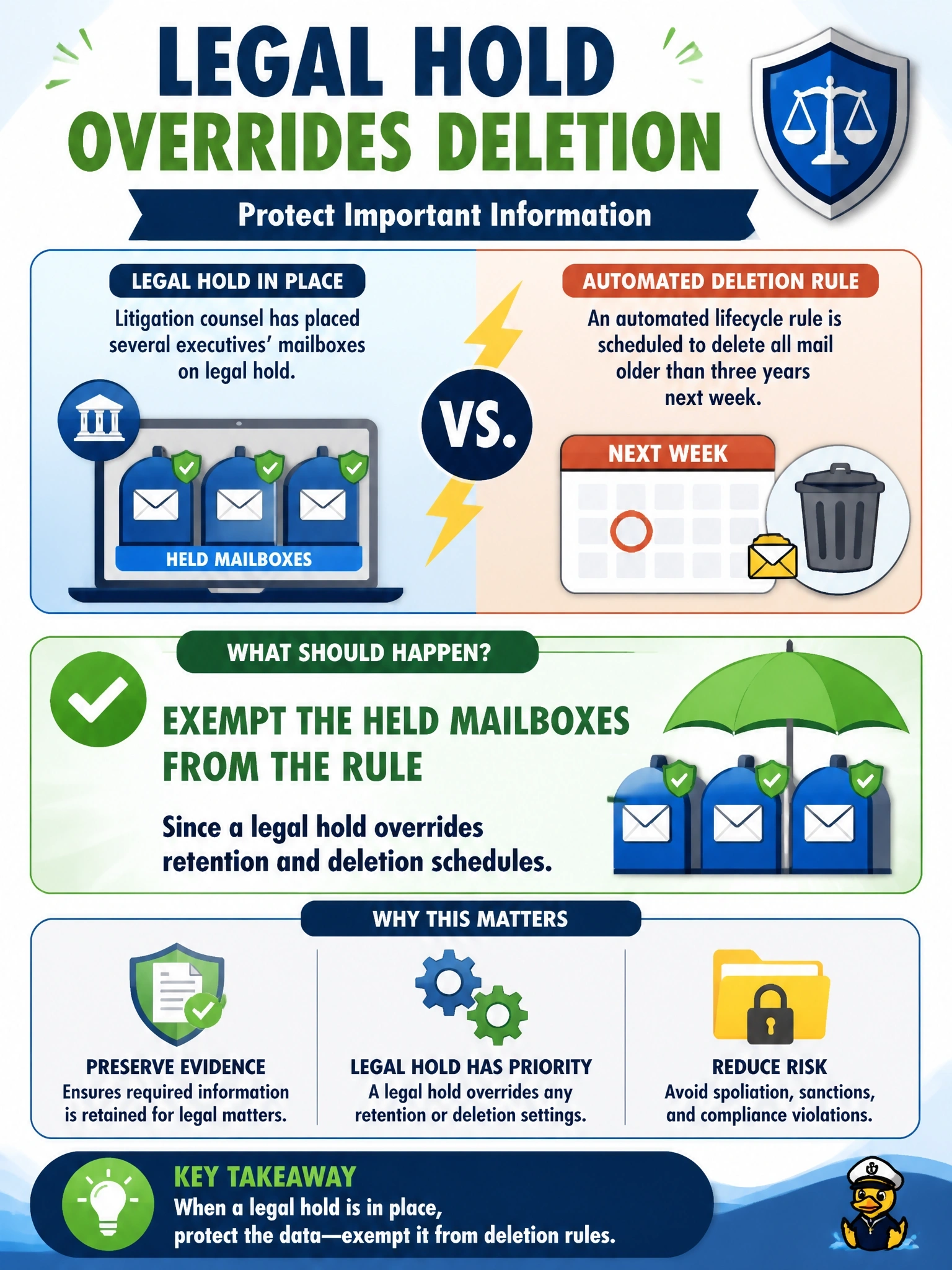
Litigation counsel places several executives' mailboxes on legal hold. An automated lifecycle rule in the company's cloud email service is scheduled to delete all mail older than three years next week. What should happen?
Select an answer to reveal the explanation.
Short Explanation
A legal hold is a big red 'do not throw away' sticker, and it beats your normal cleanup schedule every time. You exempt those mailboxes from the deletion rule before it runs. Deleting now and hoping backups save you later is how companies end up in serious trouble with the court.
Full Explanation
A legal hold requires an organization to preserve all potentially relevant information once litigation, investigation or audit is reasonably anticipated. It suspends normal retention and disposition schedules for the covered data, and automated deletion processes must be prevented from acting on it. In cloud services this usually means applying a hold feature or exempting the held mailboxes from lifecycle rules before they run, and documenting that action. Letting the rule run because the policy predates the hold misunderstands the hierarchy; routine retention policies yield to preservation obligations, and destroying held data can be treated as spoliation, leading to sanctions or adverse inferences. Deleting now and relying on backups is also improper; backups may not contain everything, may themselves be rotated out and the deliberate deletion of held data is the problem regardless of later recovery. Holds do not expire automatically after a retention period; they remain until counsel formally releases them, so simply extending the deadline by a month does not preserve the data. Exam caveat: legal hold overrides both deletion and retention expiry, and its release is a legal decision, not an IT one. Operational check: confirm the hold is applied to each custodian's mailbox and that the lifecycle rule excludes held content before the scheduled run.