
After enlarging the DHCP scope for a ward VLAN that had run out of addresses, what is the best way to validate that the fix has actually resolved the exhaustion issue?
Select an answer to reveal the explanation.
Short Explanation
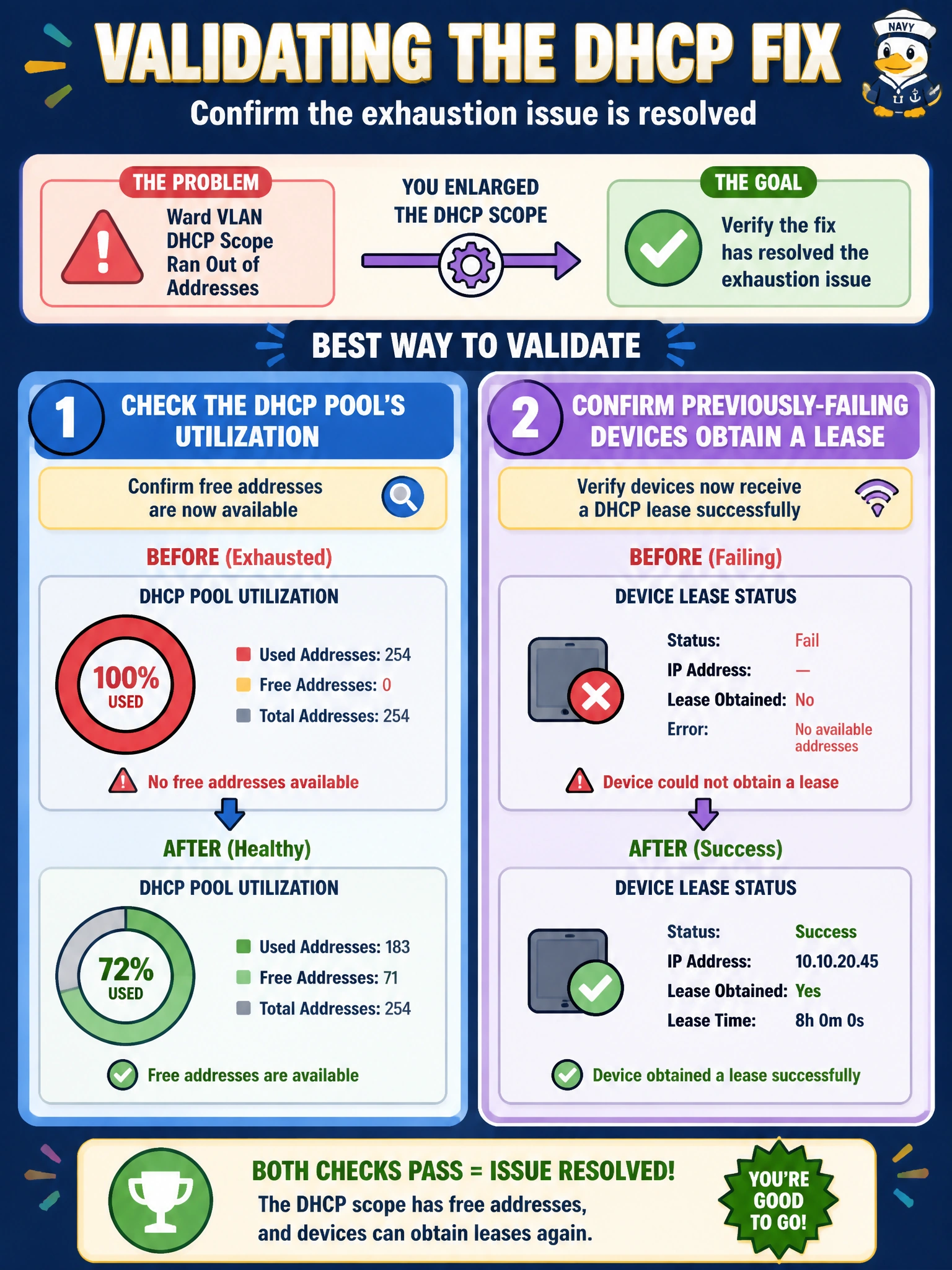
You don't just declare a full parking lot fixed because you added spaces on paper; you check that cars are actually parking again. Look at the pool's numbers, then watch an affected device actually get an address. That's proof, not a guess.
Full Explanation
Because the original root cause was a DHCP scope with no remaining addresses, the correct validation directly targets that same measurement: checking the pool's current utilization to confirm it now has free addresses available rather than sitting at capacity, which directly proves the enlargement took effect. The stronger confirmation beyond that is testing with a previously affected device — releasing and renewing its address, or simply powering it on fresh — to confirm it now successfully obtains a lease where it previously failed; this closes the loop from cause to symptom to fix. An interface-error check on the uplink is unrelated to address exhaustion and would only be relevant if the original symptom had been a connectivity or link-quality problem, not an out-of-addresses condition. Asking whether workstations are powered on doesn't validate anything about the fix itself; it's a basic starting question for the original troubleshooting, not a resolution check. Checking the wireless controller's SSID configuration is irrelevant here since the ward workstations in this scenario are wired and the fault was specifically in address pool sizing, not wireless configuration. A caveat worth noting: after resizing a scope, it's also worth confirming the new range doesn't overlap with any statically assigned addresses already in use elsewhere on that subnet, since an overlap can quietly create IP conflicts that surface only later.