
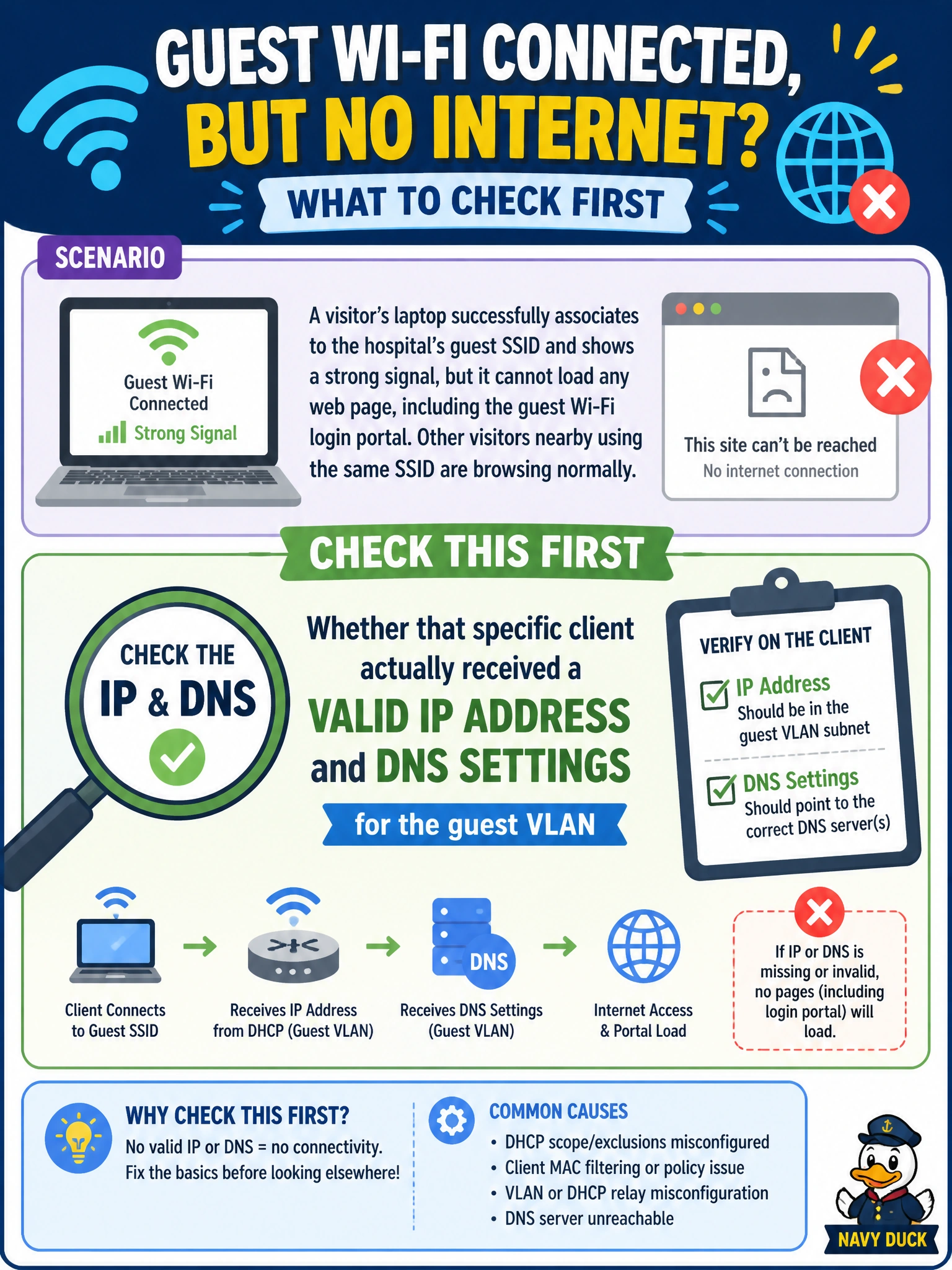
A visitor's laptop successfully associates to the hospital's guest SSID and shows a strong signal, but it cannot load any web page, including the guest Wi-Fi login portal. Other visitors nearby using the same SSID are browsing normally. What should you check first?
Select an answer to reveal the explanation.
Short Explanation
Getting onto the SSID just gets you in the door; it doesn't guarantee you got the paperwork you need to actually use the network. If this one laptop never picked up a proper IP address or DNS server, it's stuck at the door no matter how strong the signal looks. Everyone else working fine tells you the network itself is healthy.
Full Explanation
Since other visitors on the exact same SSID and access point are browsing normally, the SSID's broadcast configuration, the AP's channel health, and the guest VLAN's overall DHCP service are all clearly functioning, which rules out band settings, co-channel interference, and a network-wide DHCP problem as the cause — those would affect every client equally, not one isolated device. Association at Layer 2 (joining the SSID) is a separate step from getting usable Layer 3 connectivity, and a client can succeed at the first while failing the second if it never obtained a valid IP address, subnet mask, gateway, or DNS server through DHCP, leaving it with a self-assigned or stale address that can't reach anything, including the captcaptive portal itself. The operational check is to look at the affected client's actual IP configuration (via its network status screen) and compare it against a working peer's — an address in the wrong range, a missing gateway, or an APIPA-style address confirms the client-side DHCP failure rather than an infrastructure-wide issue. A caveat worth remembering is that some client devices cache a stale IP configuration from a previous network and fail to renew properly on associating to a new one, so having the user forget the network or manually release/renew the address is often the fastest confirmation and fix before escalating to the DHCP server itself.